
OwnDesk Quality
$ 49.00
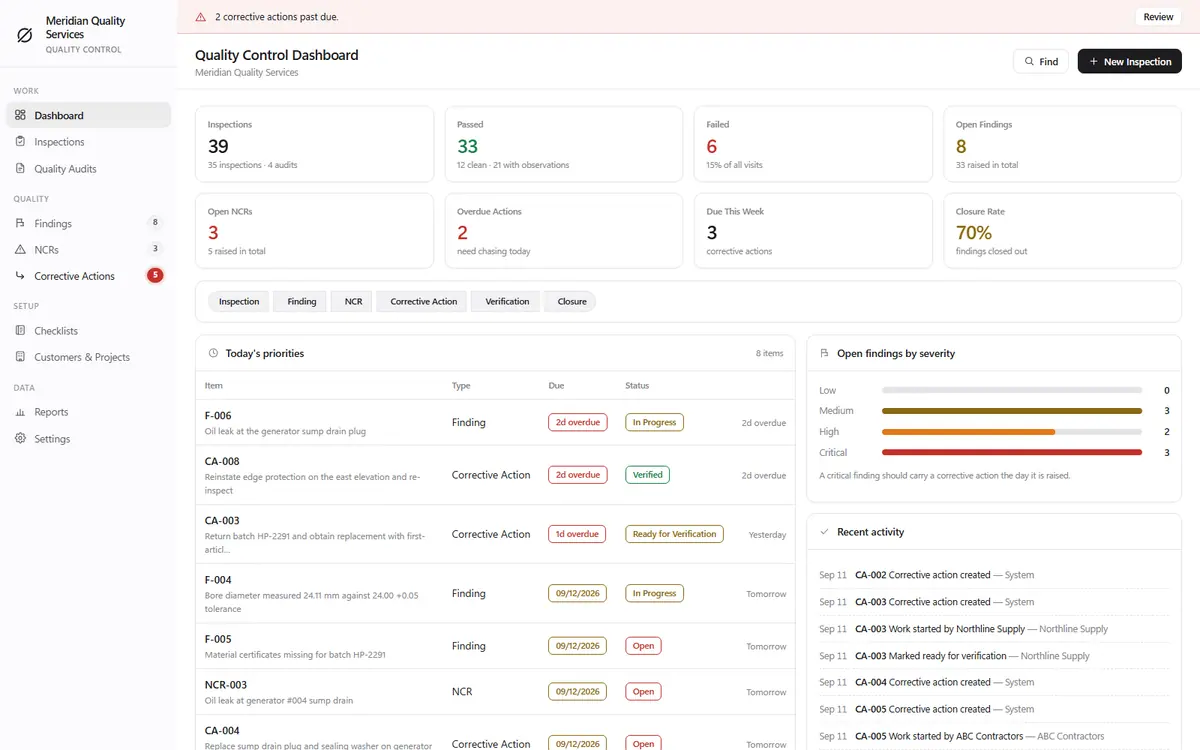
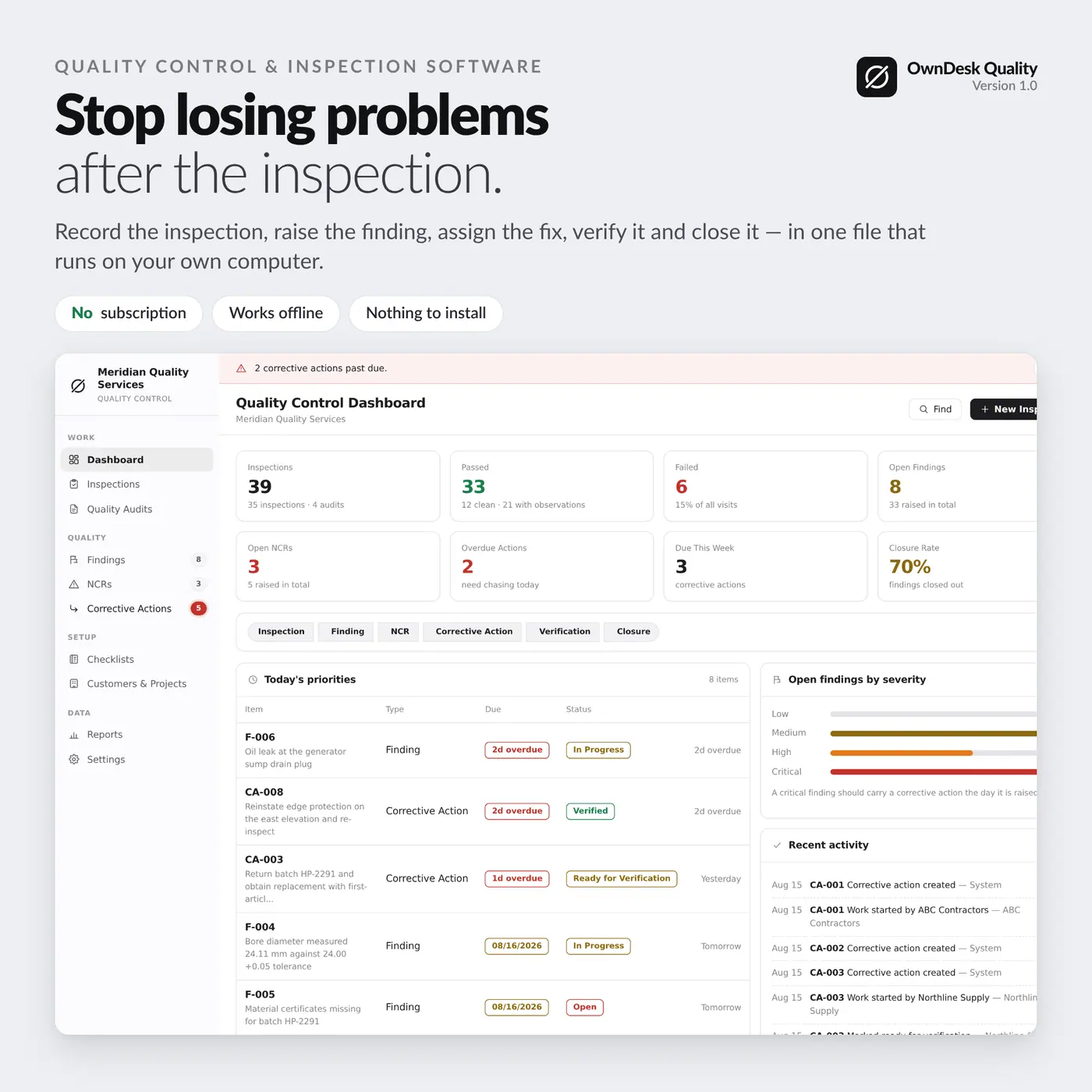
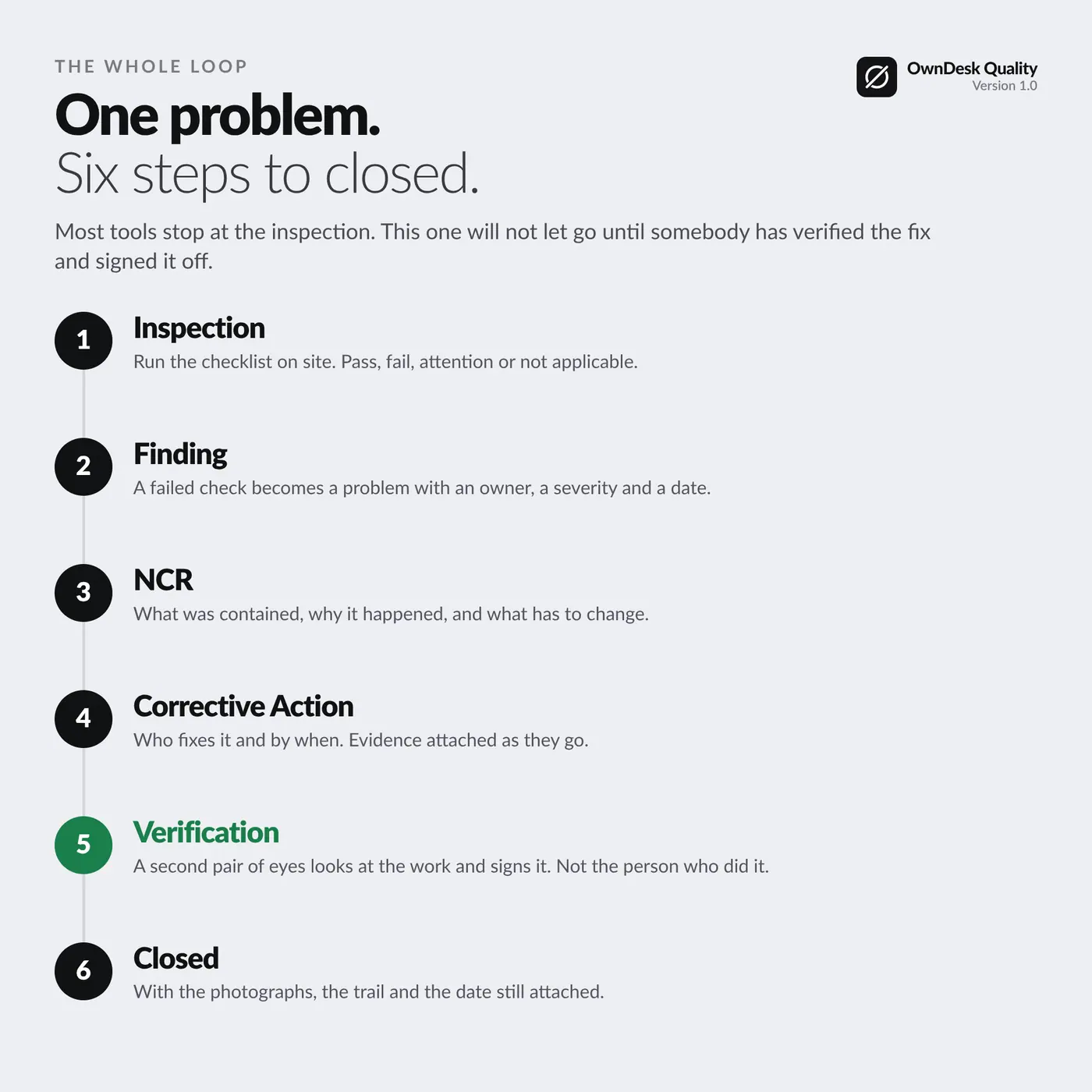
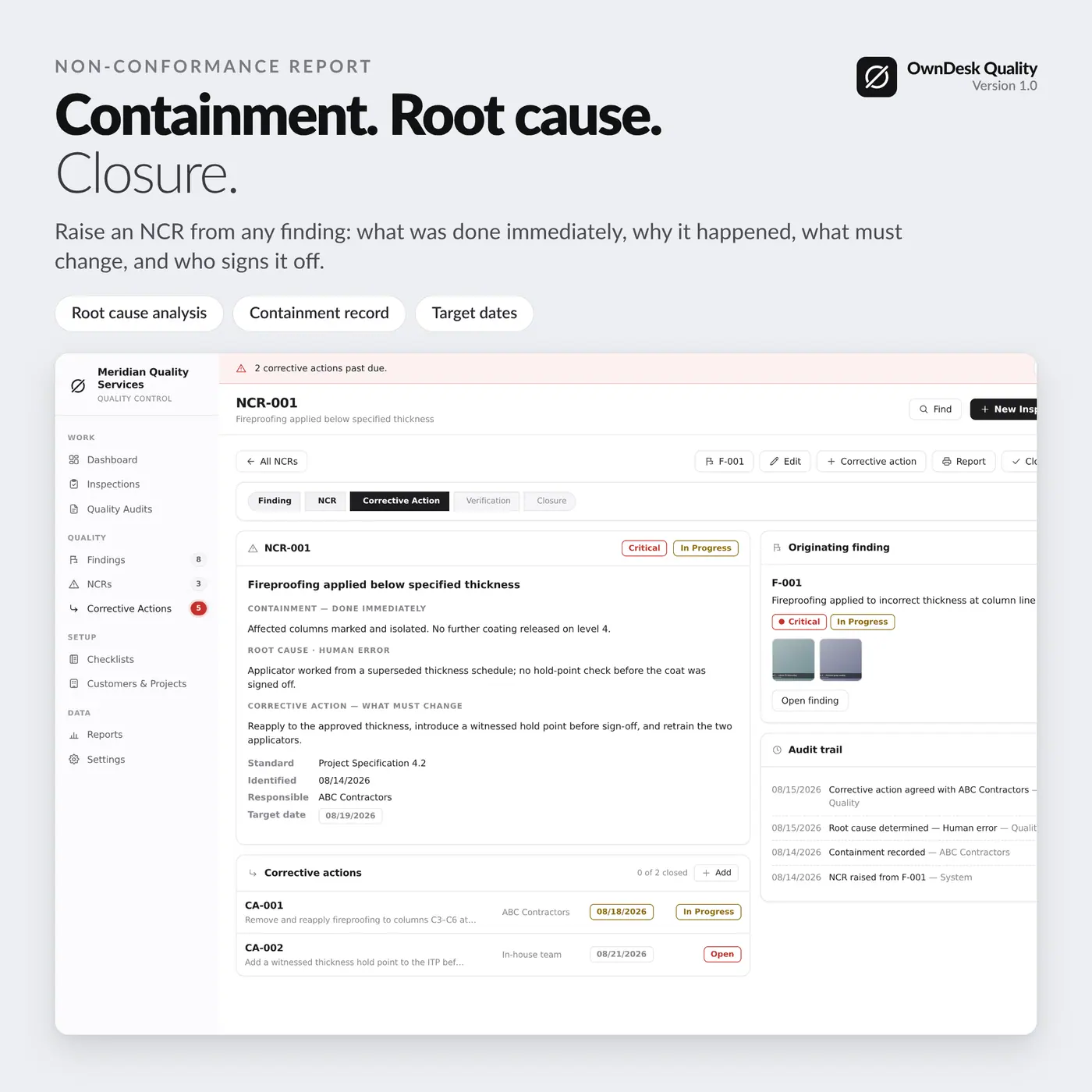
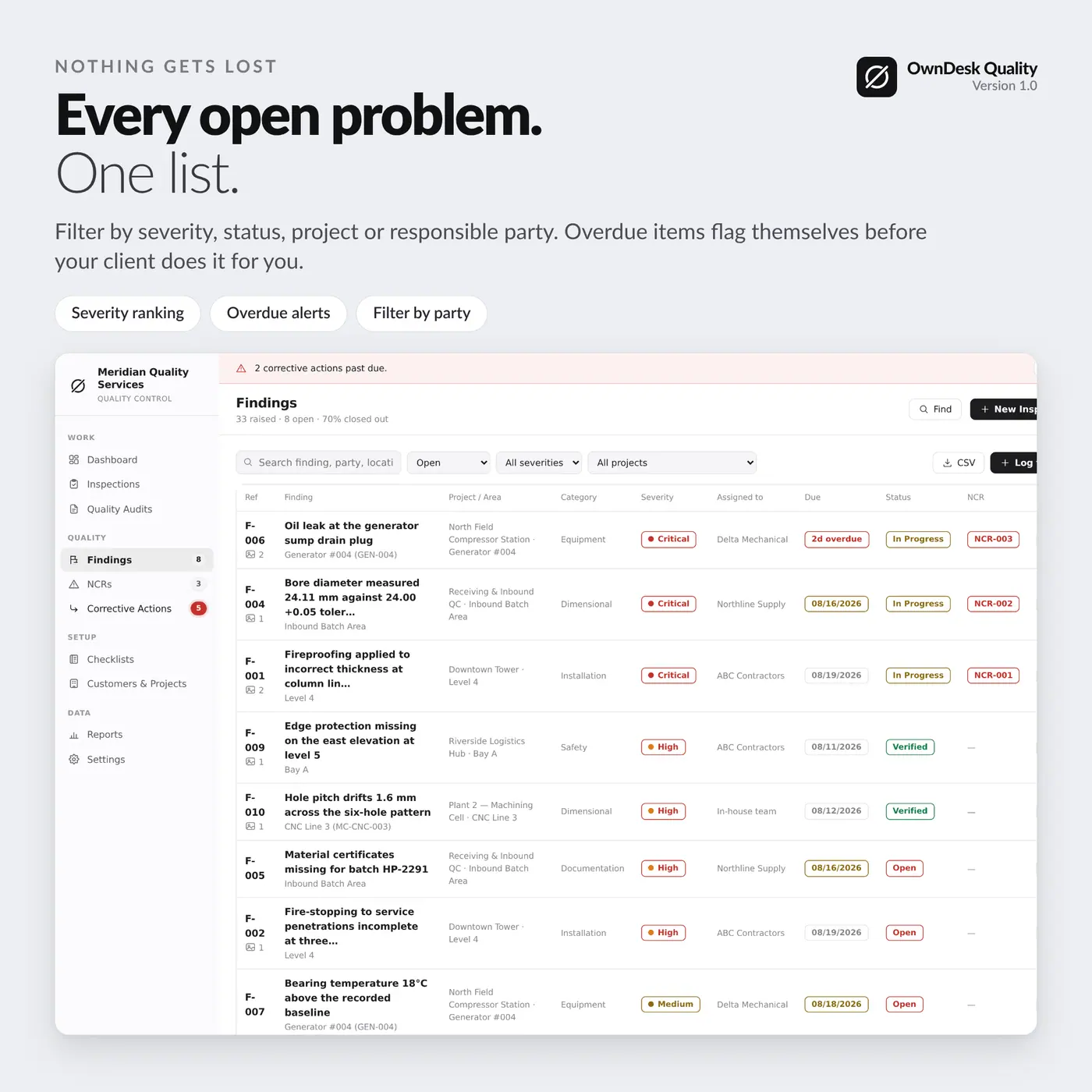
Inspections, checklists, findings, NCRs and corrective actions in one file – and a problem cannot be closed until somebody has verified the fix and put their name to it.
- 14-day money-back guarantee. Email me and you get a refund, no questions.
- Download appears on screen the moment payment clears, and by email.
- Written and supported by Adrián. Replies come from me, usually within a working day.
- Also sold on Etsy since 2026, with independently moderated reviews.
Description
What it does
Nothing gets lost after the inspection
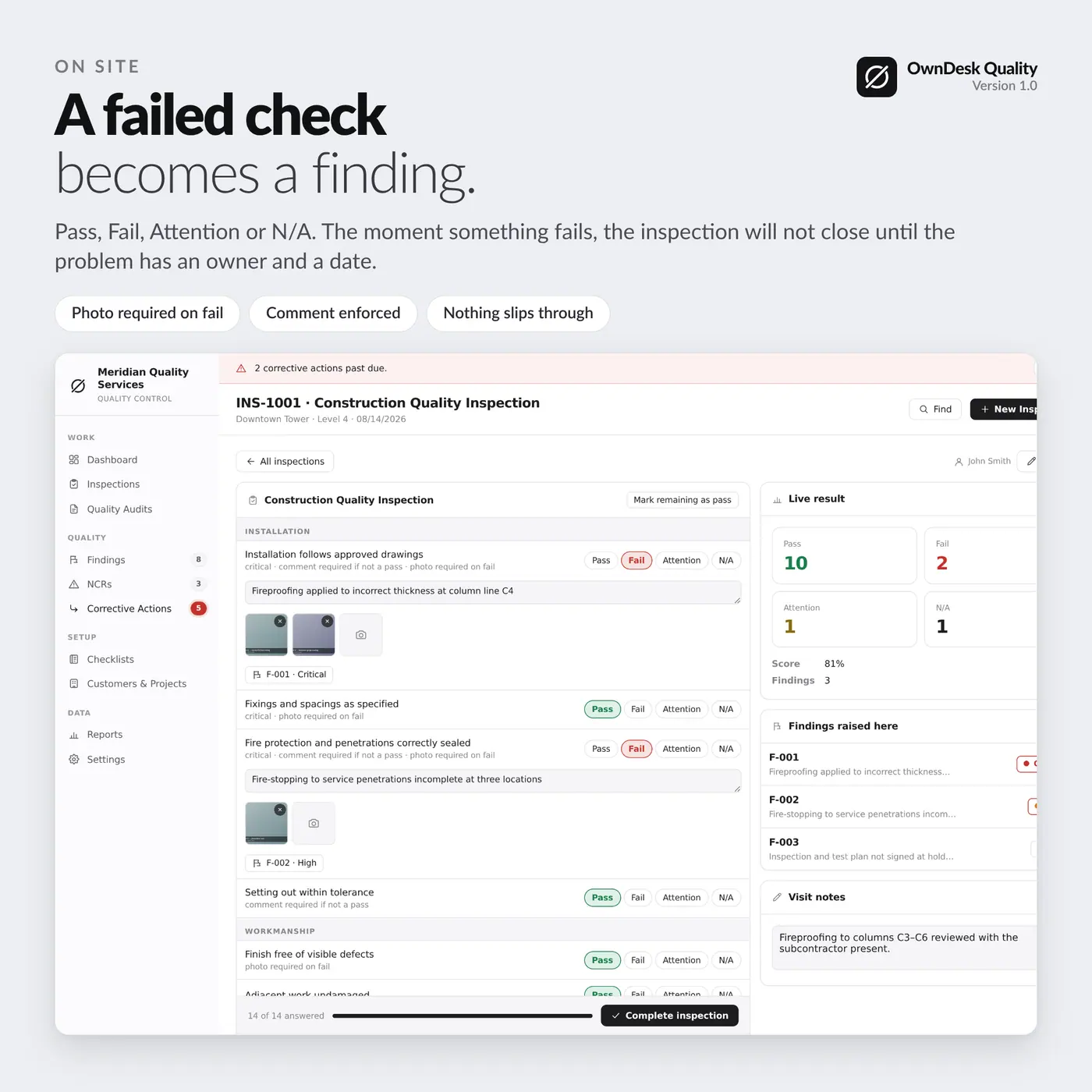
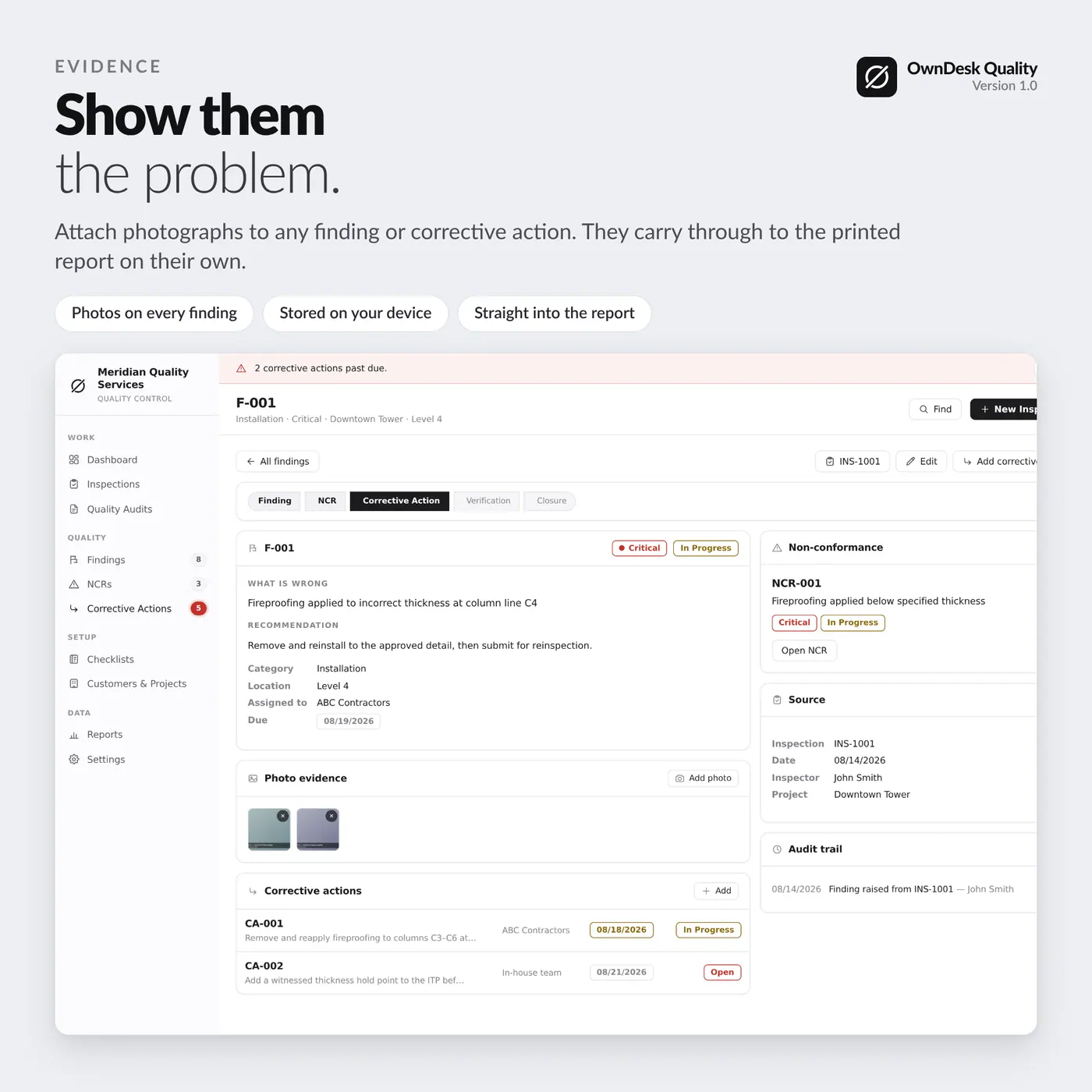
A failed check must have a finding raised against it before the inspection can be completed. There is no setting to switch that off, because an inspection that closes with a loose failure on it is exactly how problems disappear.
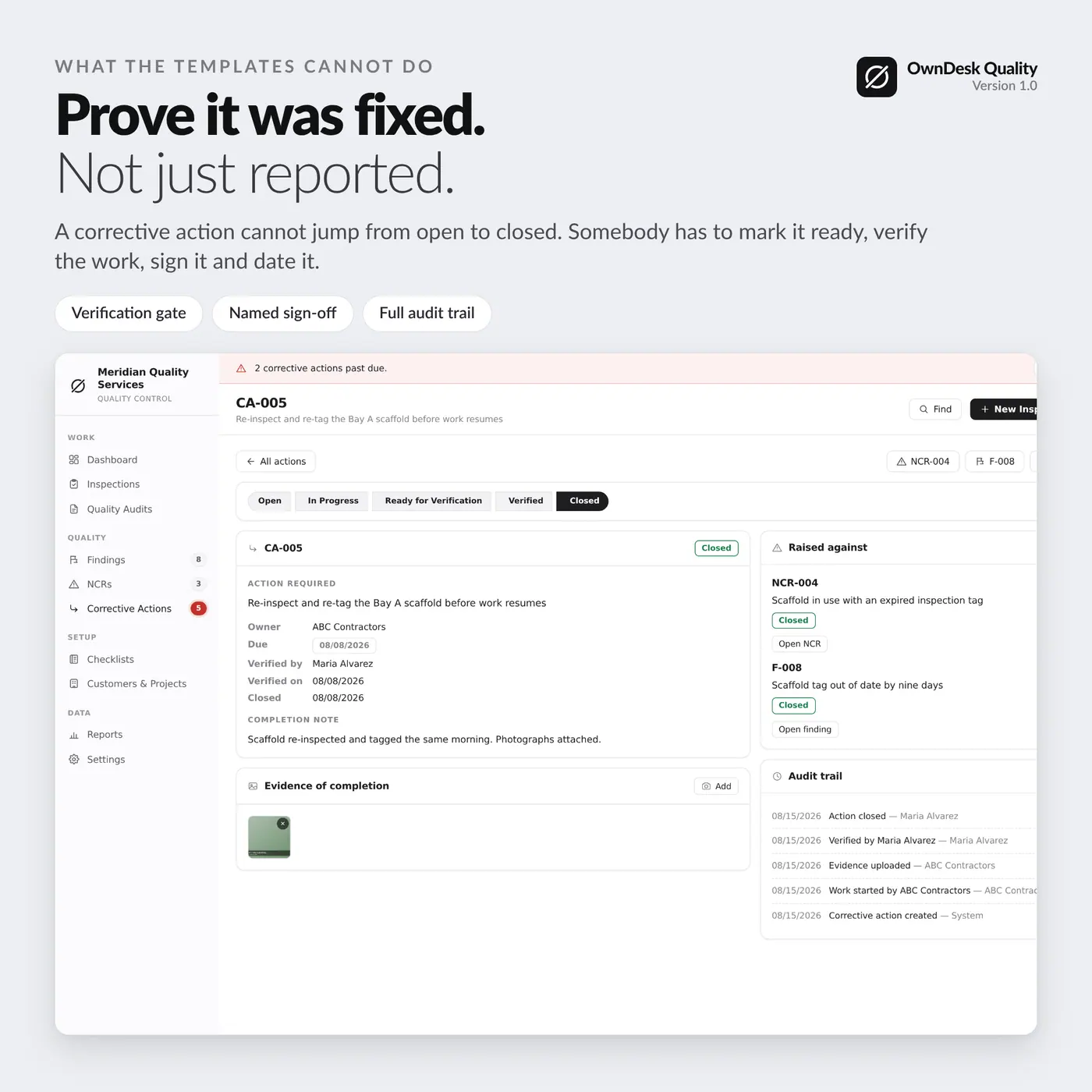
Verification, not a ticked box
A corrective action cannot jump from open to closed. It records who verified the work, on what date, with what note and what evidence. Anyone can say a thing was fixed; a client or an auditor asks who looked at it.
Checklists you build yourself
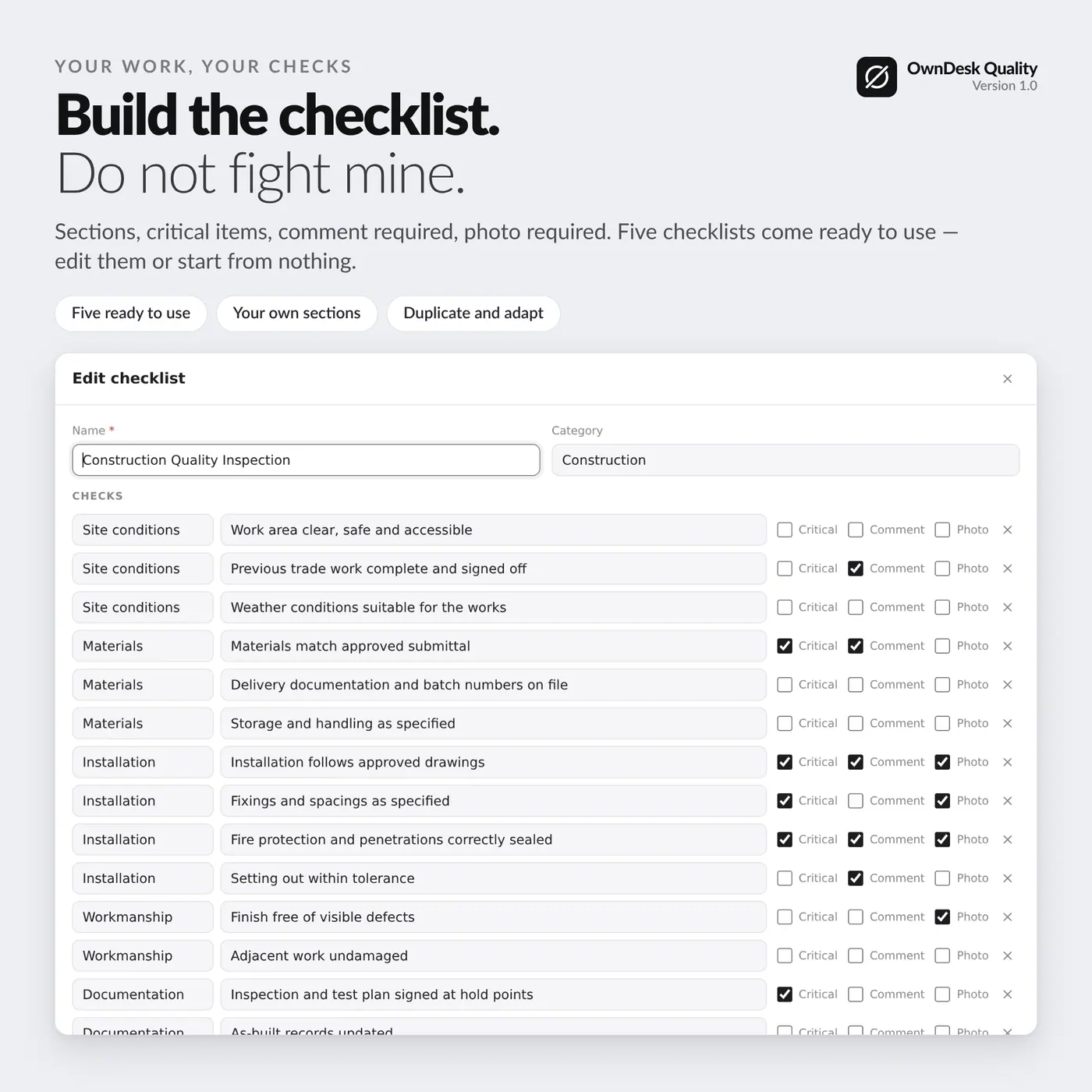
Reusable checklists with your own sections and questions. Any check can be marked critical, can demand a comment when it does not pass, and can require a photograph when it fails.
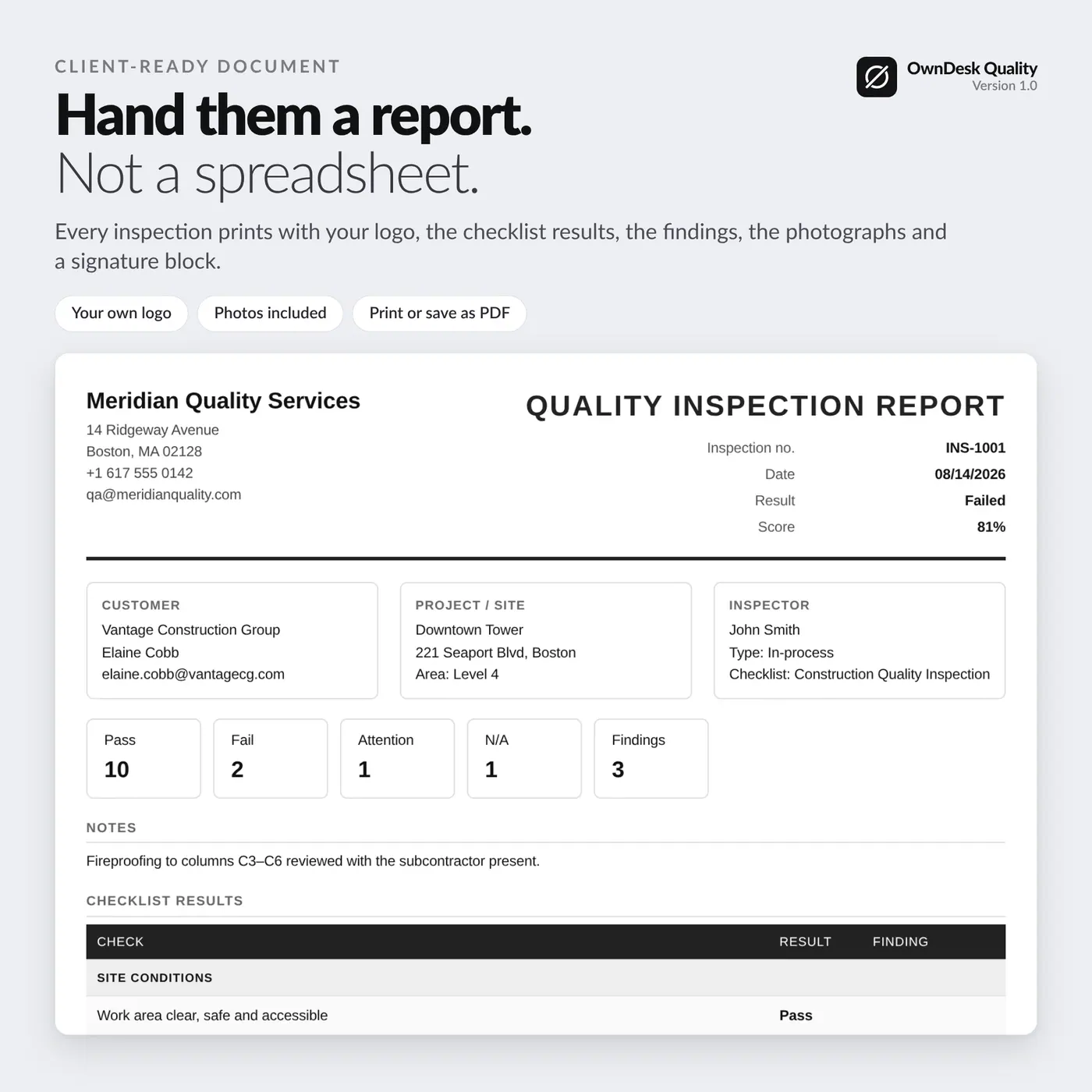
Reports you hand to a client
Printable inspection and NCR reports with your logo, the customer and project, every check and its result, each finding with its photographs, and a signature block to close the document.
What you get
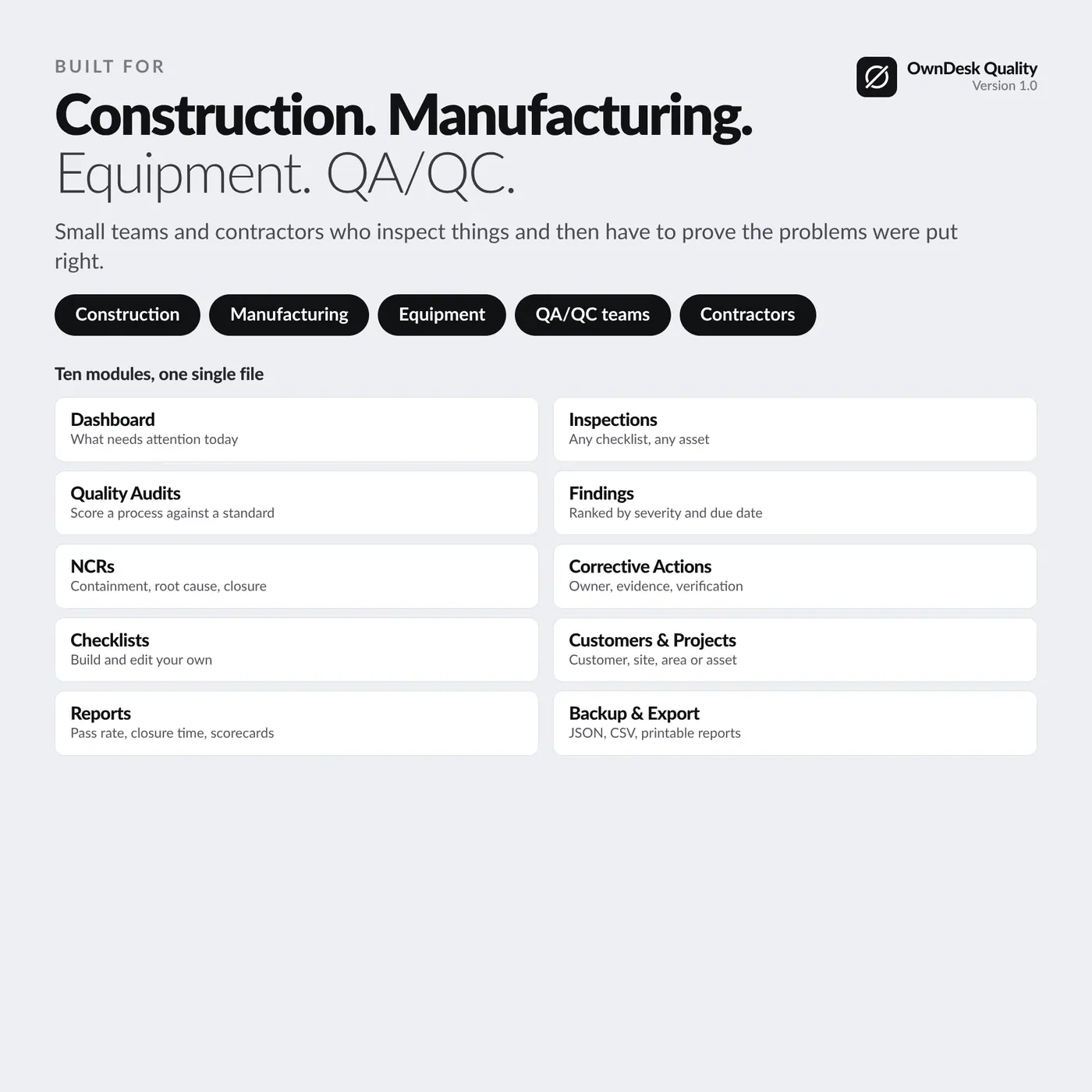
- Ten sections: dashboard, inspections, quality audits, findings, NCRs, corrective actions, checklists, customers and projects, reports, settings
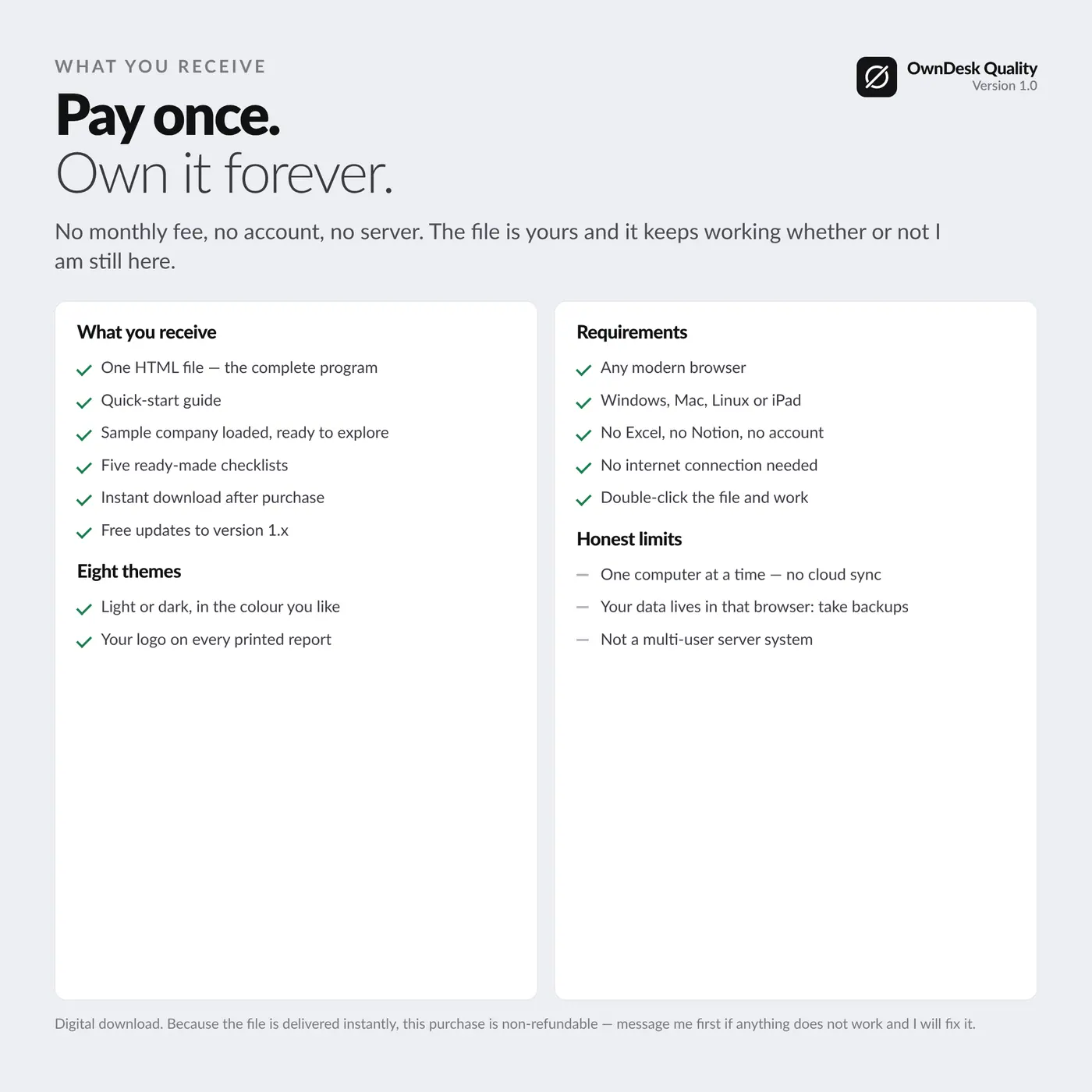
- Five ready-made checklists you can edit or replace, and a sample company already loaded
- CSV export for inspections, findings, NCRs and the full quality register, plus JSON backup and restore
- Quick-start guide in English and Spanish, and eight colour themes, light and dark