


OwnDesk Concrete
Original price was: $179.00.$129.00Current price is: $129.00.
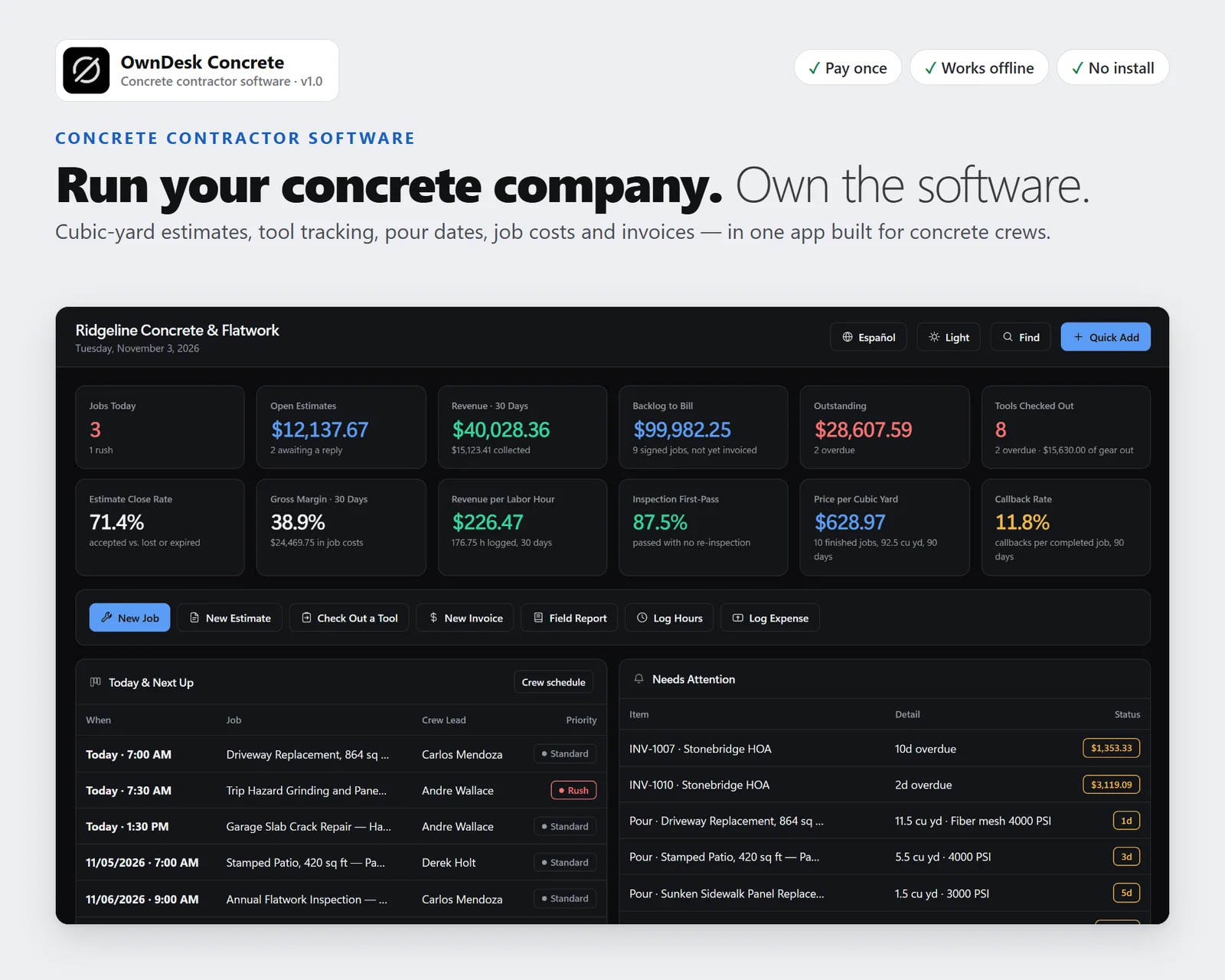
Concrete contractor software for a concrete or flatwork company: estimating with a cubic-yard takeoff, tool tracking by checkout, pour dates, crew schedule, job costing, materials and stock and invoicing, in one offline file. No subscription, no account.
- 14-day money-back guarantee. Email me and you get a refund, no questions.
- Download appears on screen the moment payment clears, and by email.
- Written and supported by Adrián. Replies come from me, usually within a working day.
- Also sold on Etsy since 2026, with independently moderated reviews.
Description
What it does
Concrete estimating with a cubic-yard takeoff
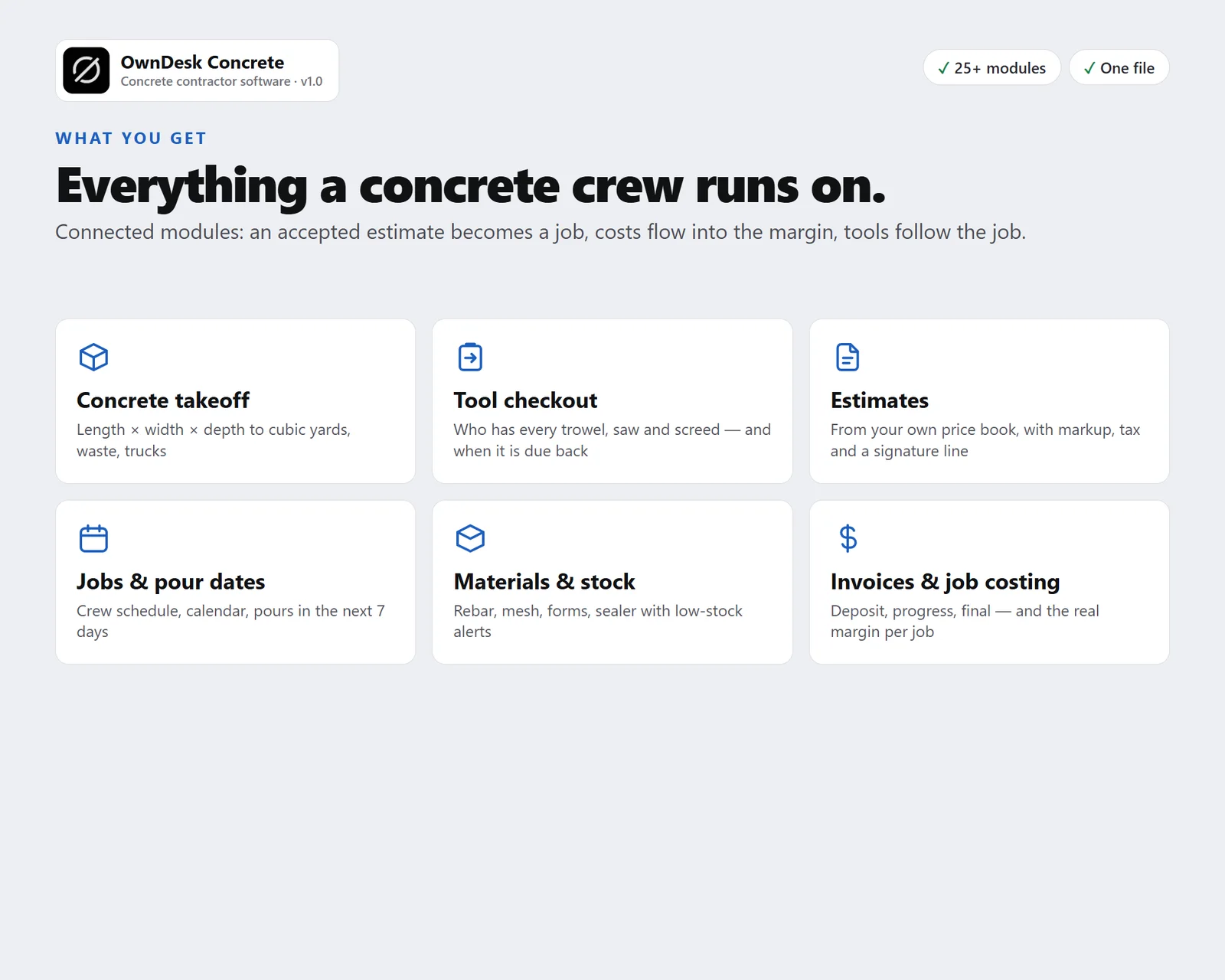
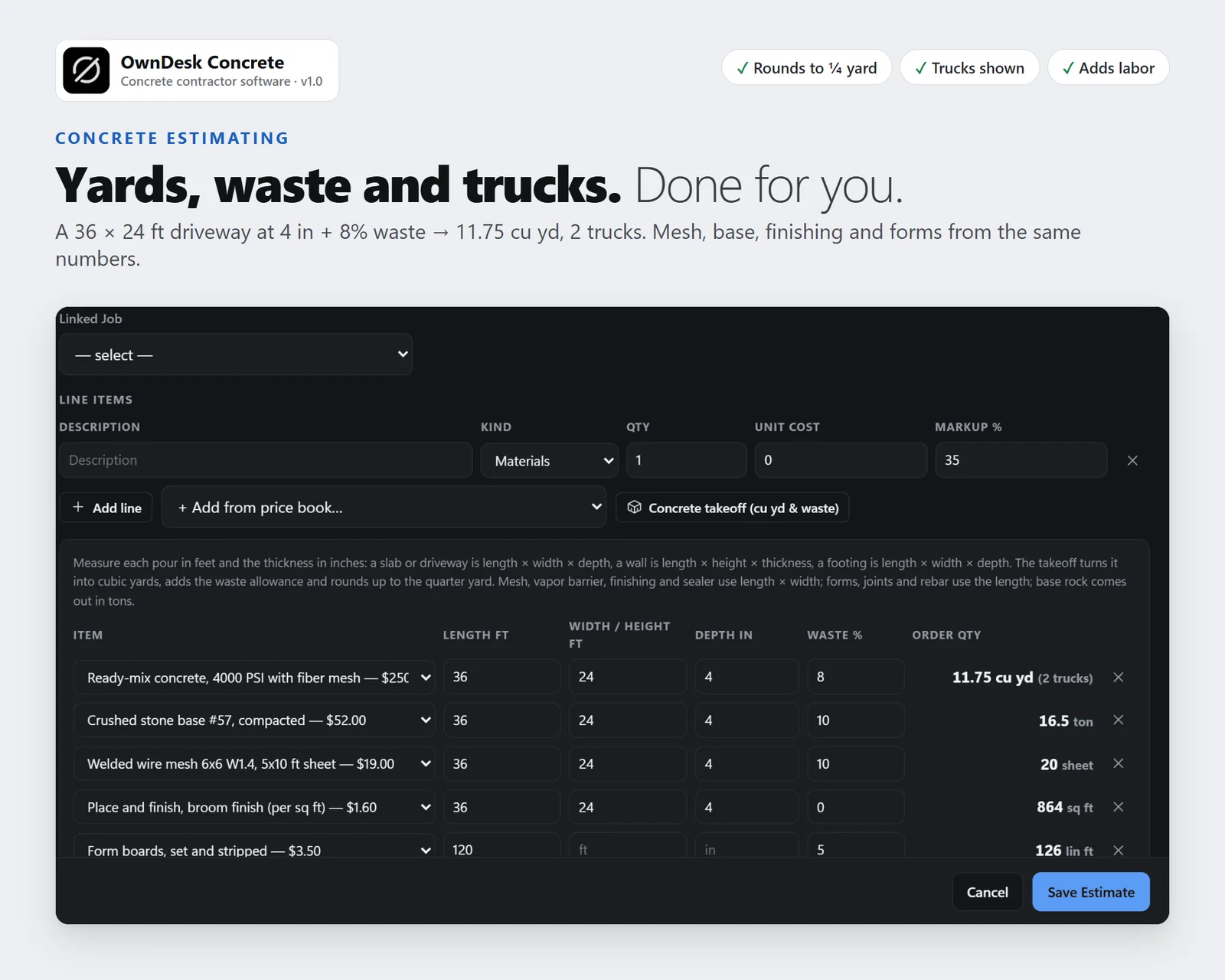
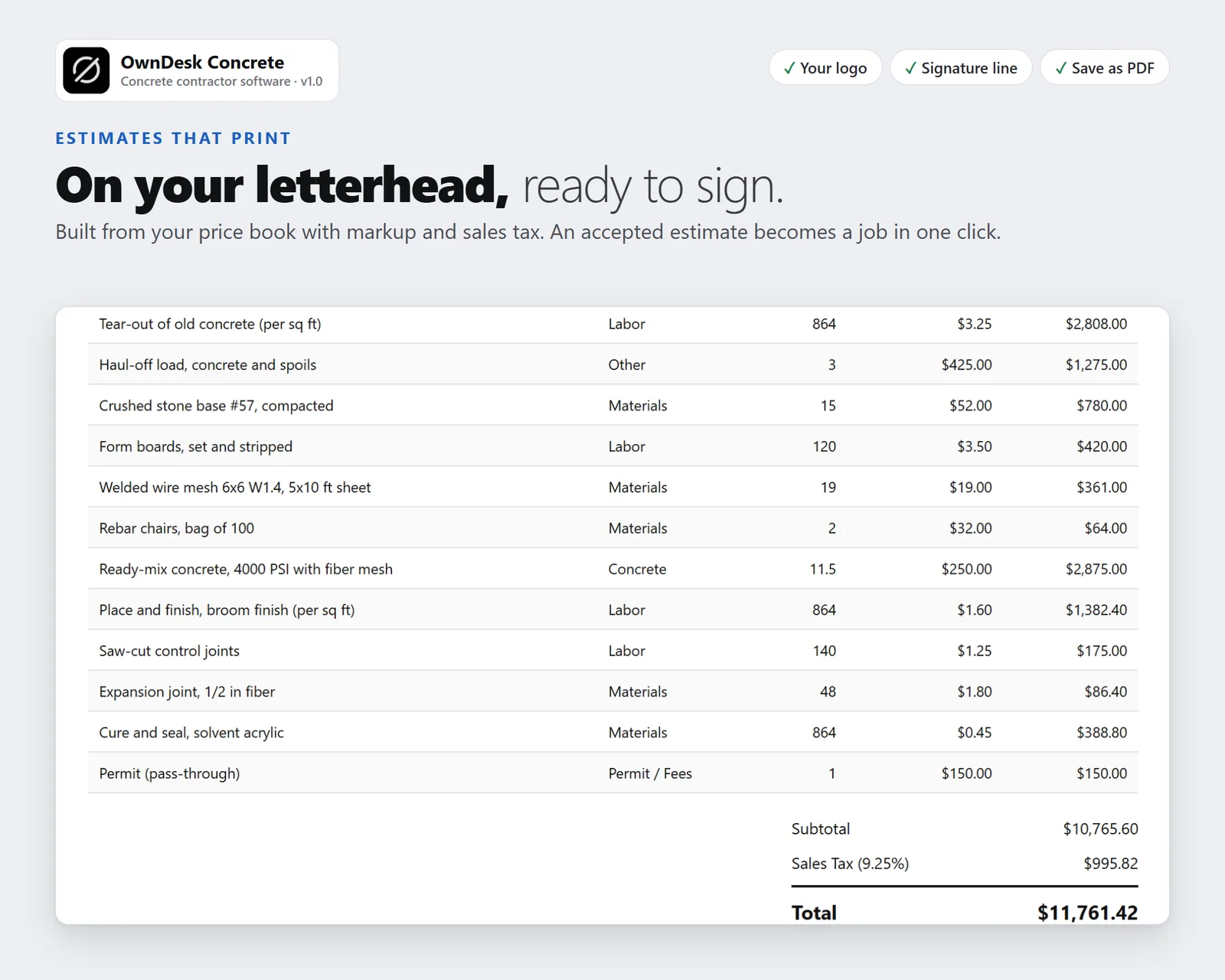
Measure each pour in feet and the depth in inches and the takeoff works out the cubic yards, adds the waste allowance, rounds up to the quarter yard and shows how many 10-yard trucks that is. The same measurements give mesh sheets, vapor barrier, finishing and sealer by the square foot, forms and joints by the foot and base rock by the ton, priced from your own price book with markup, sales tax and crew hours.
Tool tracking: who has every tool
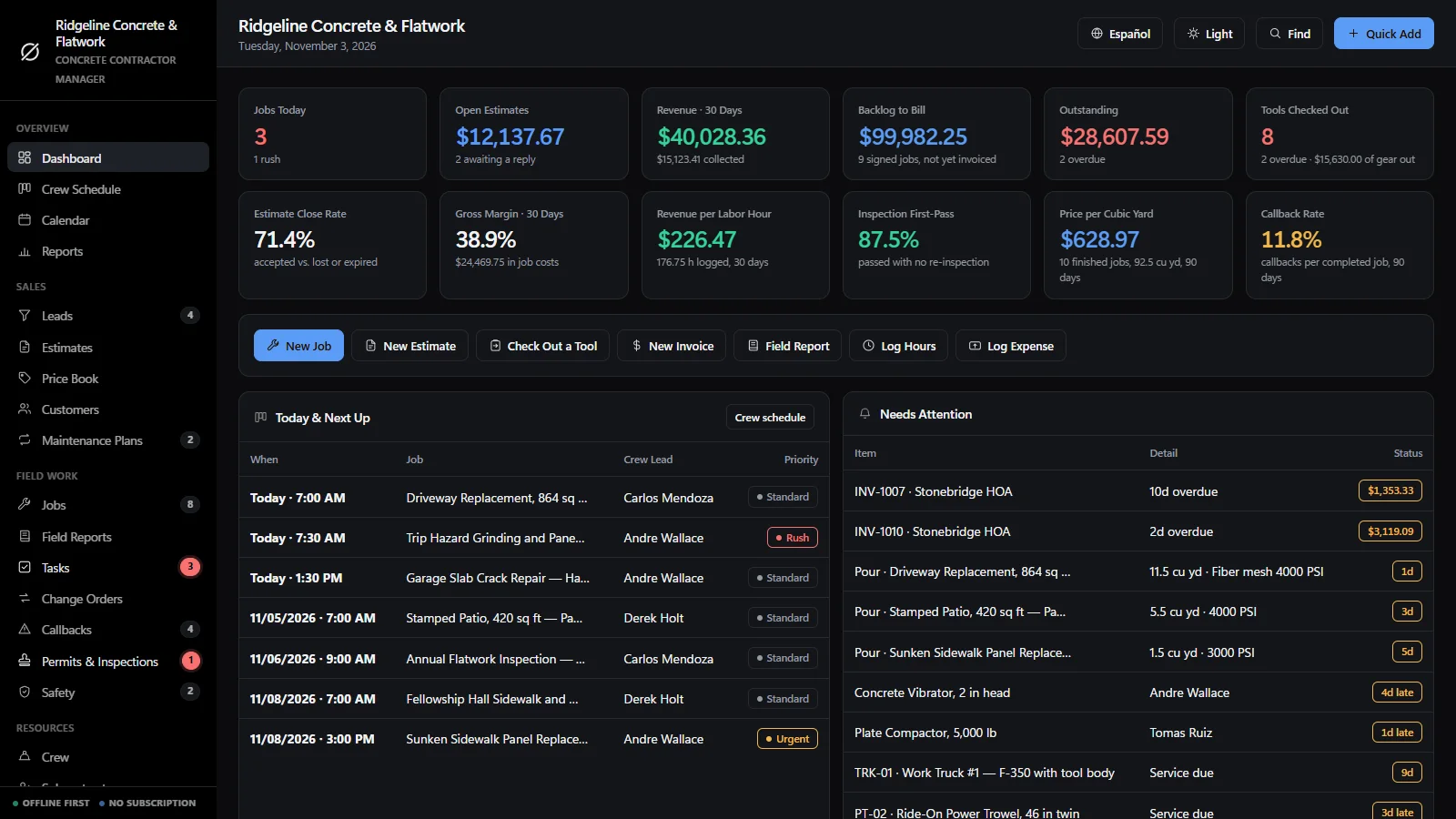
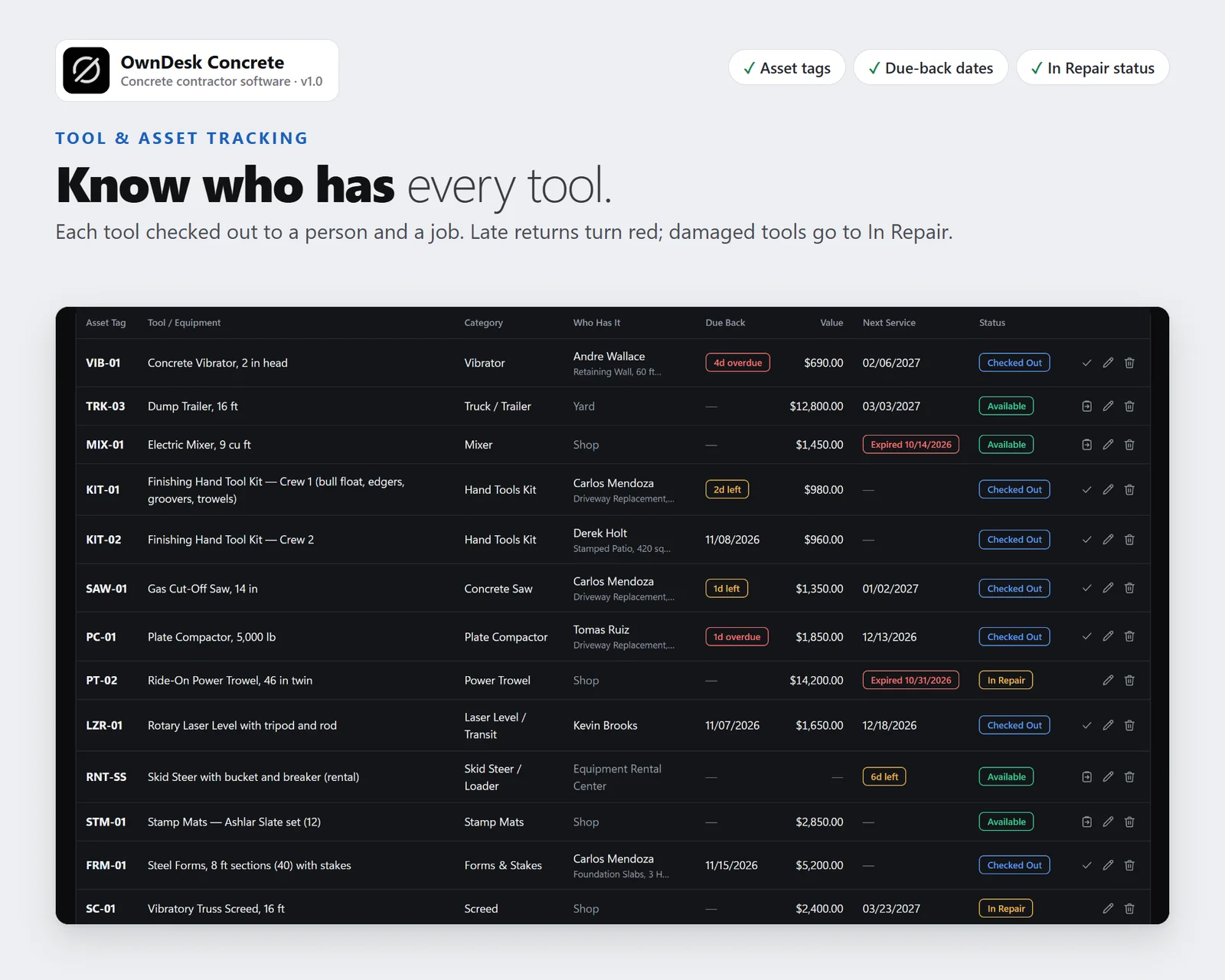
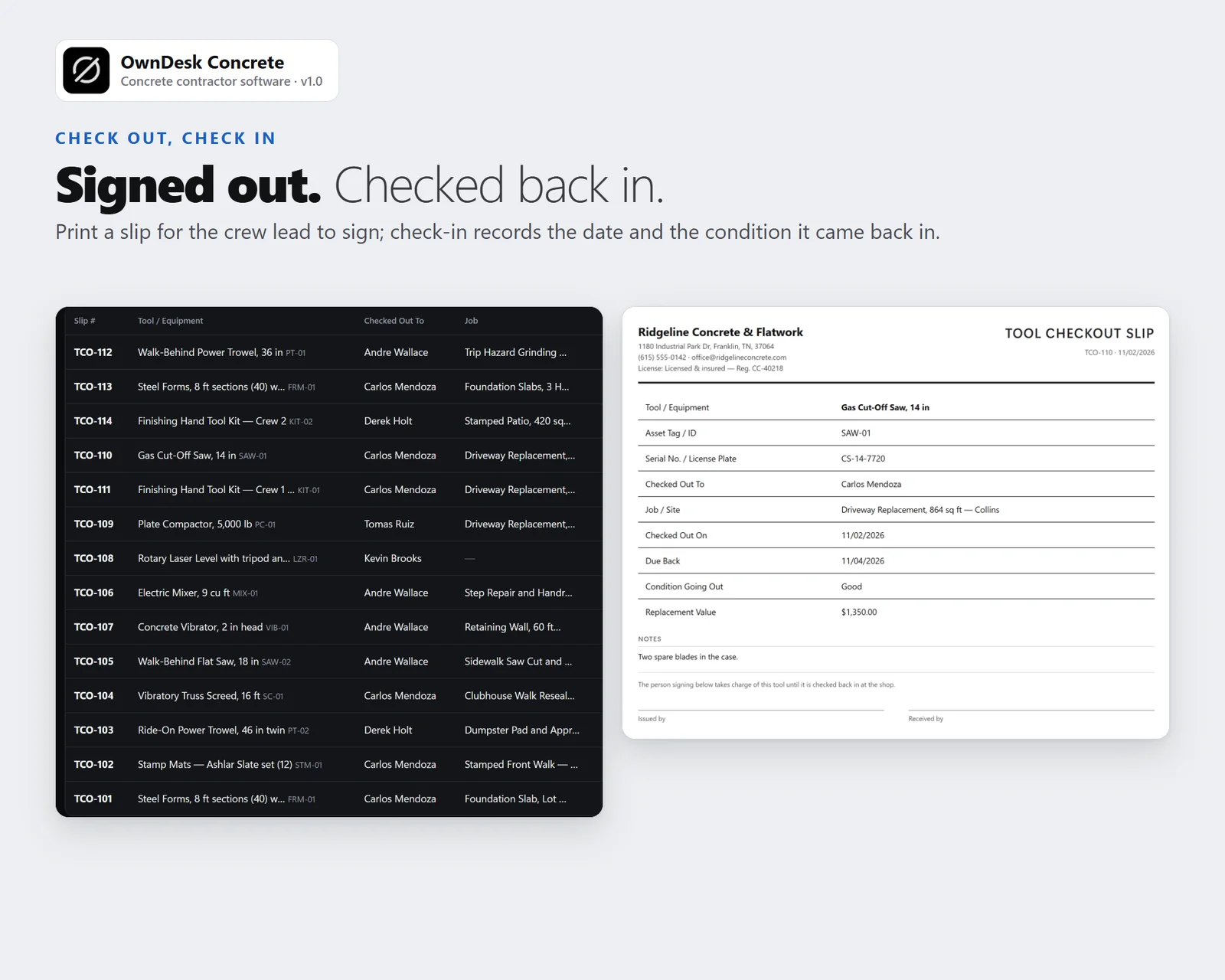
Give each trowel, saw, screed, vibrator, compactor and laser an asset tag and check it out to a person and a job with a due-back date. The register shows who has it and where, the dashboard counts the tools out and their replacement value and flags late returns, and check-in records the condition. A tool that comes back damaged or needing service goes to In Repair. Print a checkout slip with two signature lines.
Jobs, pour dates and the crew schedule
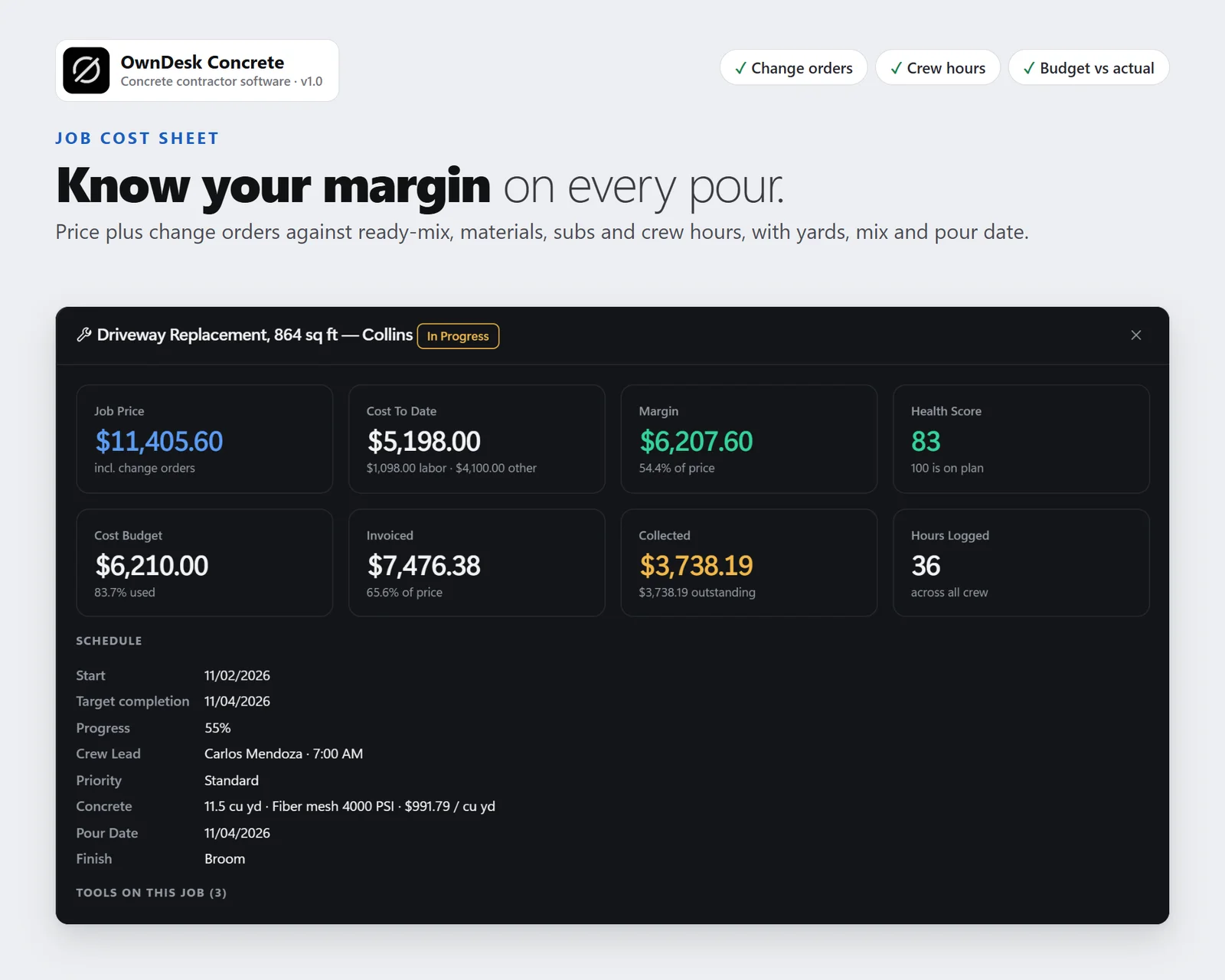
Every job carries cubic yards, mix, finish and pour date; pours in the next seven days are listed on the dashboard and every pour is on the calendar. A weekly crew schedule, tasks, field reports with weather and delays, change orders, callbacks, and permits and inspections including footing, pre-pour and cylinder break tests.
Invoicing, materials and real margin per job
Deposit, progress, final and change-order invoices with payments and overdue alerts. Materials and stock with minimum levels, purchase orders that add to stock when received, and a job cost sheet with price, cost, margin and budget used. The dashboard shows what each finished cubic yard actually sold for.
What you get
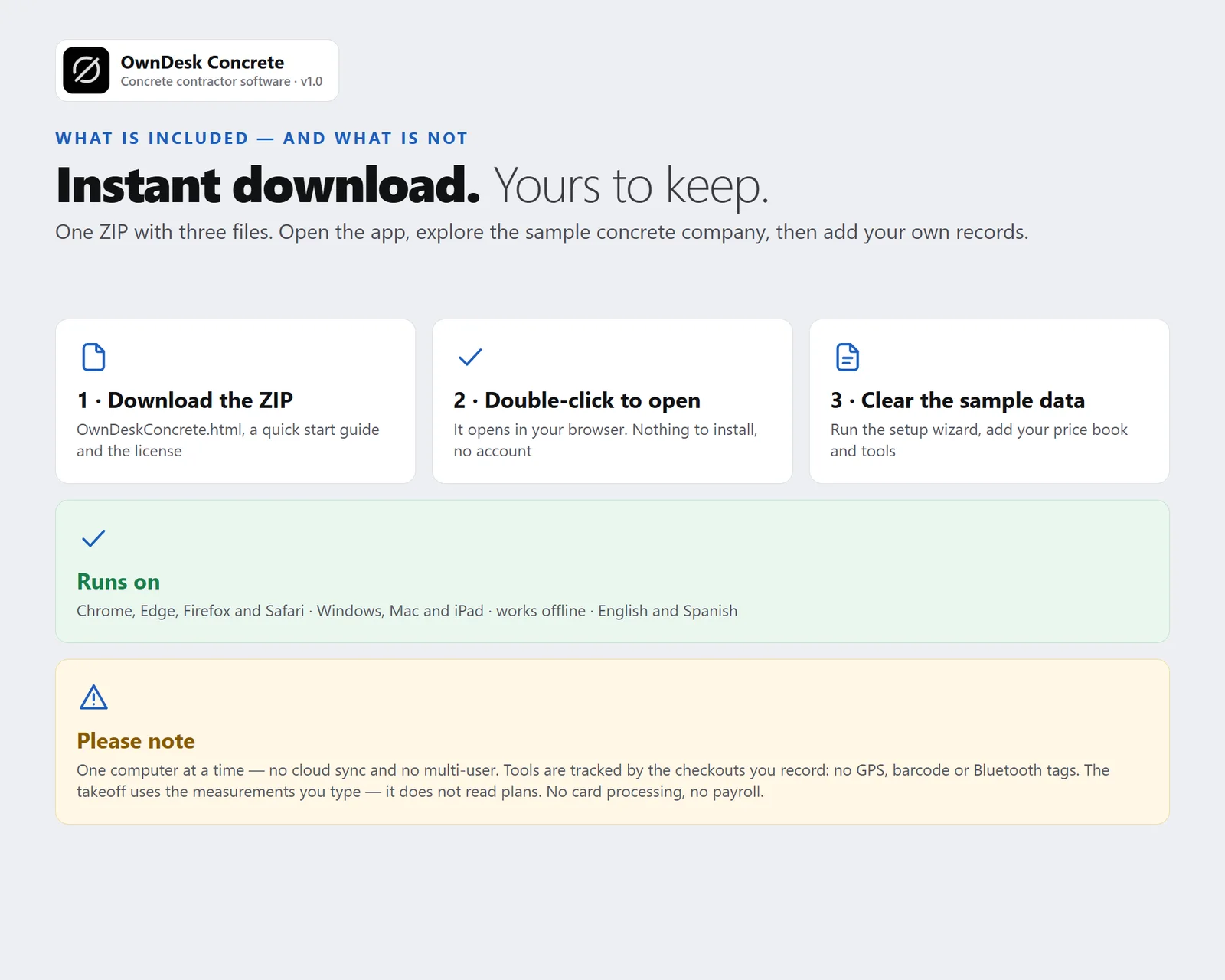
- One HTML file that opens in your browser, with a sample concrete company already loaded so every screen can be seen full
- Dashboard, crew schedule, calendar, reports, leads, estimates with a concrete takeoff, price book, customers, maintenance plans, jobs, field reports, tasks, change orders, callbacks, permits and inspections, safety, crew, subcontractors, suppliers, tools and equipment, tool checkout, materials and stock, invoices, purchase orders, expenses and timesheets
- Printable estimates, invoices, purchase orders, change orders, field reports, tool checkout slips and the job cost sheet, CSV export of every list, JSON backup and restore, and an optional automatic backup file in Chrome and Edge
- English and Spanish, light and dark themes
- A quick-start guide included in the download