
OwnDesk Caregiver Agency
$ 79.00
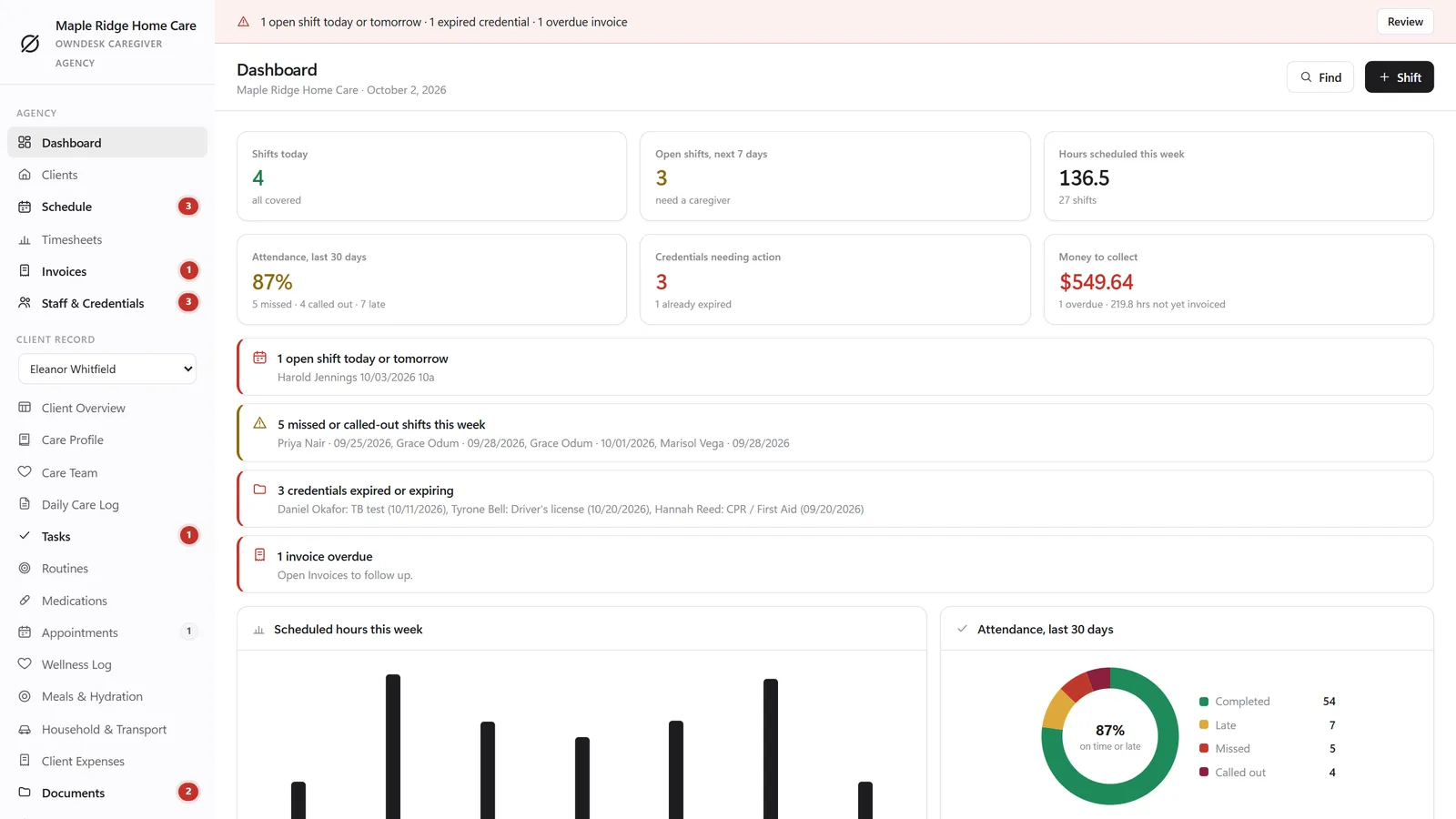
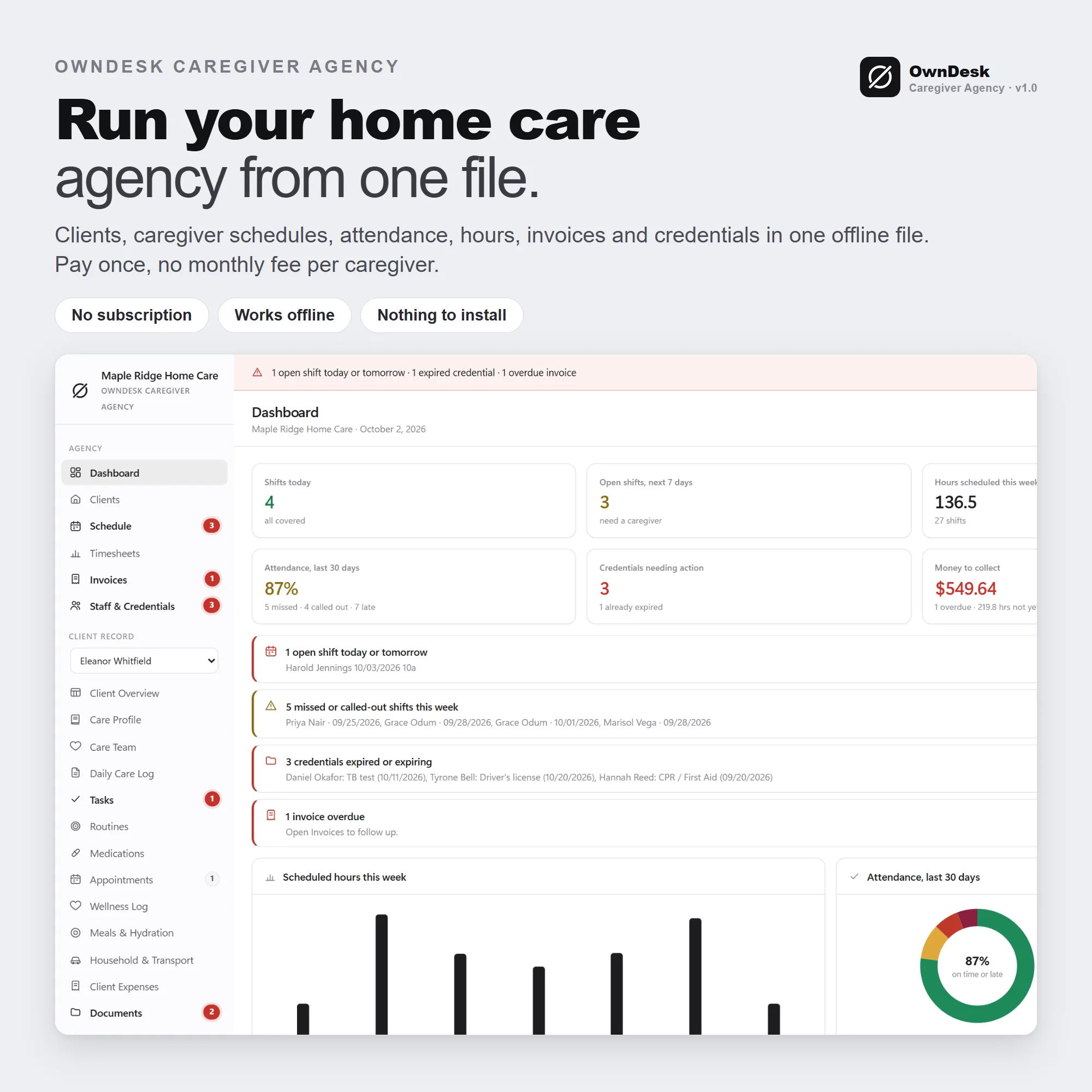
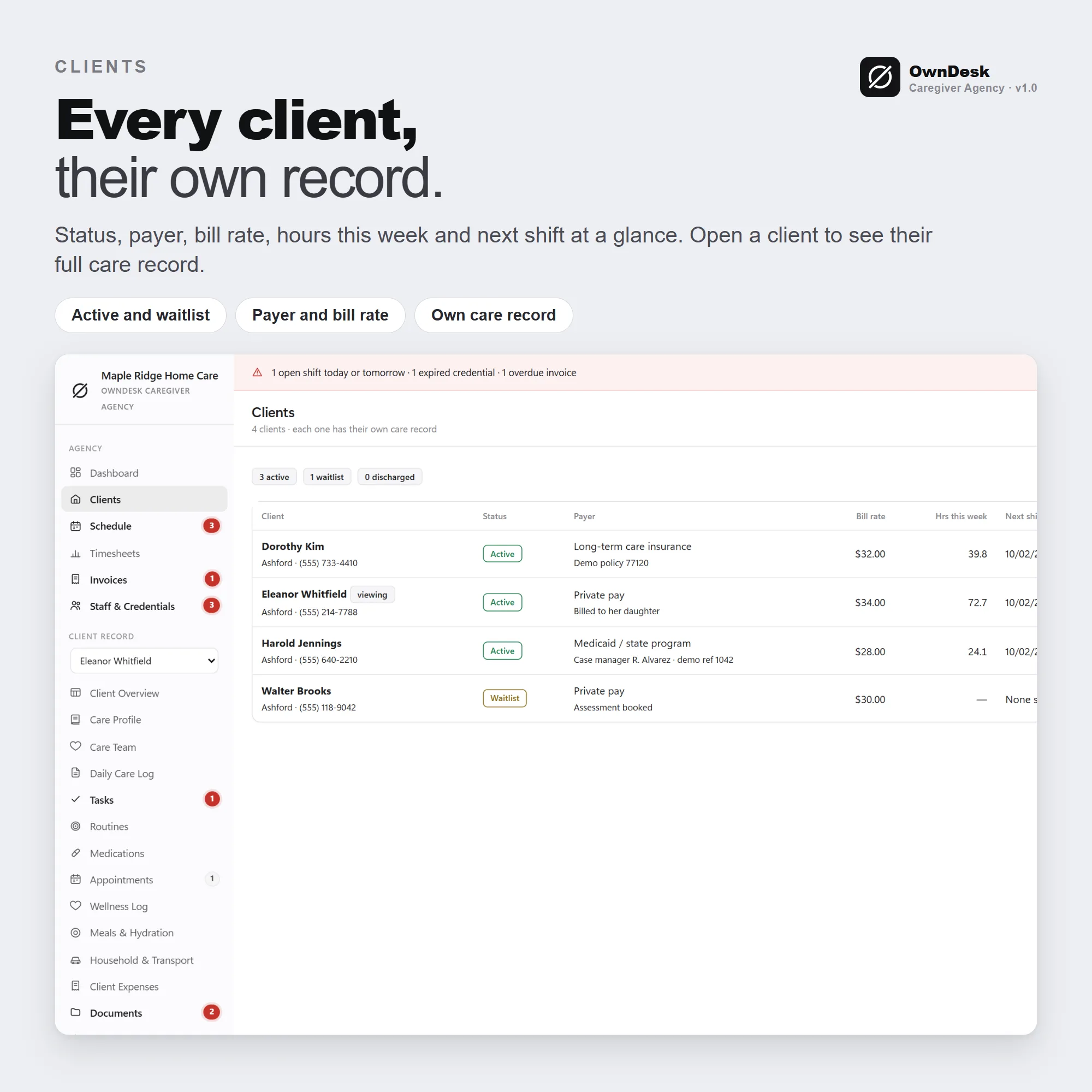
Caregiver scheduling software and caregiver management software for a small home care agency: clients with their own care record, a weekly schedule with open shifts, attendance, timesheets with overtime, invoices from completed shifts and credential tracking in one offline file. No subscription, no account.
- 14-day money-back guarantee. Email me and you get a refund, no questions.
- Download appears on screen the moment payment clears, and by email.
- Written and supported by Adrián. Replies come from me, usually within a working day.
- Also sold on Etsy since 2026, with independently moderated reviews.
Description
What it does
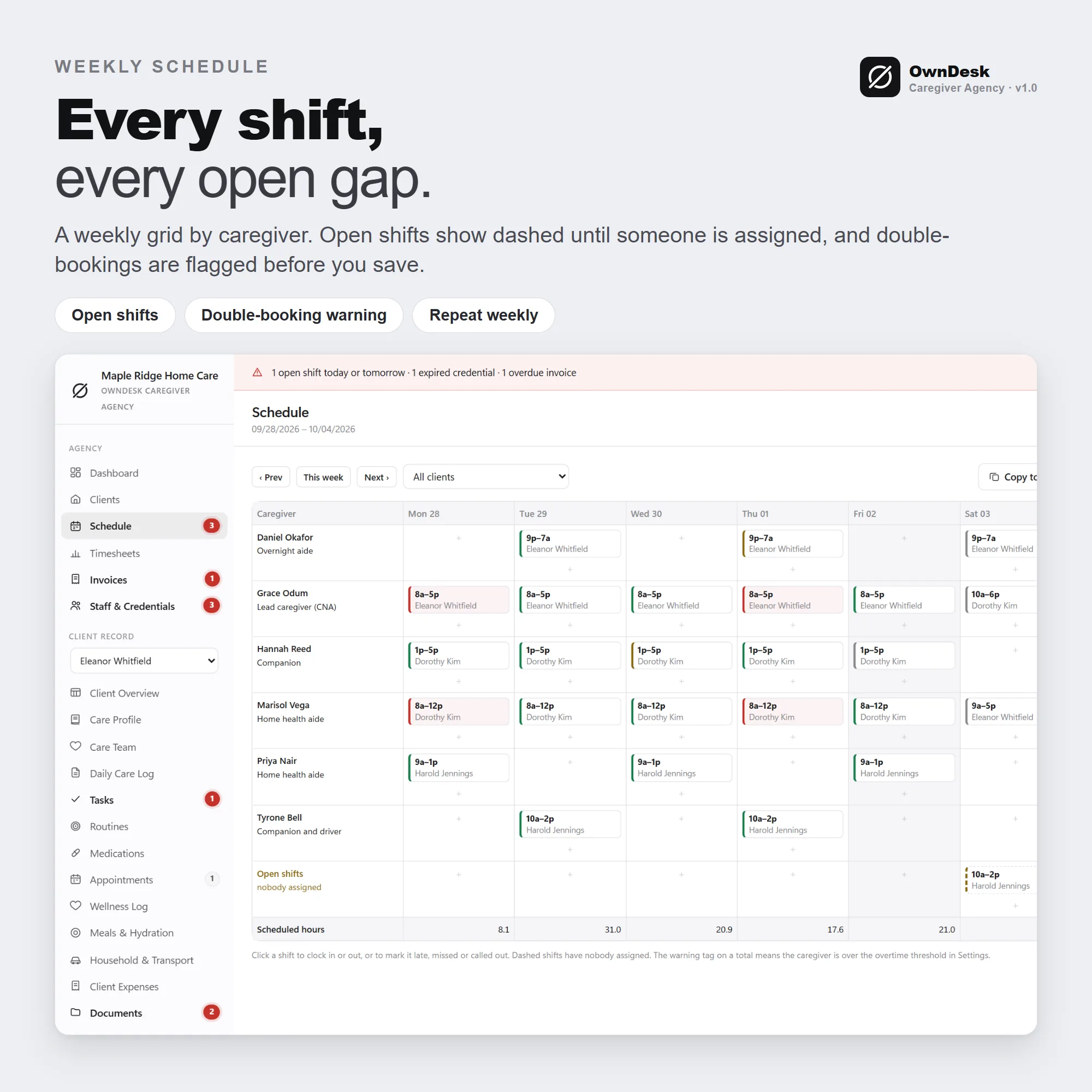
A weekly schedule with open shifts
Caregivers down the side, days across, and an Open shifts row for work nobody has covered. Repeat a shift weekly, copy a whole week forward, and get a warning when you book a caregiver who is already booked, whose credential has expired, or for a client marked Discharged.
Attendance, hours and overtime
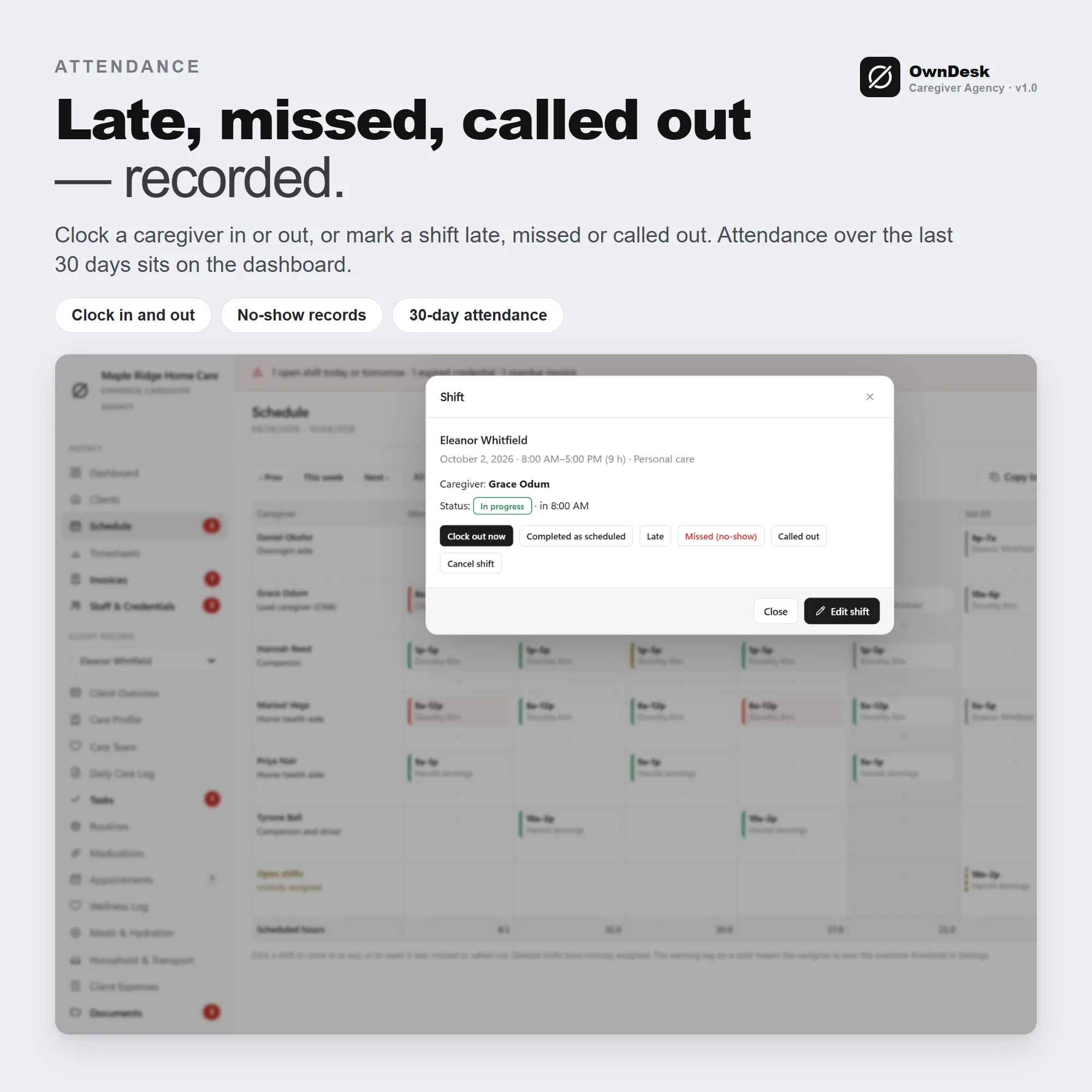
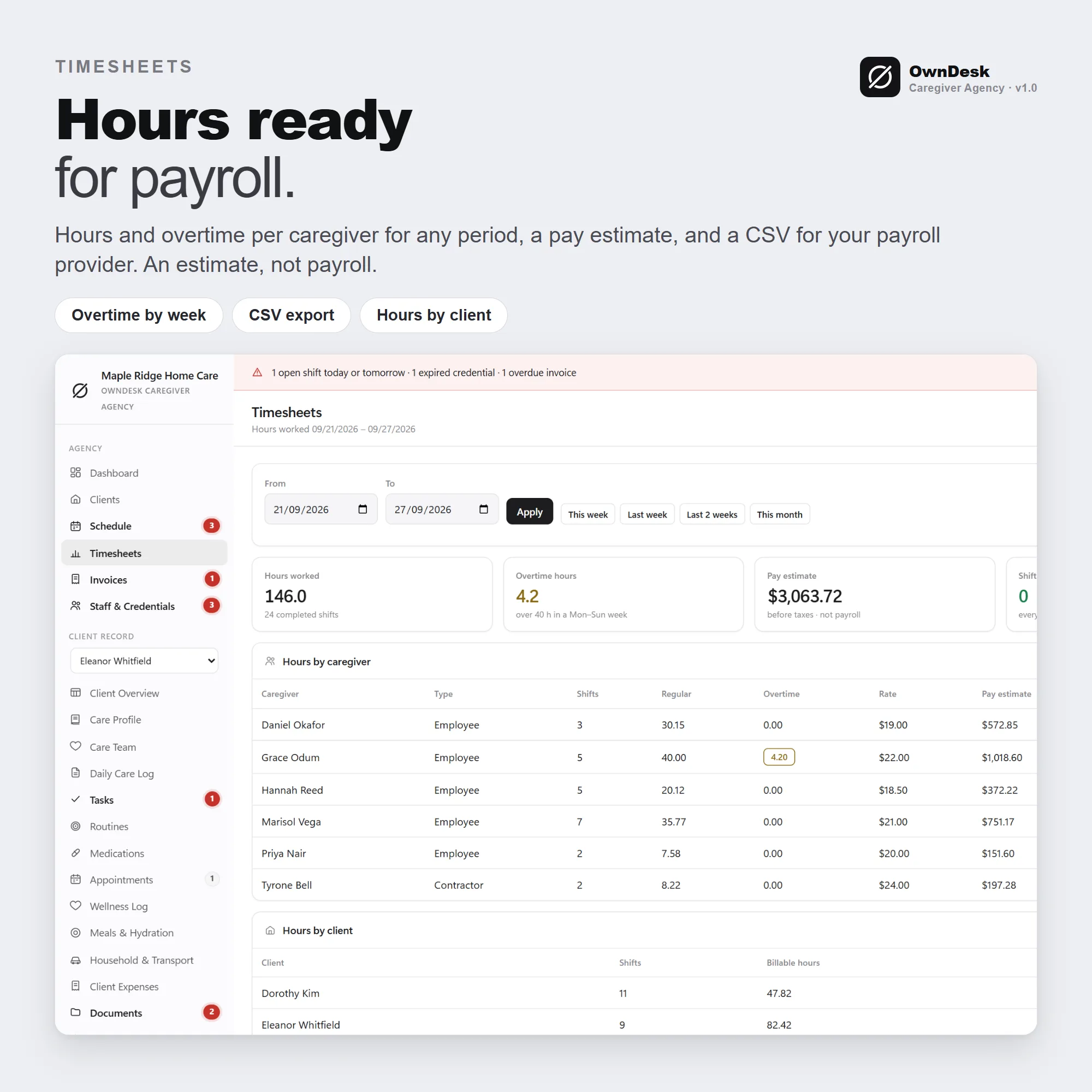
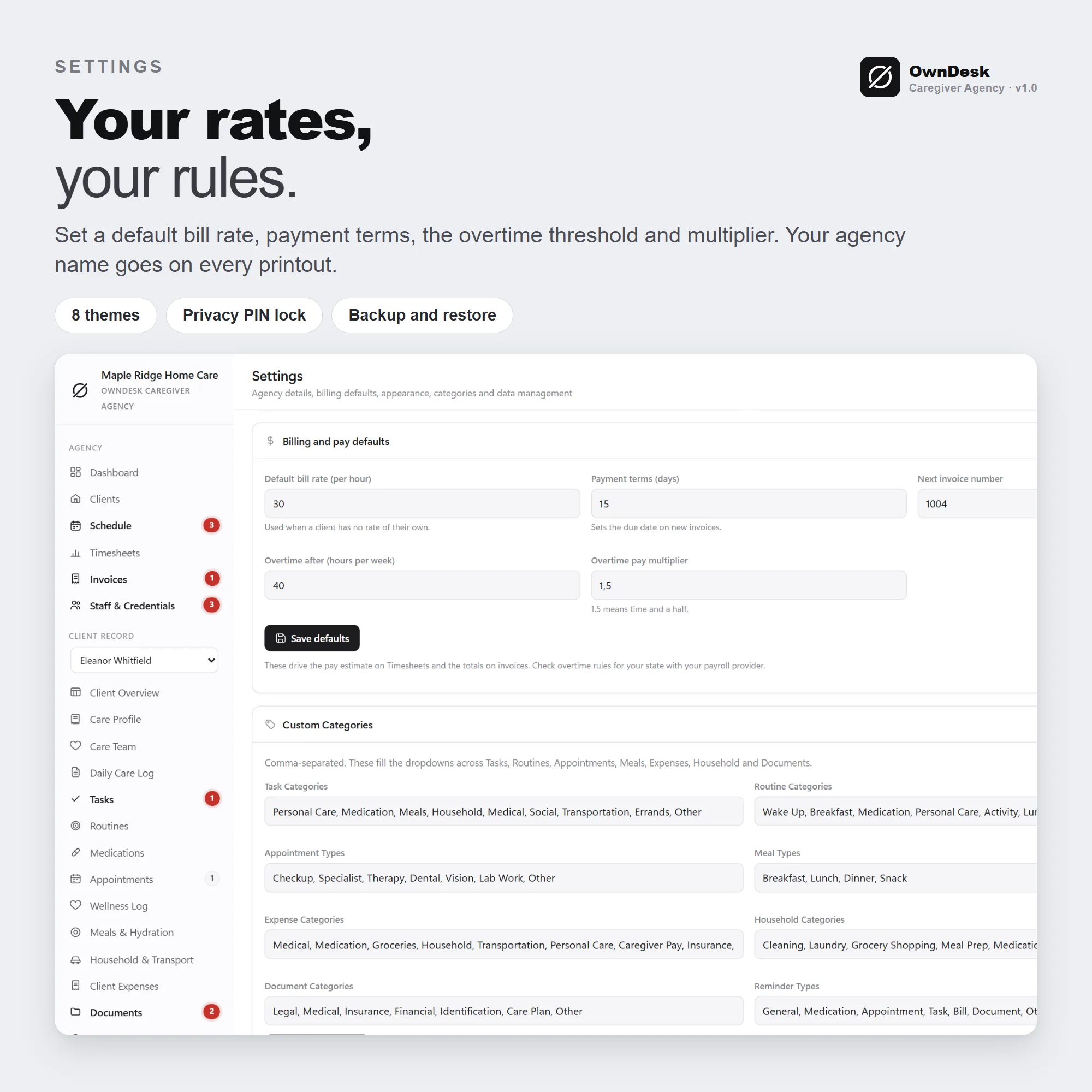
Clock a caregiver in or out, or mark a shift Late, Missed or Called out. Timesheets show regular and overtime hours per caregiver and hours per client for any period, with a pay estimate and a CSV for your payroll provider. It is an estimate, not payroll.
Invoices from completed shifts
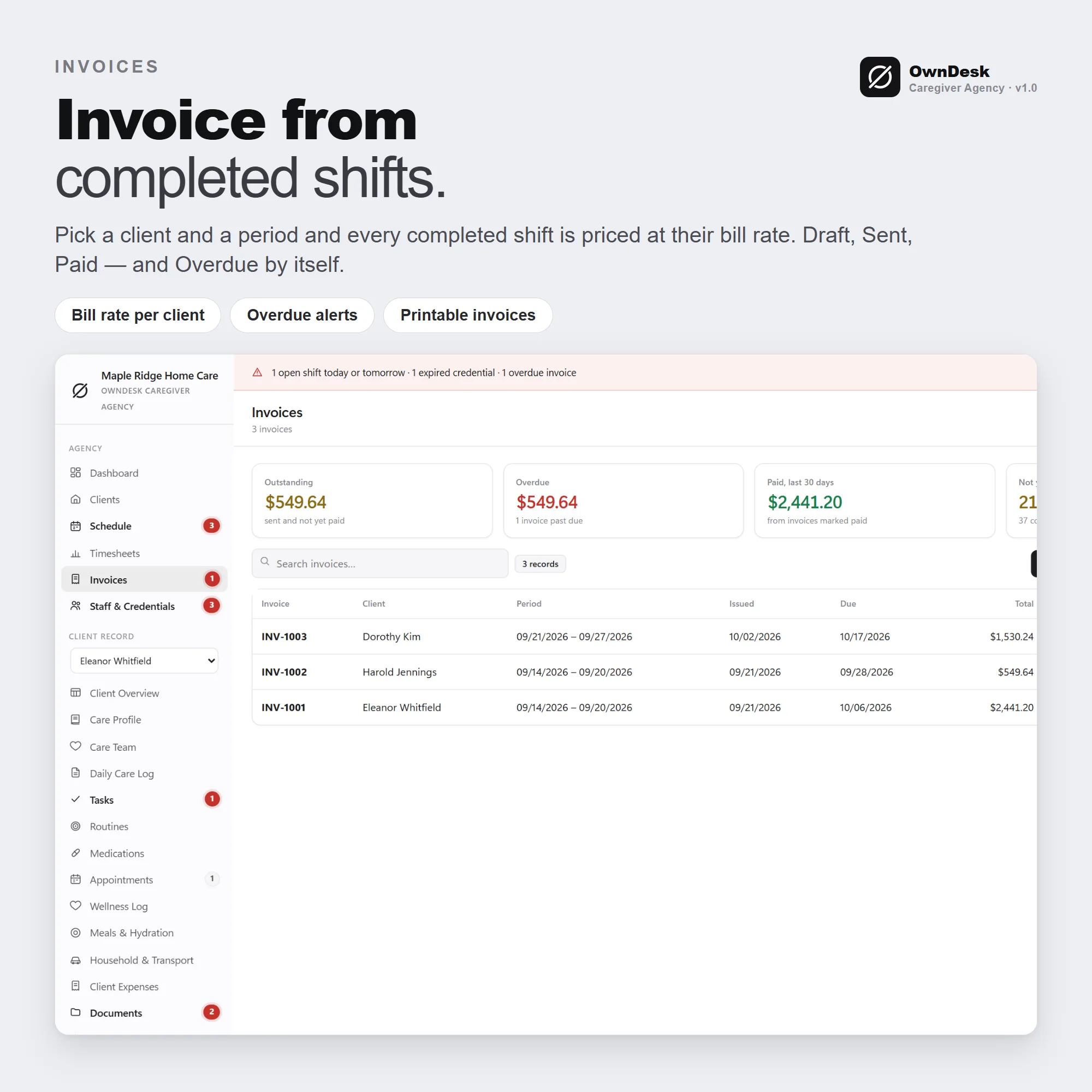
Pick a client and a period and every completed, billable shift not yet invoiced is priced at the client’s bill rate. Draft, Sent and Paid, with Overdue worked out by itself, printable on your agency letterhead.
Credentials and a care record per client
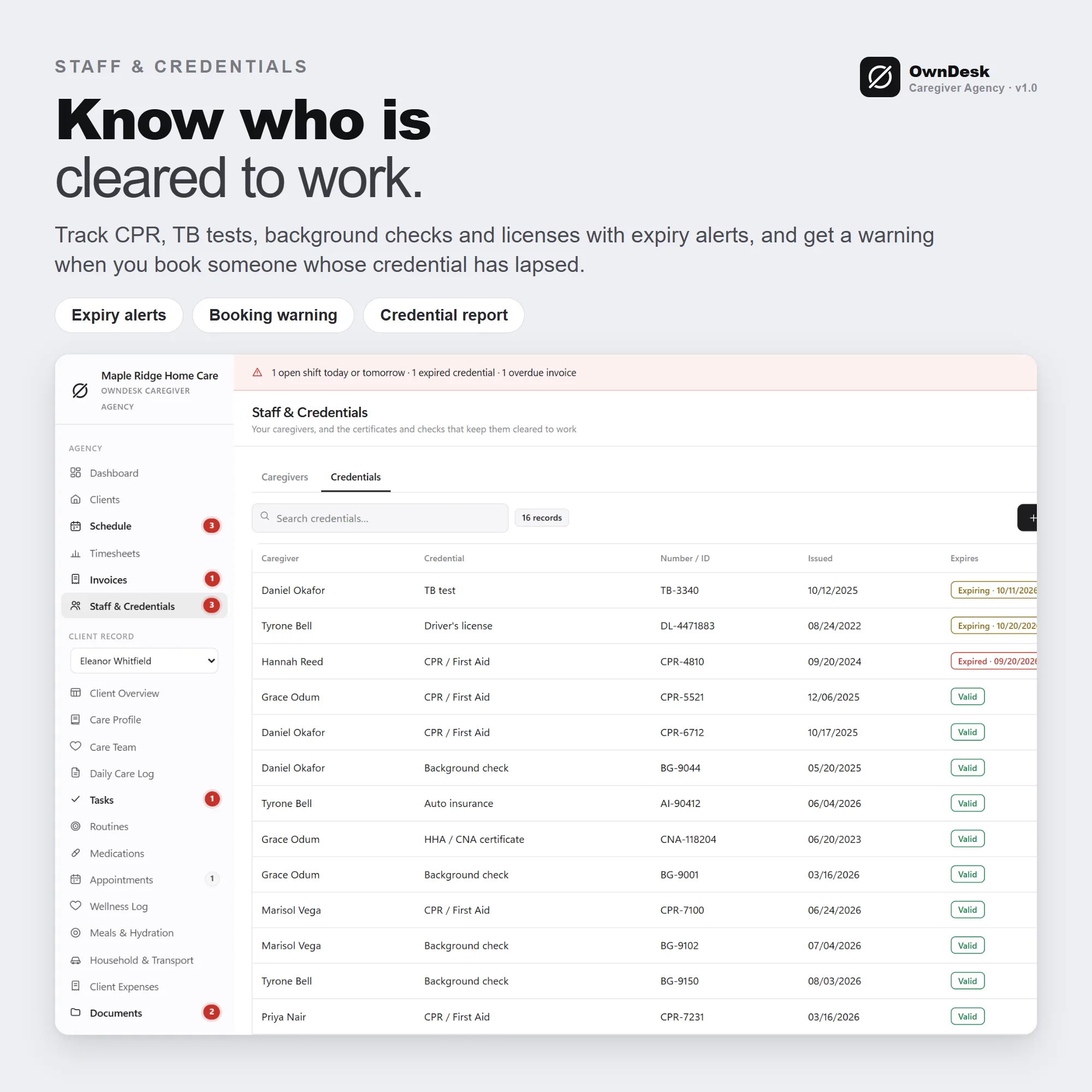
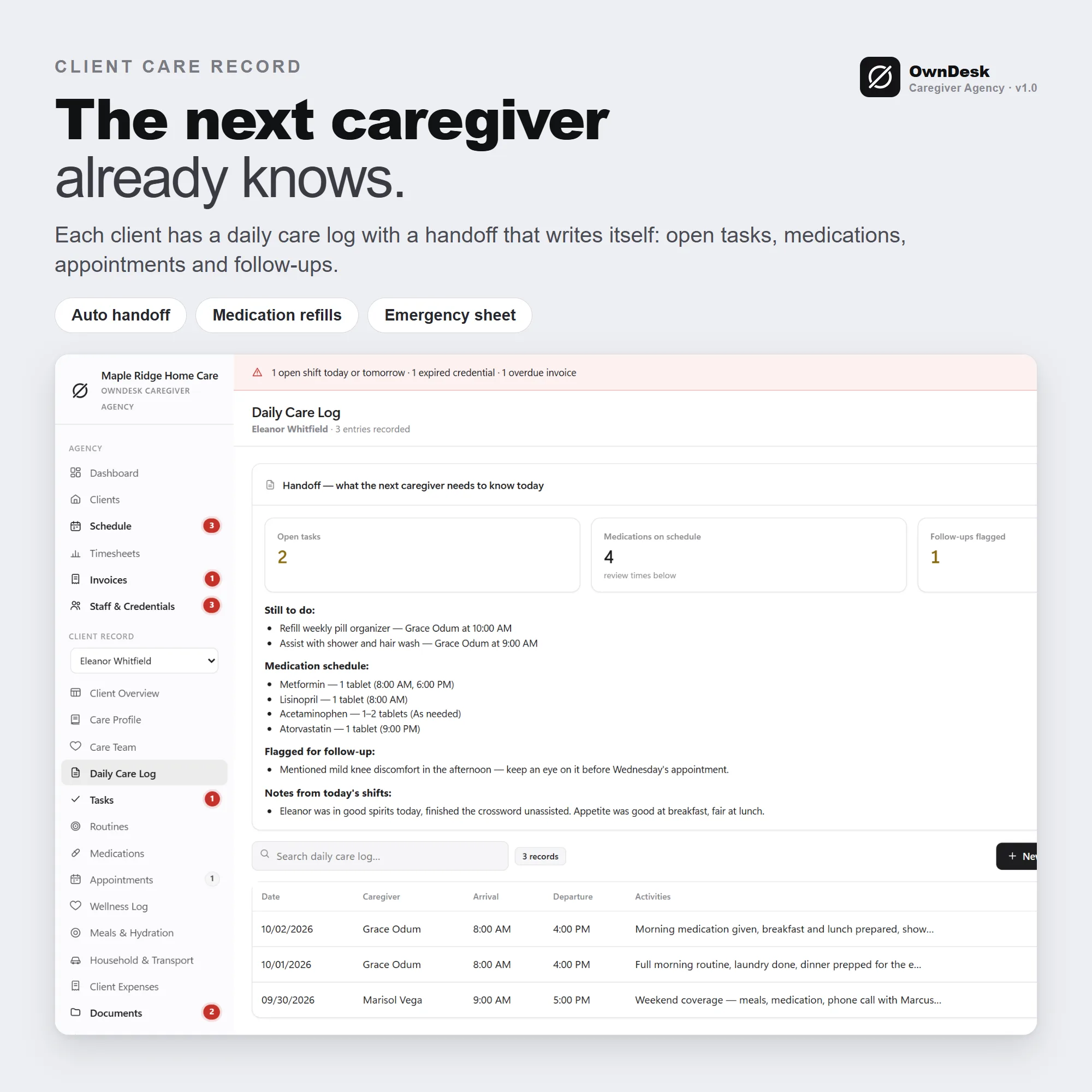
Track CPR, TB tests, background checks and licenses with expiry alerts. Every client keeps their own care record: medications with refill alerts, appointments, a daily care log with a handoff for the next caregiver, documents and an emergency sheet.
What you get
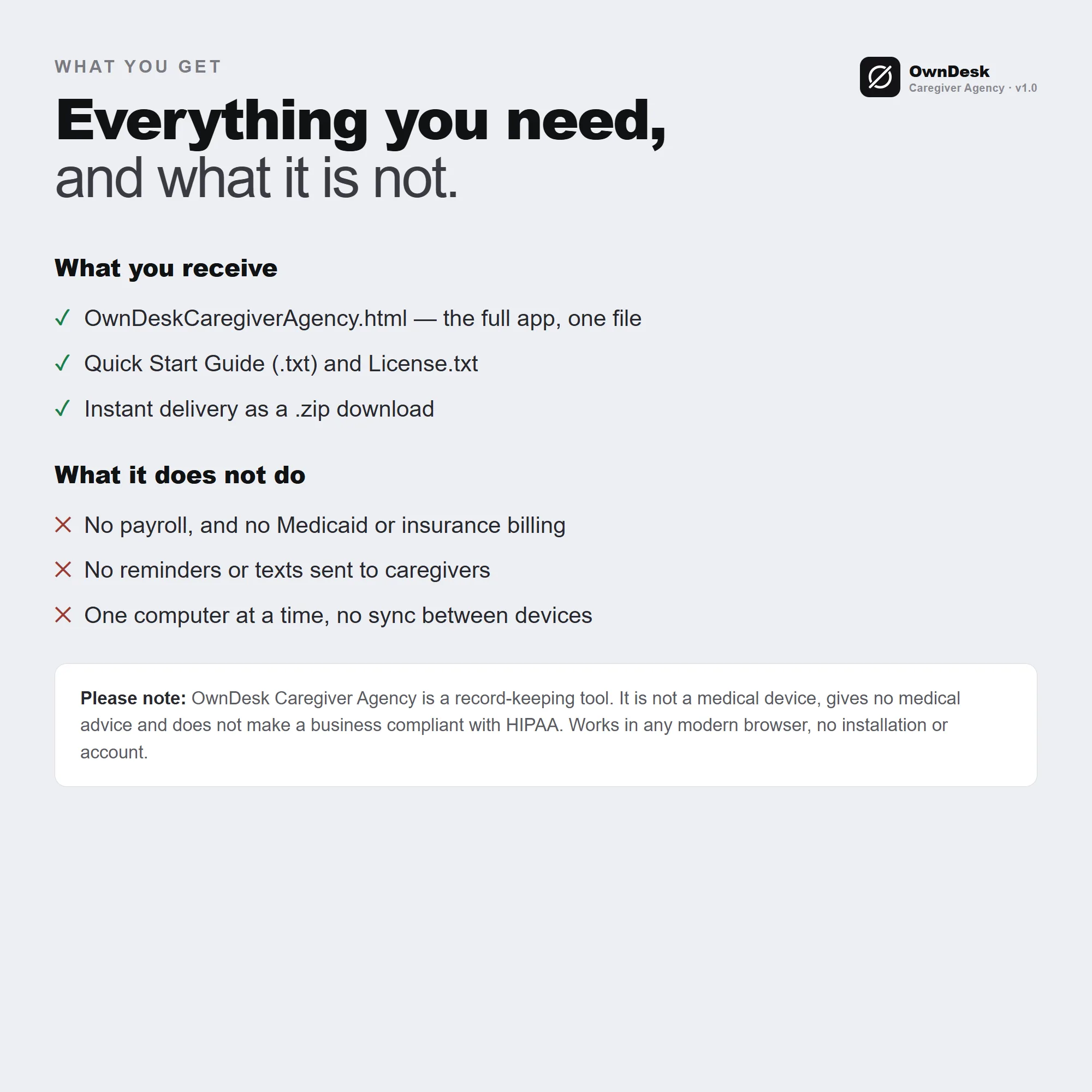
- One HTML file that opens in your browser, with a one-click sample agency in Settings so every screen can be seen full, and one click to remove it
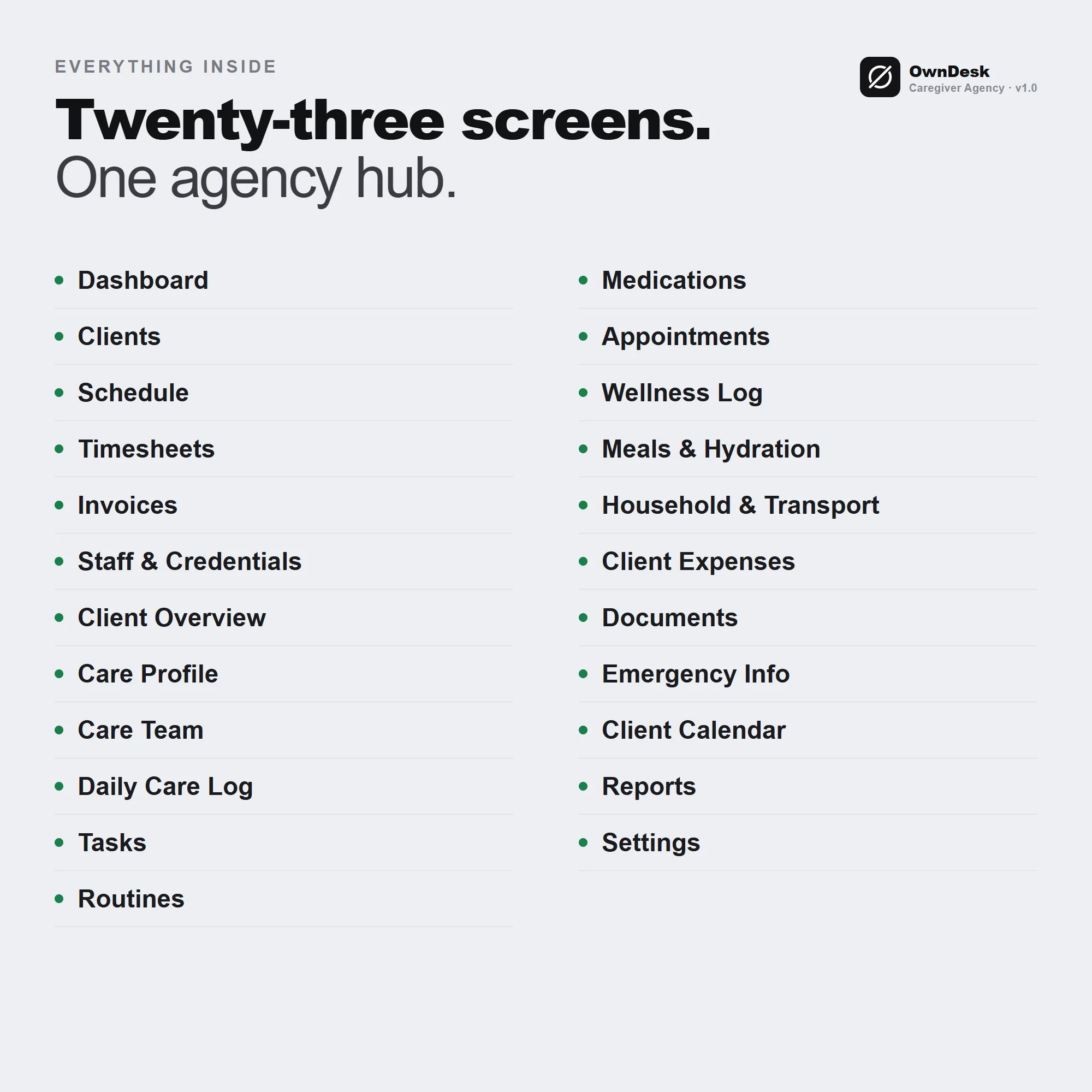
- Twenty-three screens: dashboard, clients, schedule, timesheets, invoices, staff and credentials, and for each client a care profile, care team, daily care log, tasks, routines, medications, appointments, wellness log, meals and hydration, household and transport, expenses, documents, emergency info and a calendar, plus reports and settings
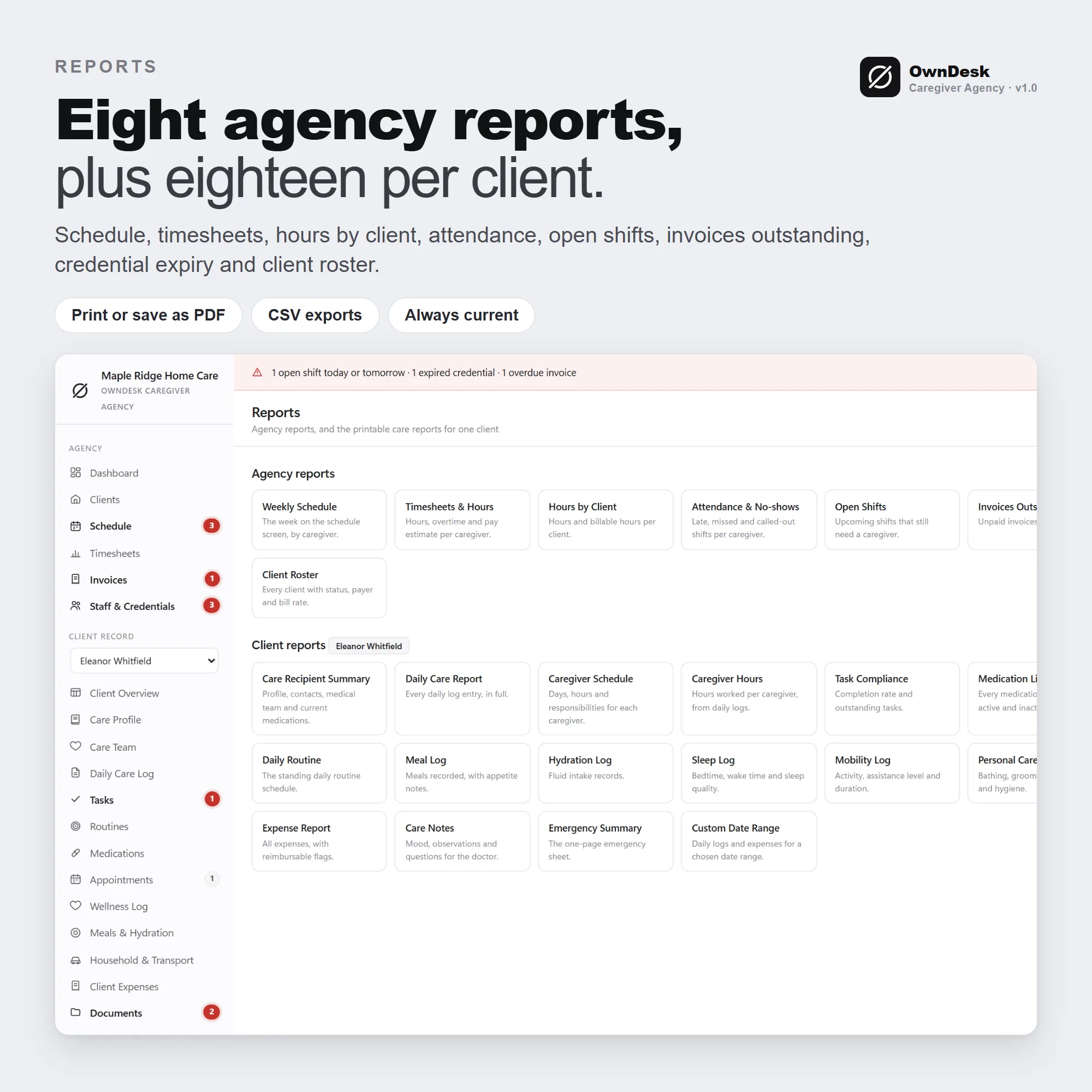
- Eight agency reports and eighteen client reports, CSV export of every list, a privacy PIN lock, eight themes and JSON backup and restore
- A quick-start guide and licence included in the download. One licence covers one business, with any number of clients and caregivers