
OwnDesk Yoga
Original price was: $149.00.$49.00Current price is: $49.00.
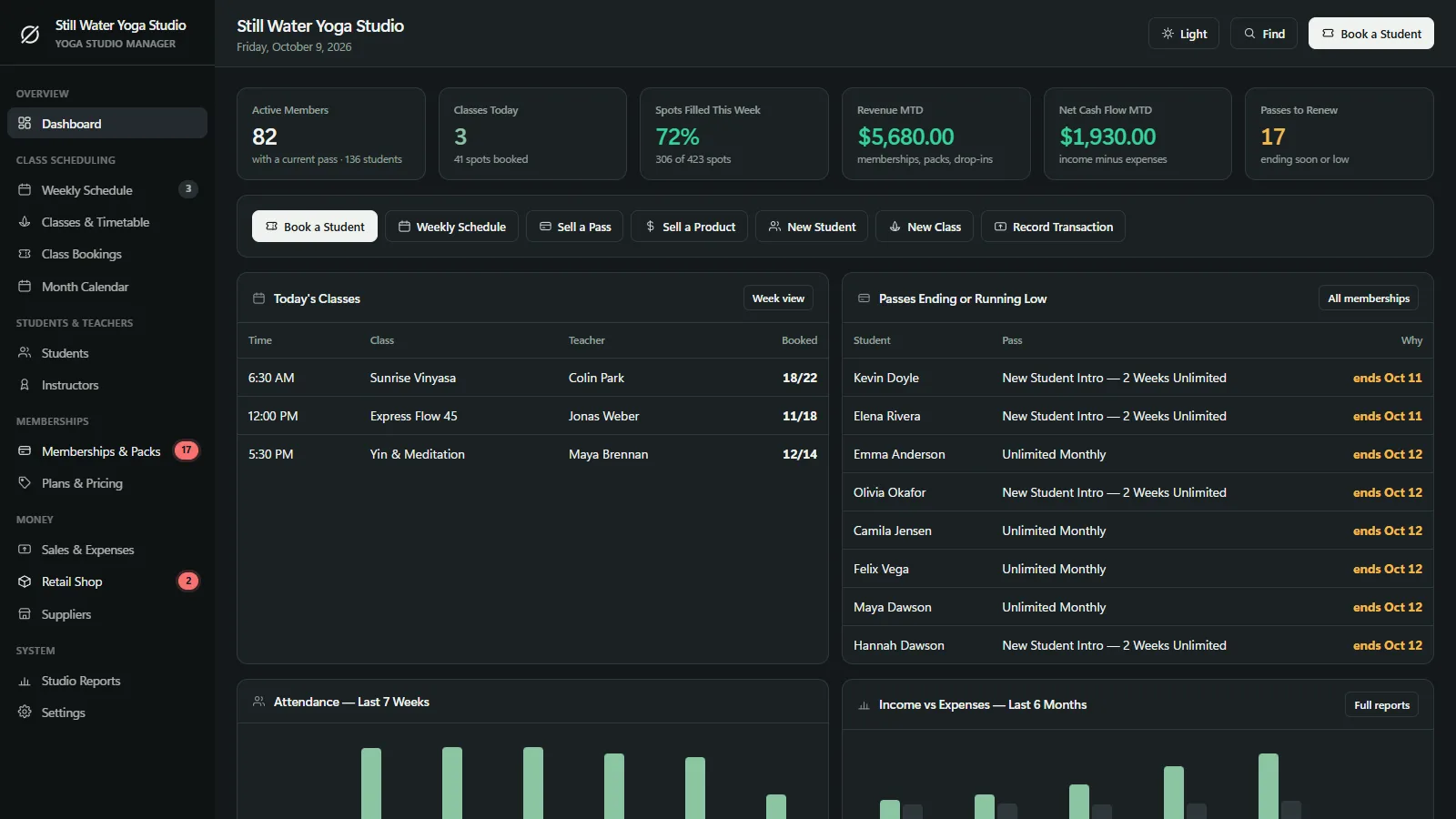
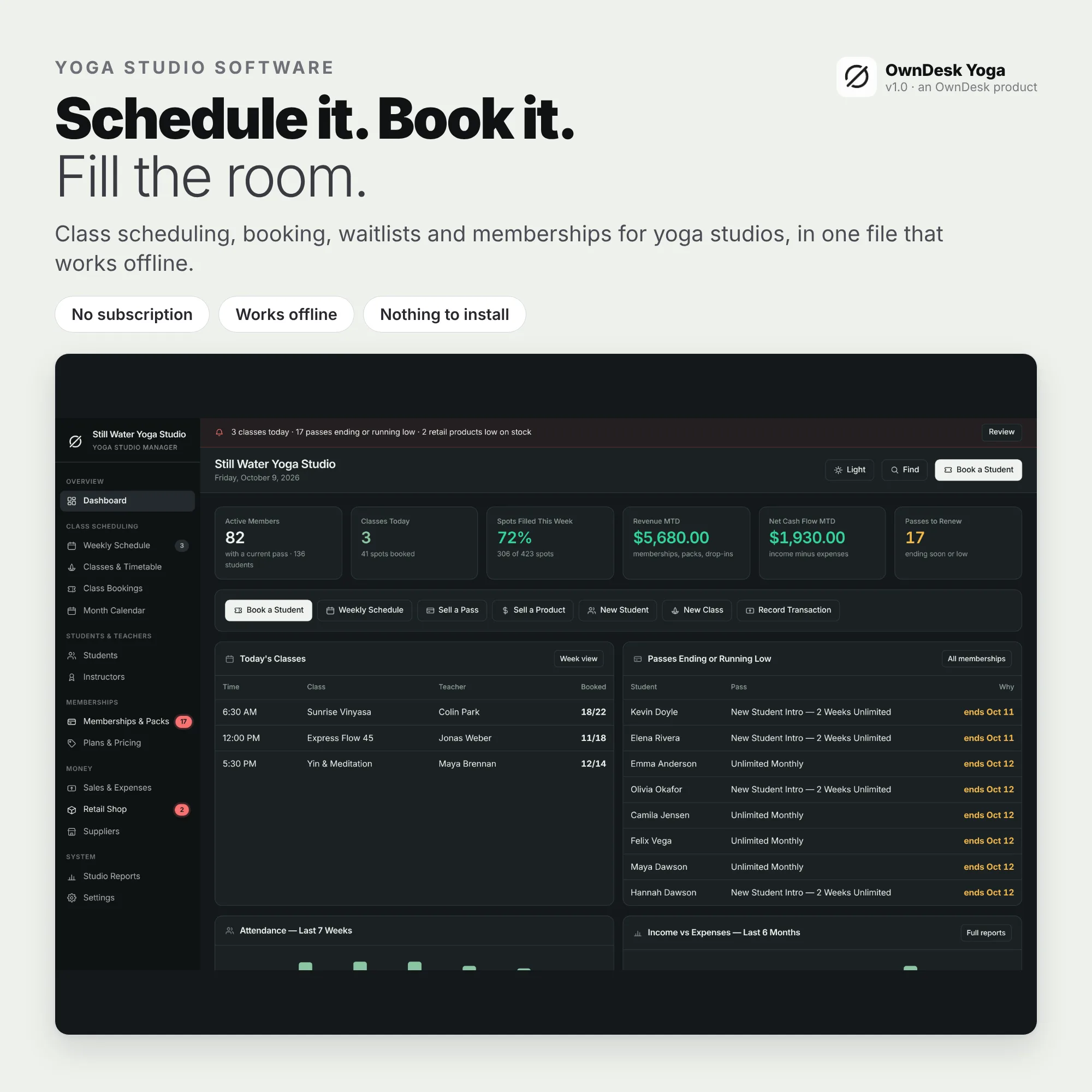
Yoga studio software for a yoga studio or independent teacher: a weekly schedule that repeats, a class roster with a waitlist and check-in, memberships and class packs that count down by themselves, instructor pay and reports in one offline file. Yoga software with no subscription, no account.
- 14-day money-back guarantee. Email me and you get a refund, no questions.
- Download appears on screen the moment payment clears, and by email.
- Written and supported by Adrián. Replies come from me, usually within a working day.
- Also sold on Etsy since 2026, with independently moderated reviews.
Description
What it does
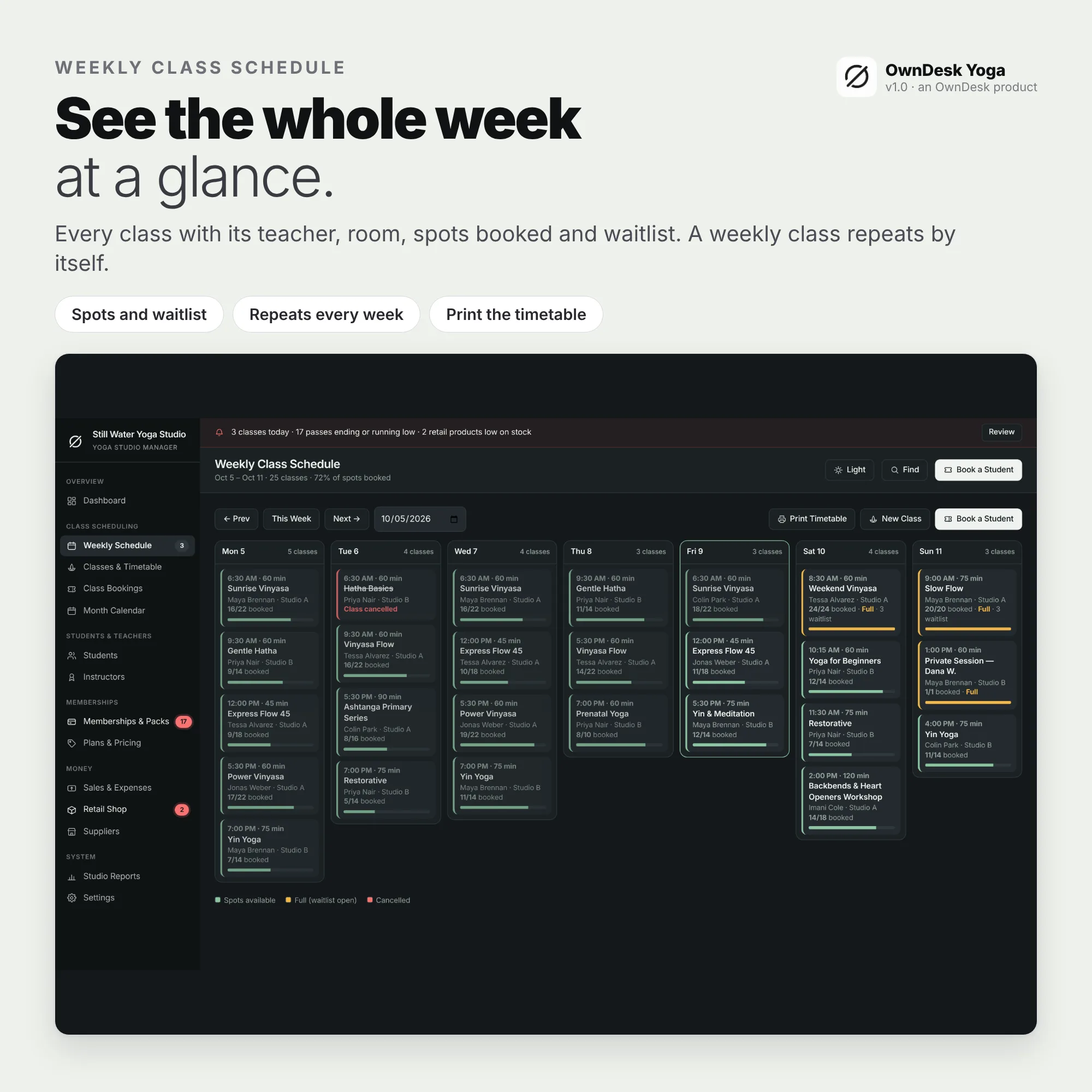
A weekly schedule that repeats itself
Add each class once with its day, time, teacher, room, spots, level and drop-in price, and it appears on its weekday every week. One-off dates make workshops and private sessions, and it warns you about a double-booked teacher or room.
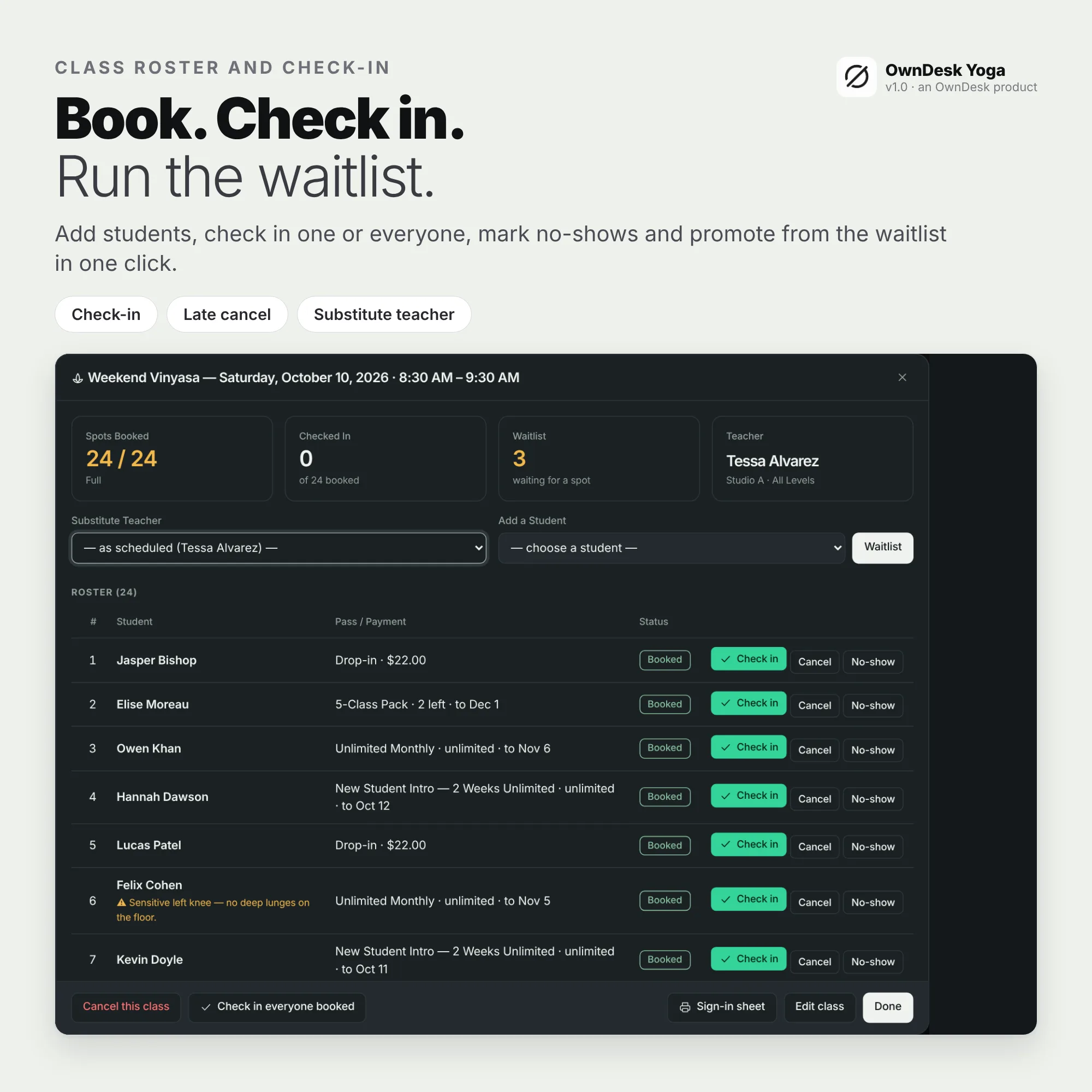
A class roster with a waitlist
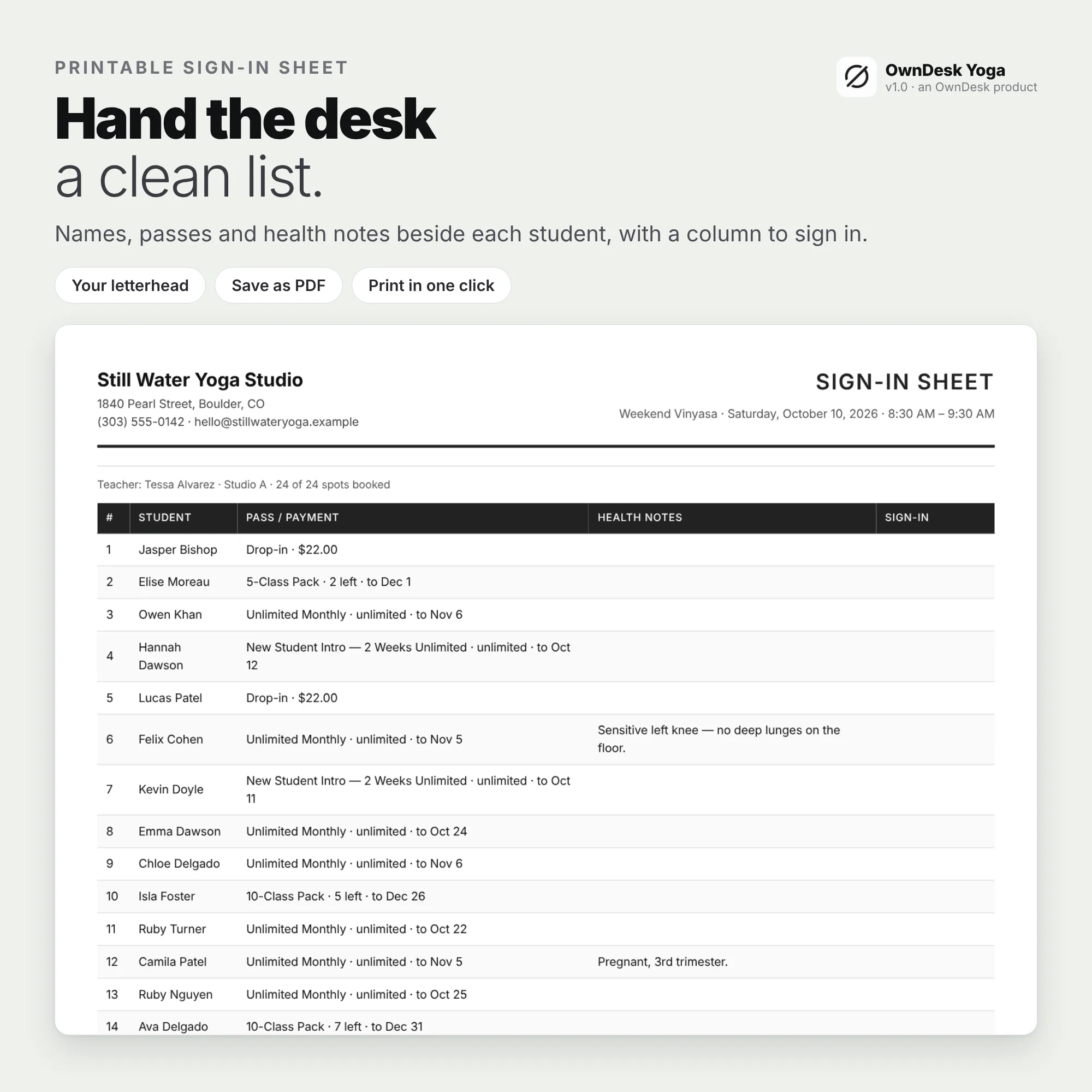
Click a class to see the spots booked, who has checked in and who is on the waitlist. Book a student, check in one or everyone, cancel, mark a no-show, promote the first in line or choose a substitute teacher for one date. Print a sign-in sheet for the front desk with health notes beside each name.
Memberships and packs that count themselves
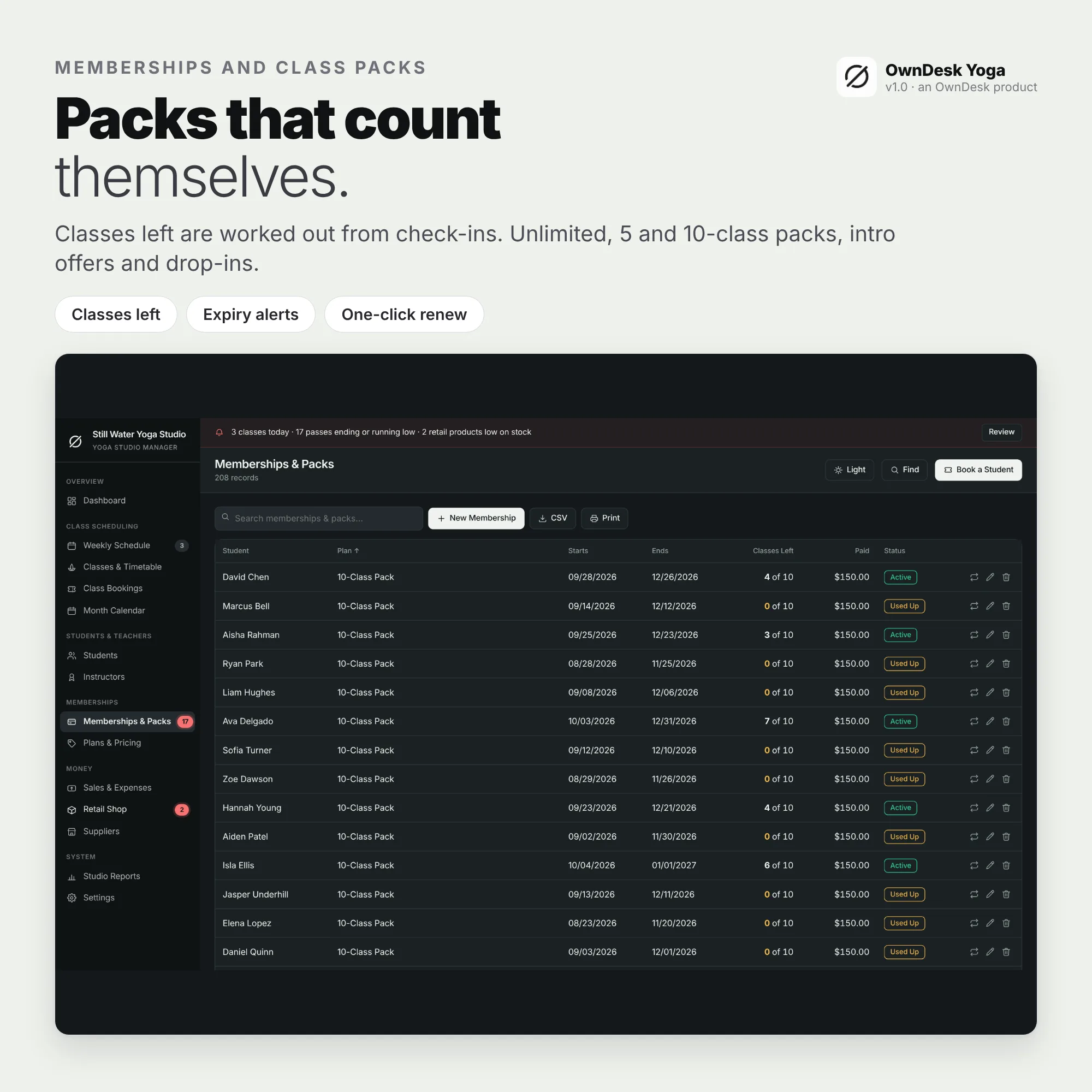
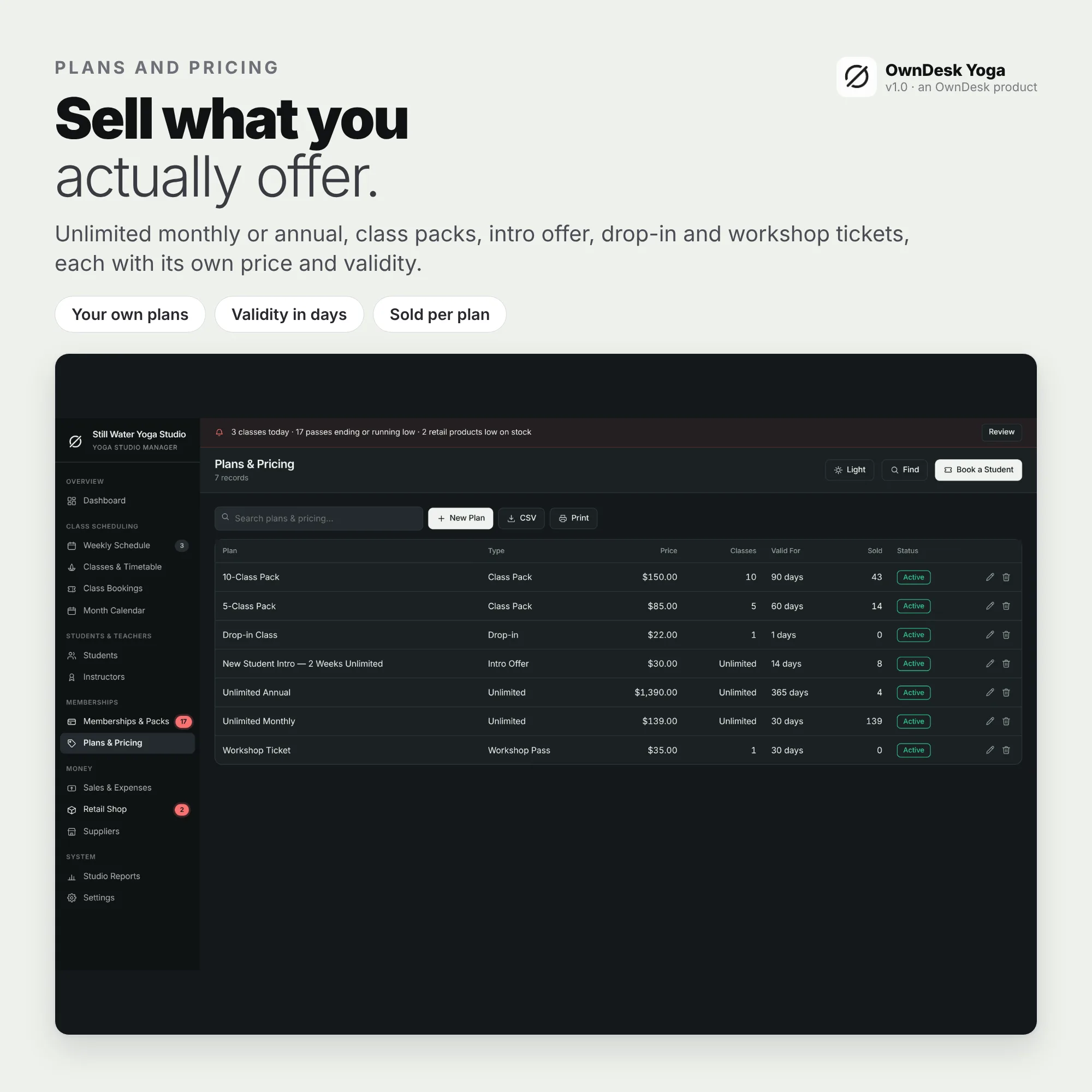
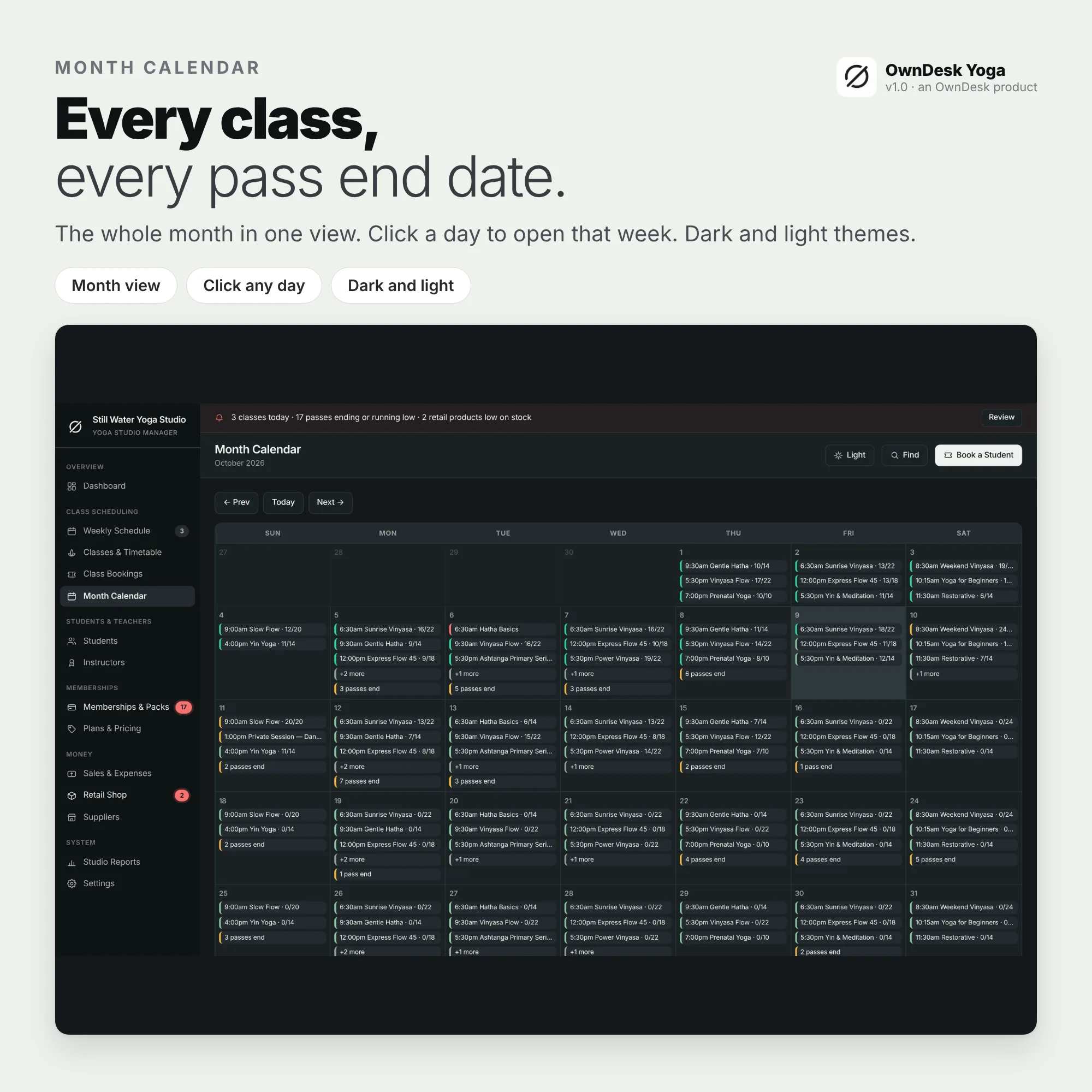
Unlimited monthly or annual passes, class packs, intro offers and drop-ins. Booking picks the best pass automatically, and the classes left are worked out from check-ins so the number cannot drift. Passes that end soon show in the alert bar.
Instructor pay, retail and reports
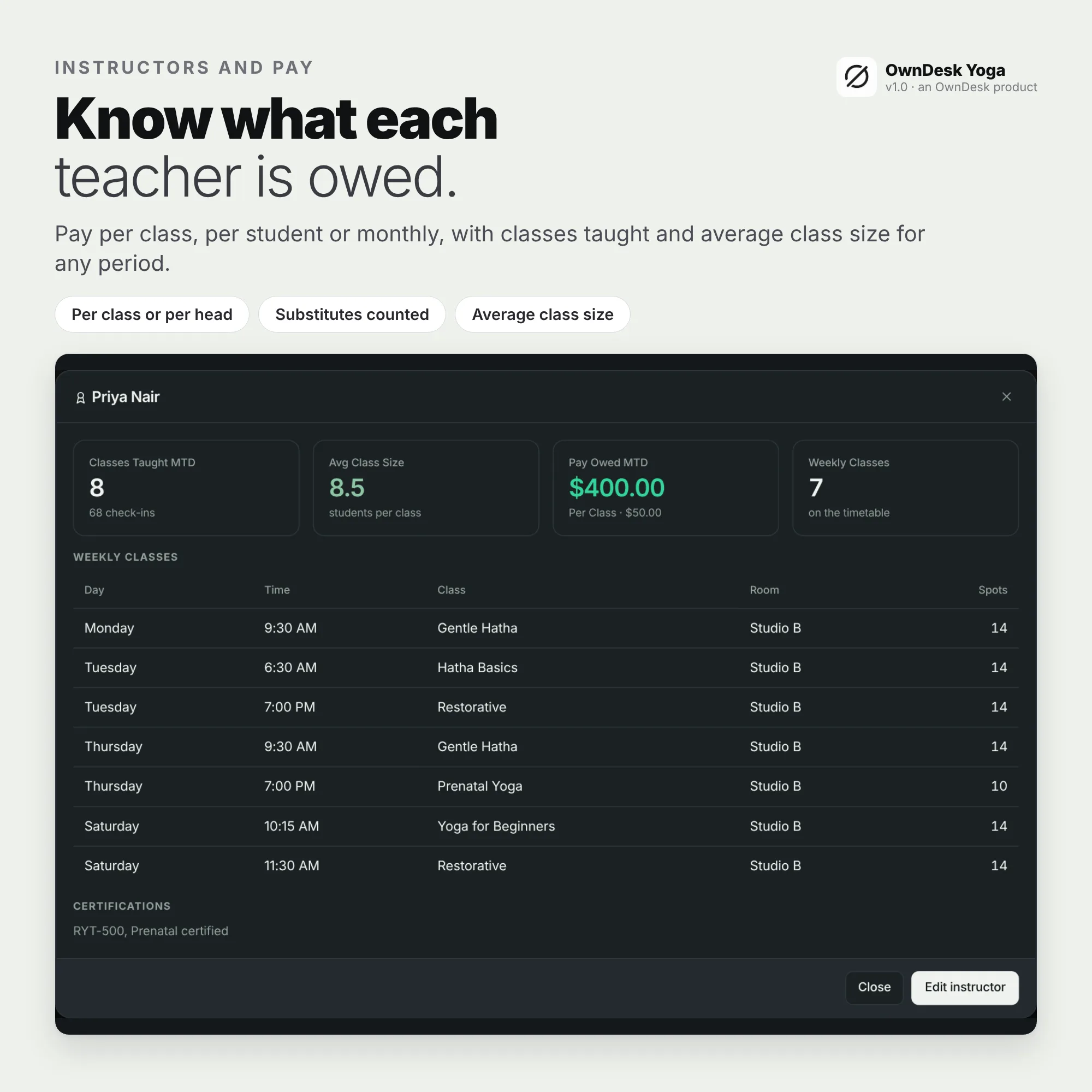
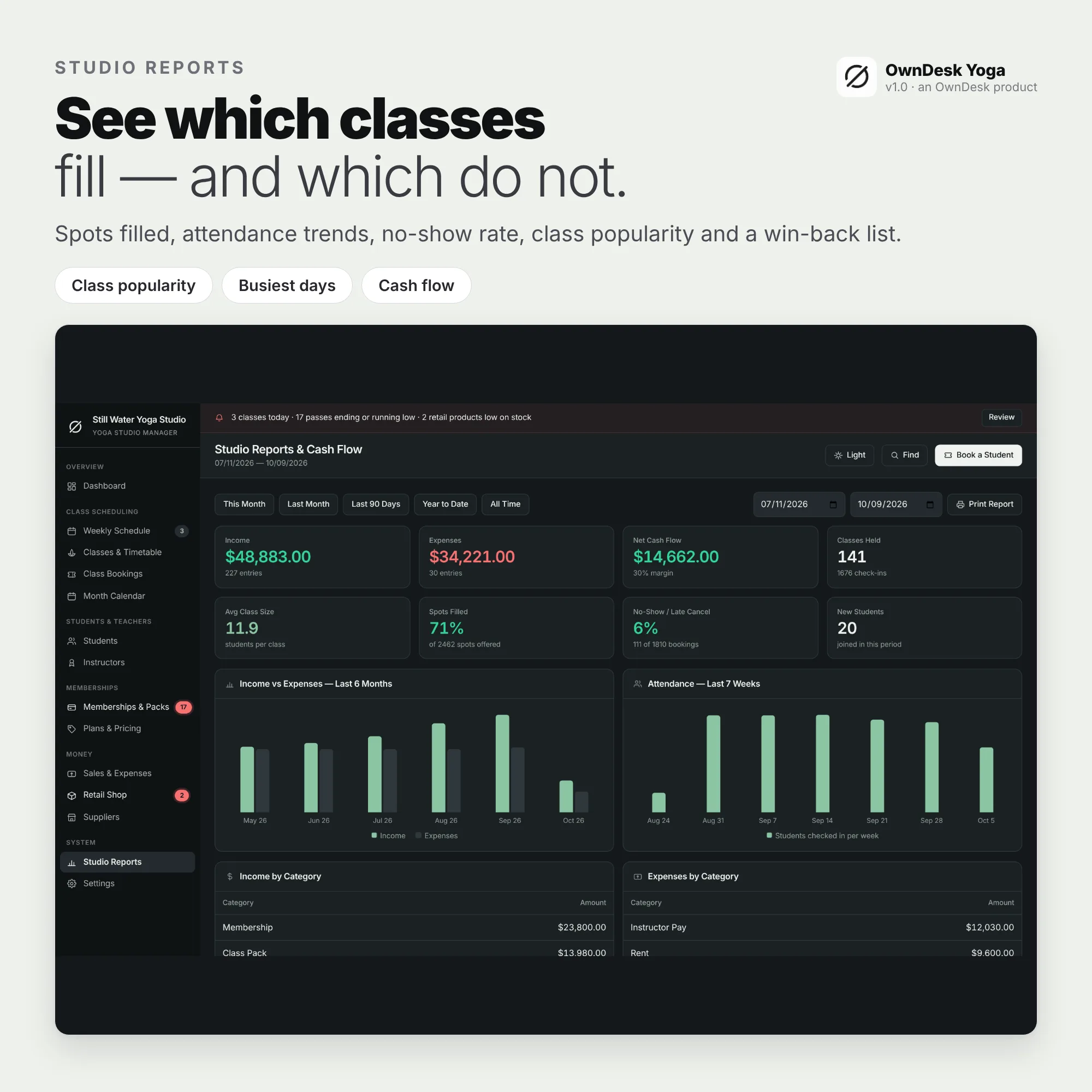
Pay each teacher per class, per student or monthly and see what is owed for any period. Sell mats and gift cards from the retail shop with low-stock alerts, and read class popularity, busiest days and the students to win back.
What you get
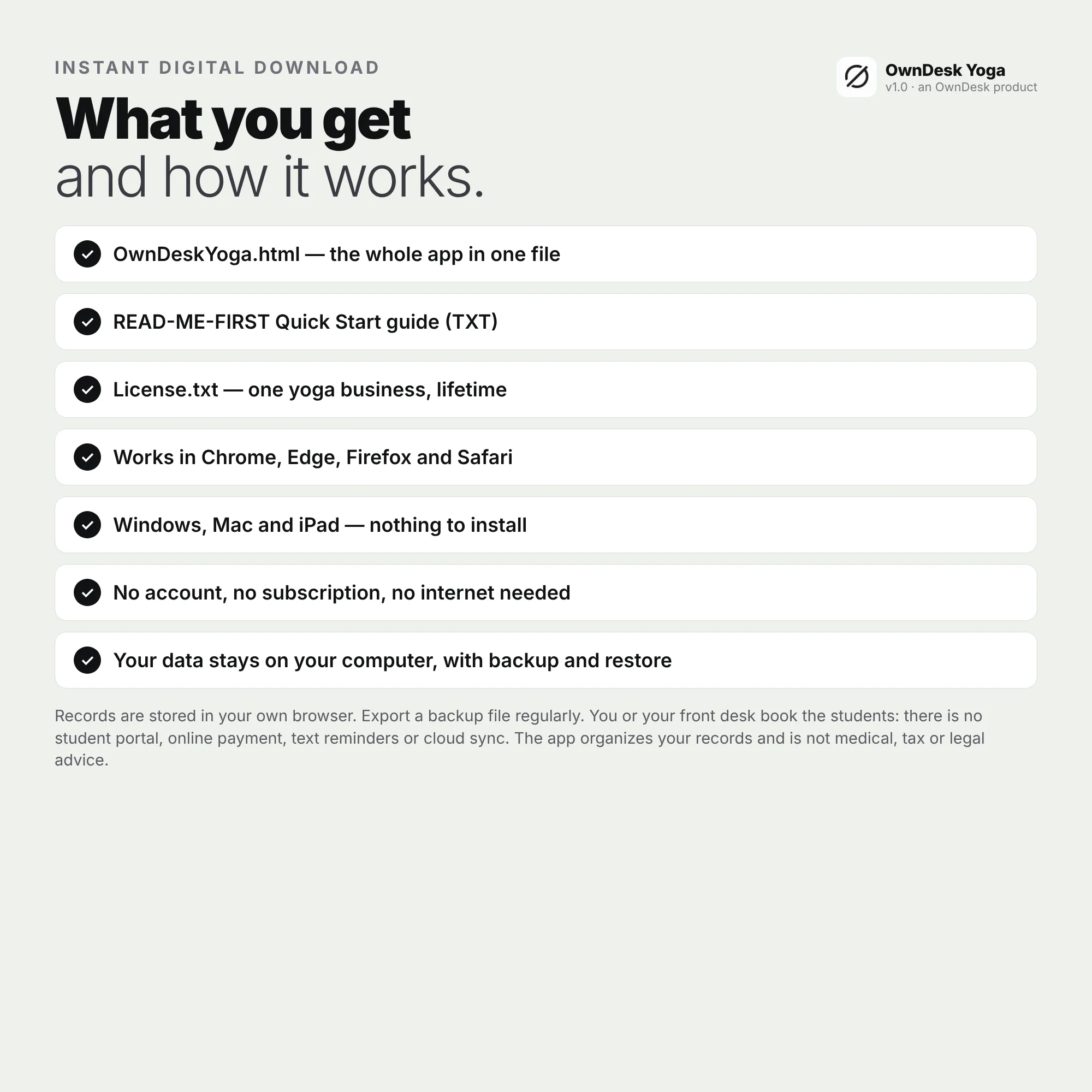
- One HTML file that opens in your browser, with a sample yoga studio already loaded so every screen can be seen full
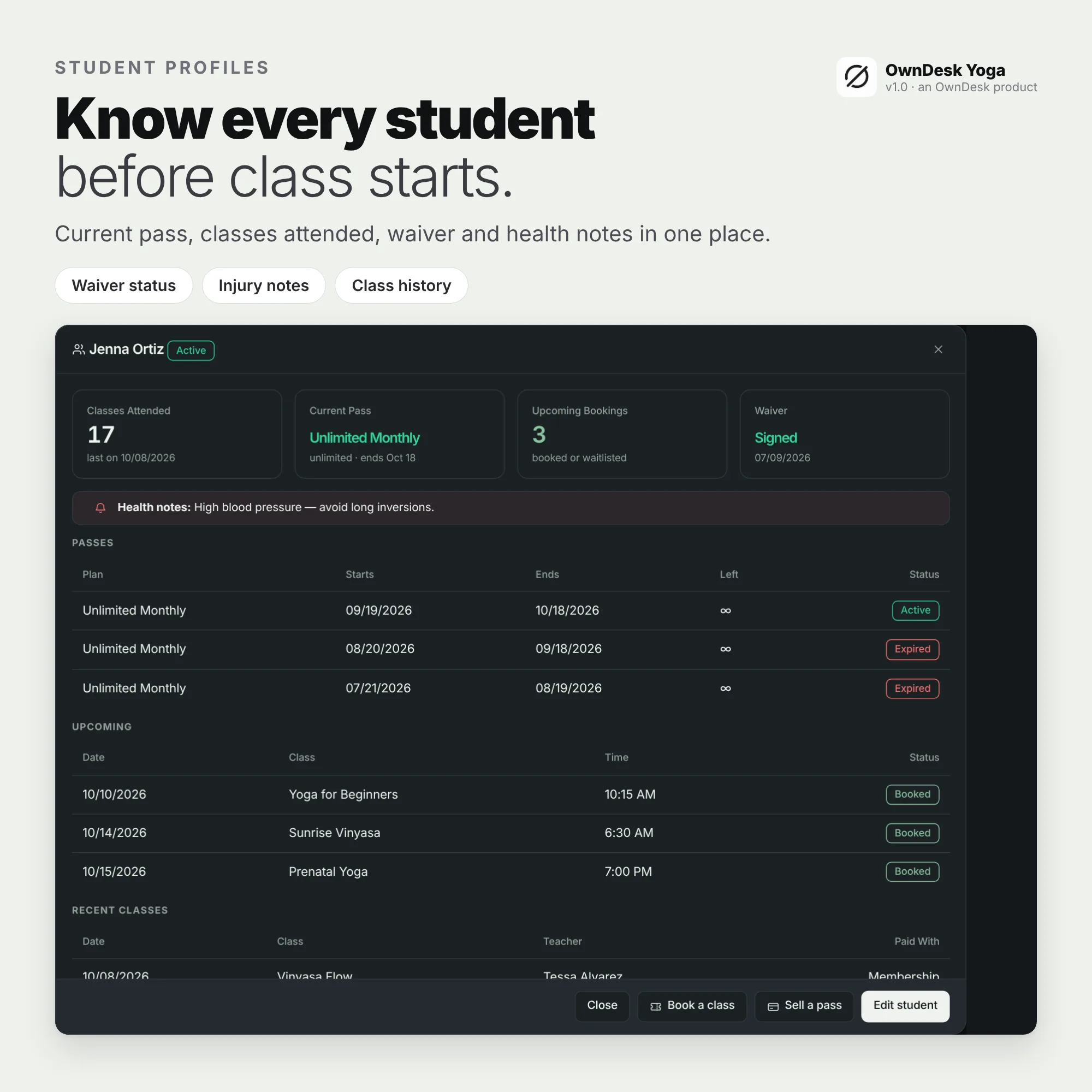
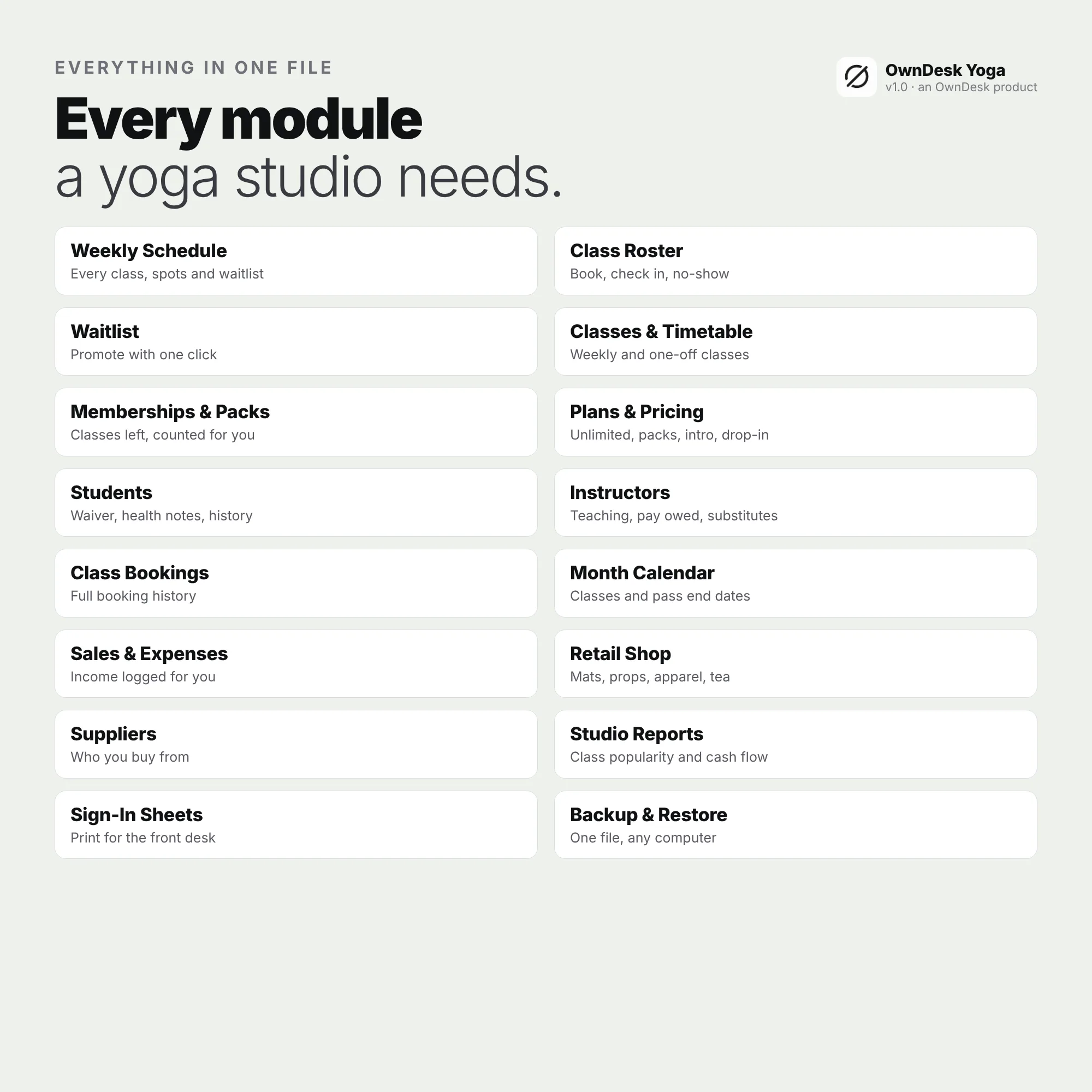
- Every module: dashboard, weekly schedule, classes and timetable, class bookings, month calendar, students, instructors, memberships and packs, plans and pricing, sales and expenses, retail shop, suppliers and studio reports
- A printable weekly timetable, class sign-in sheet and studio report on your own letterhead, CSV export of every list and JSON backup and restore
- US English, with light and dark themes
- A quick-start guide and licence included in the download
Reviews
There are no reviews yet.