
OwnDesk Trainer
Original price was: $149.00.$49.00Current price is: $49.00.
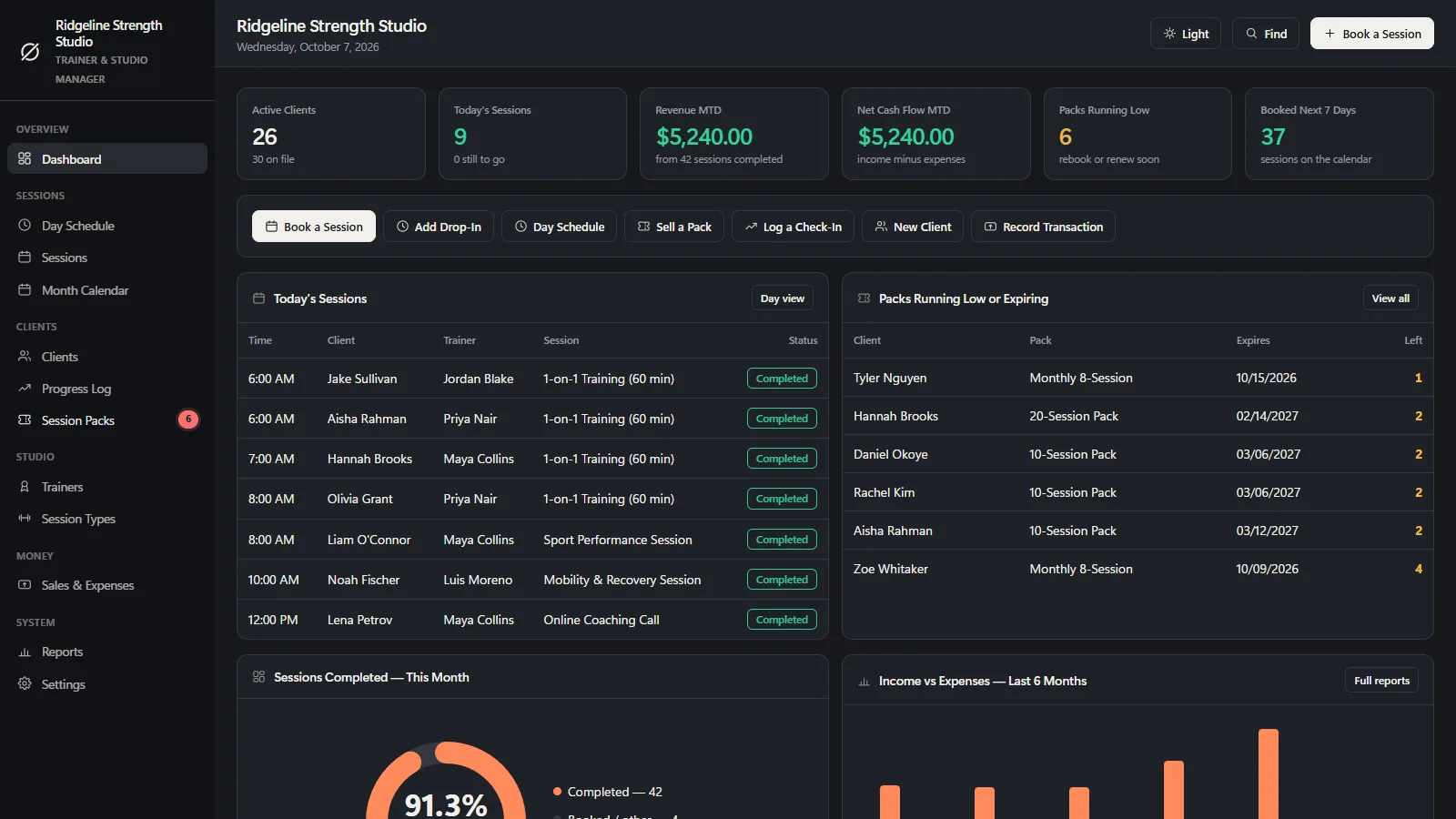
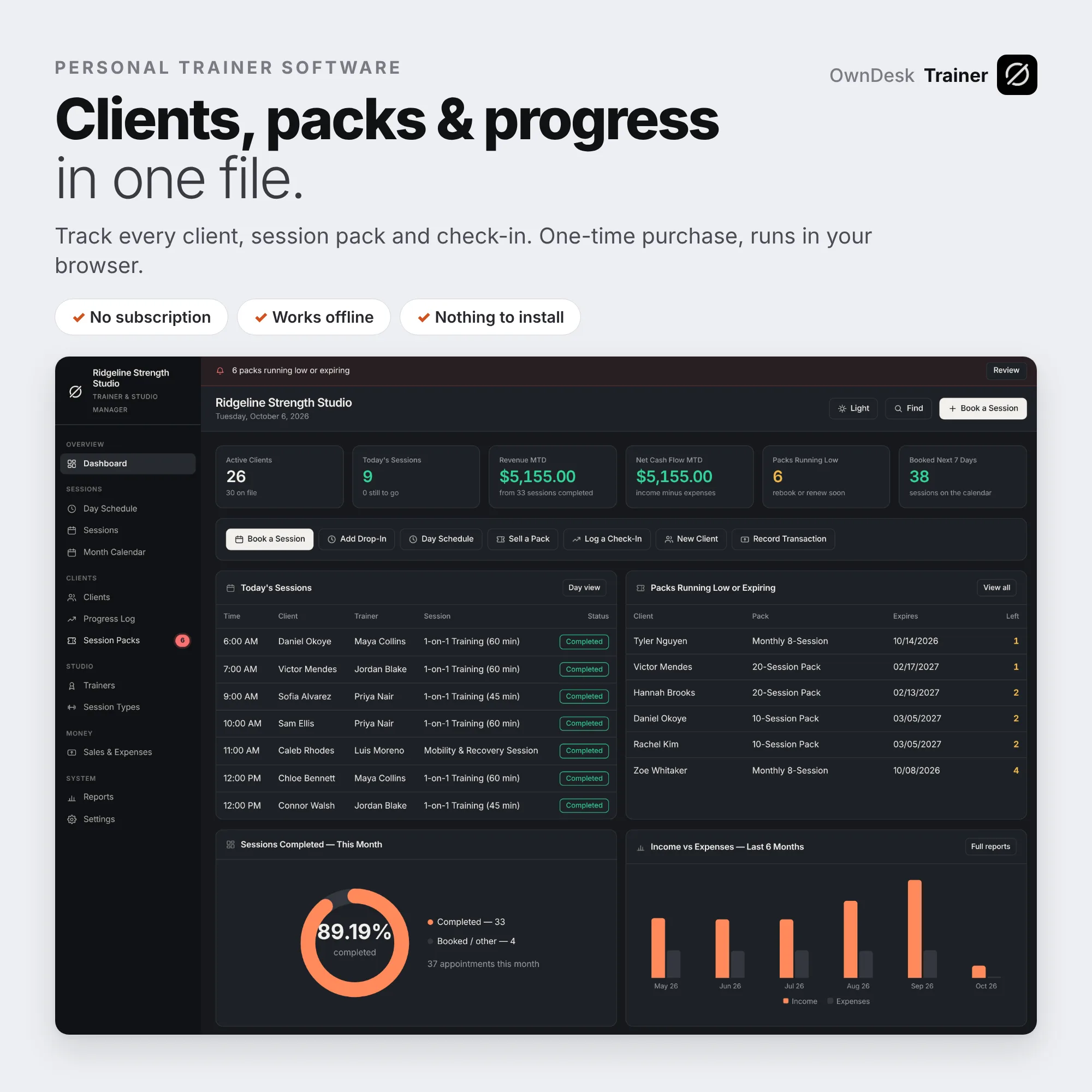
Personal trainer software for an independent personal trainer or small fitness studio: a session pack tracker with a live balance, a client progress log, a day schedule per trainer, check out, sales and reports in one offline file. Personal training software you buy once. No subscription, no account.
- 14-day money-back guarantee. Email me and you get a refund, no questions.
- Download appears on screen the moment payment clears, and by email.
- Written and supported by Adrián. Replies come from me, usually within a working day.
- Also sold on Etsy since 2026, with independently moderated reviews.
Description
What it does
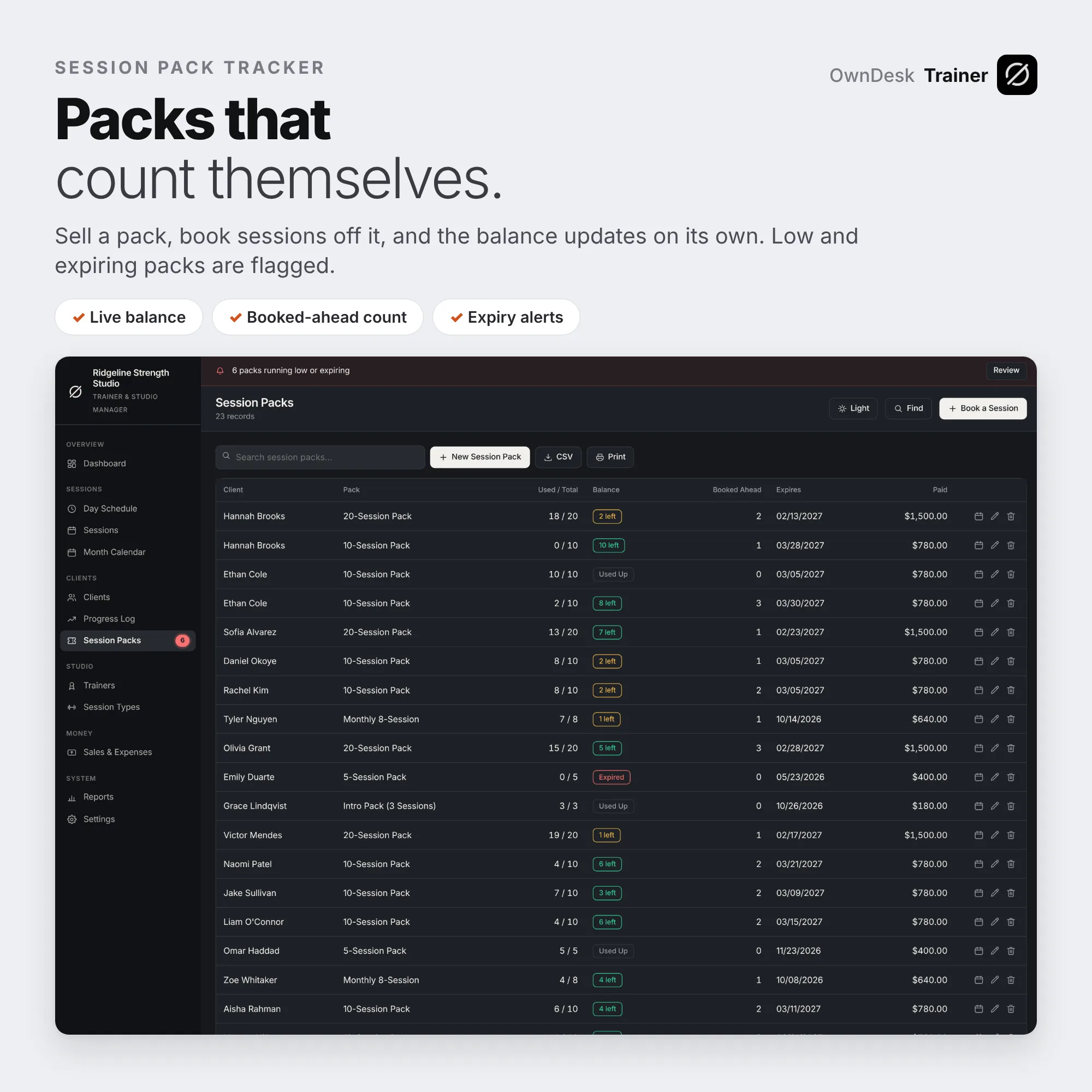
Session packs that count themselves
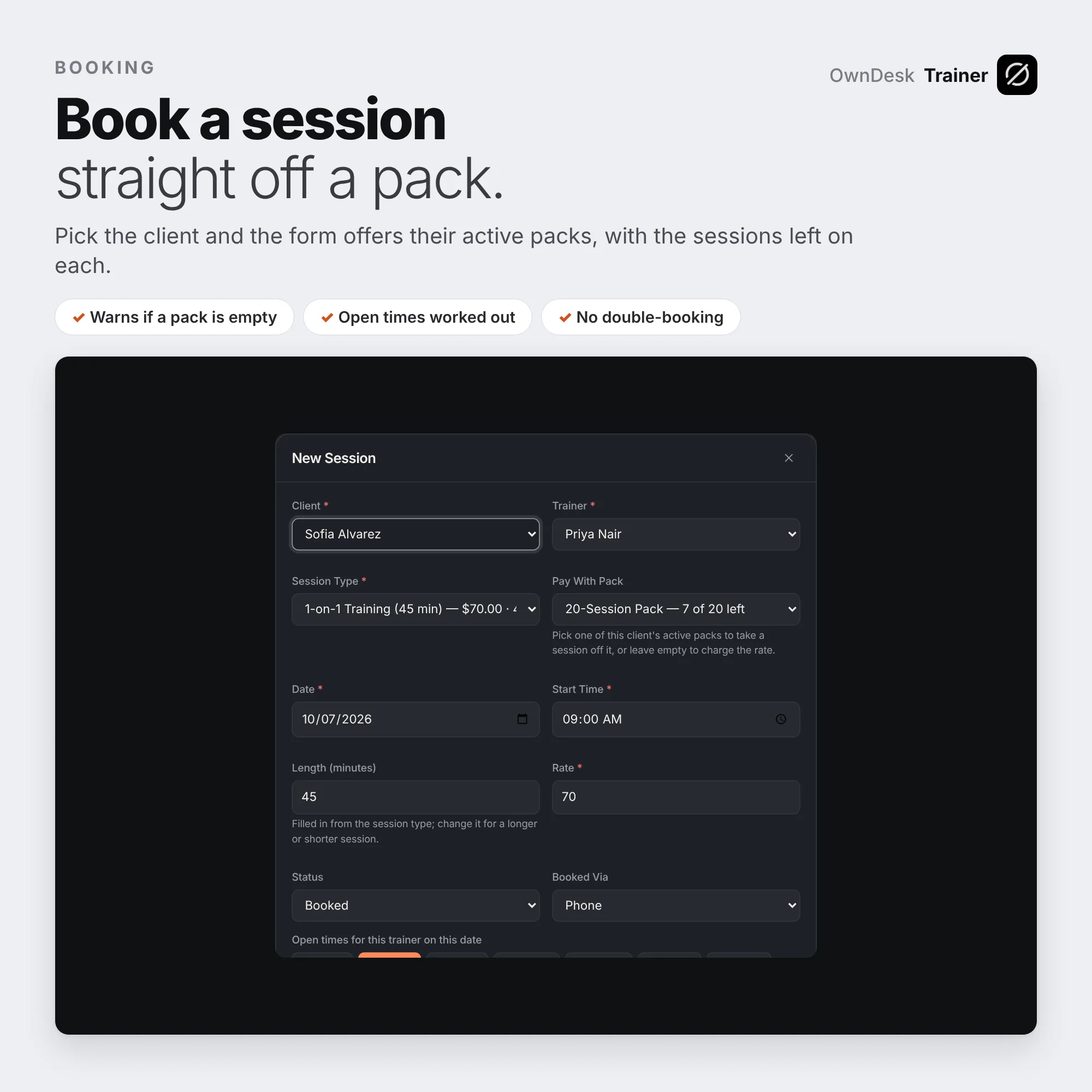
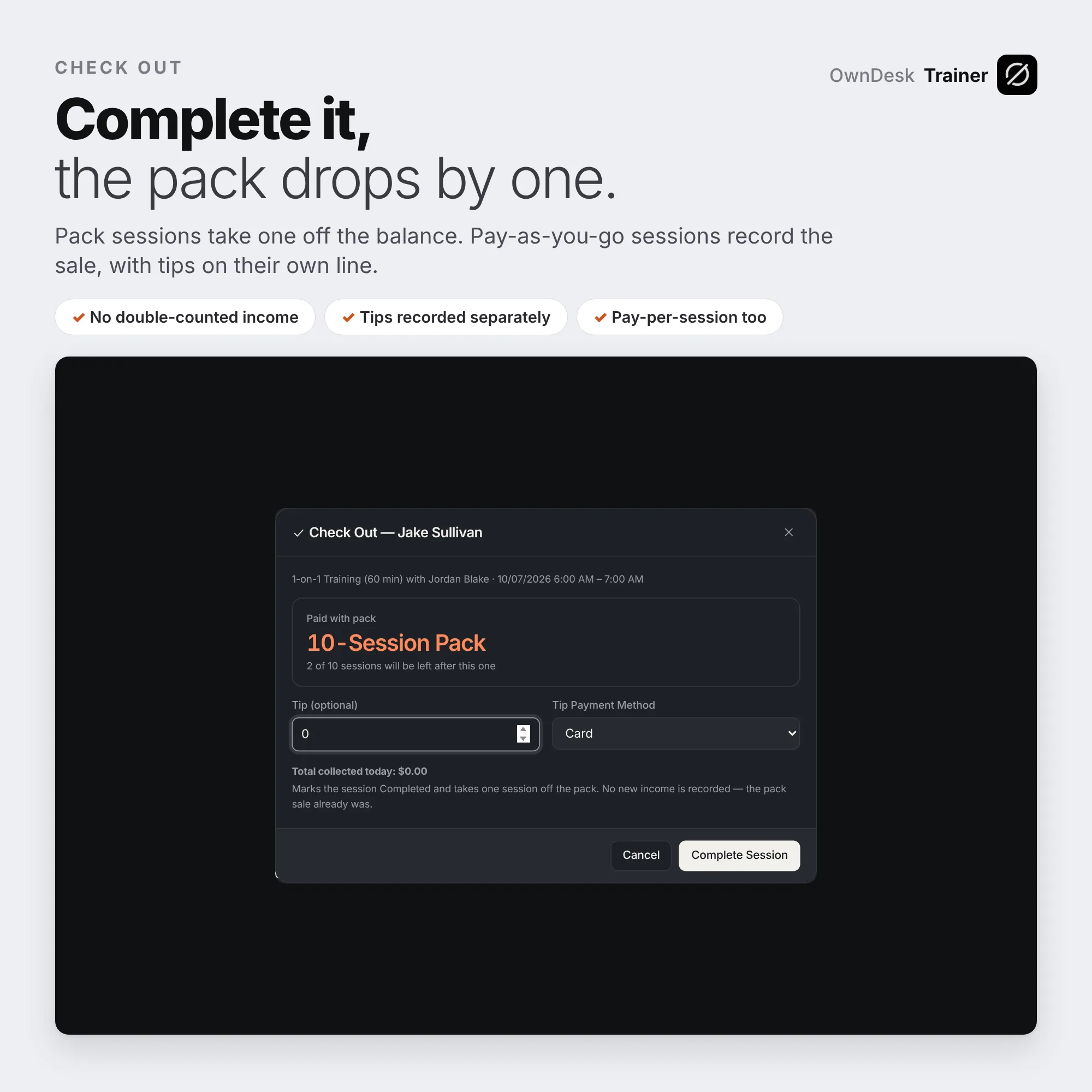
Sell a 5, 10 or 20-session pack and pick the client’s pack when you book. Complete the session and the balance drops by one, so “6 of 10 left” is always right because it is never typed in. If a pack is empty or has expired by the session date, the app warns you before you save, and you decide whether a no-show uses up a pack session.
A client progress log and profile
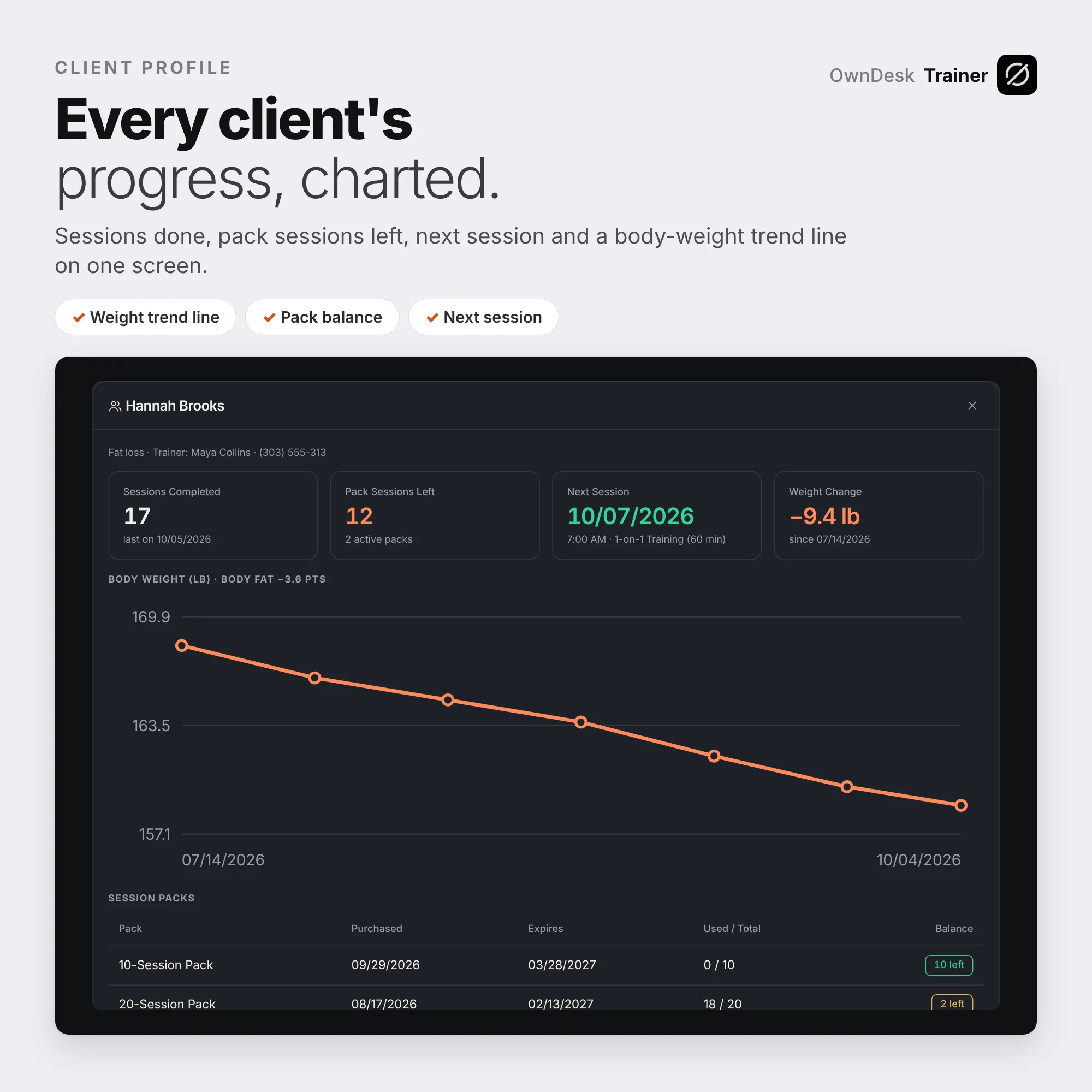
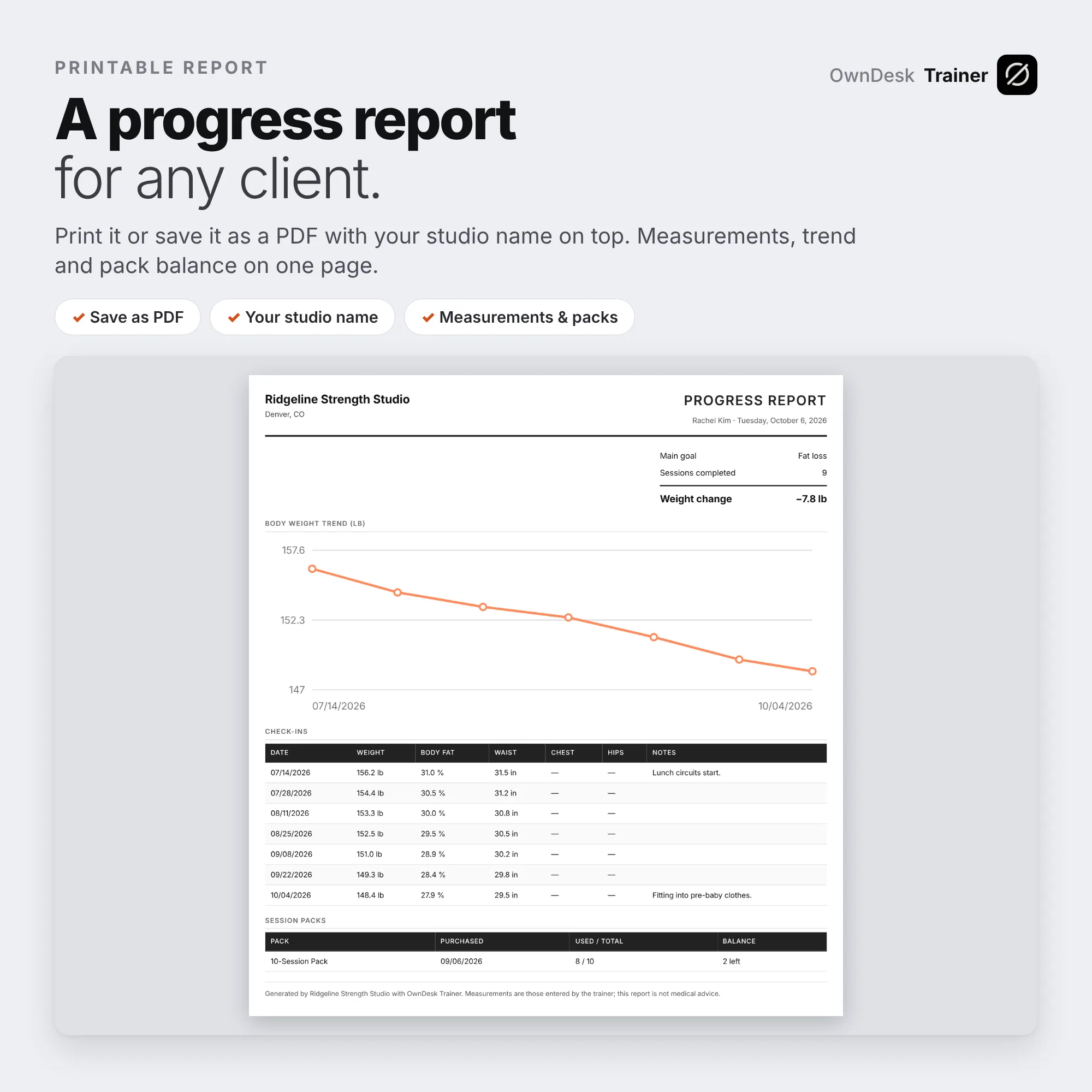
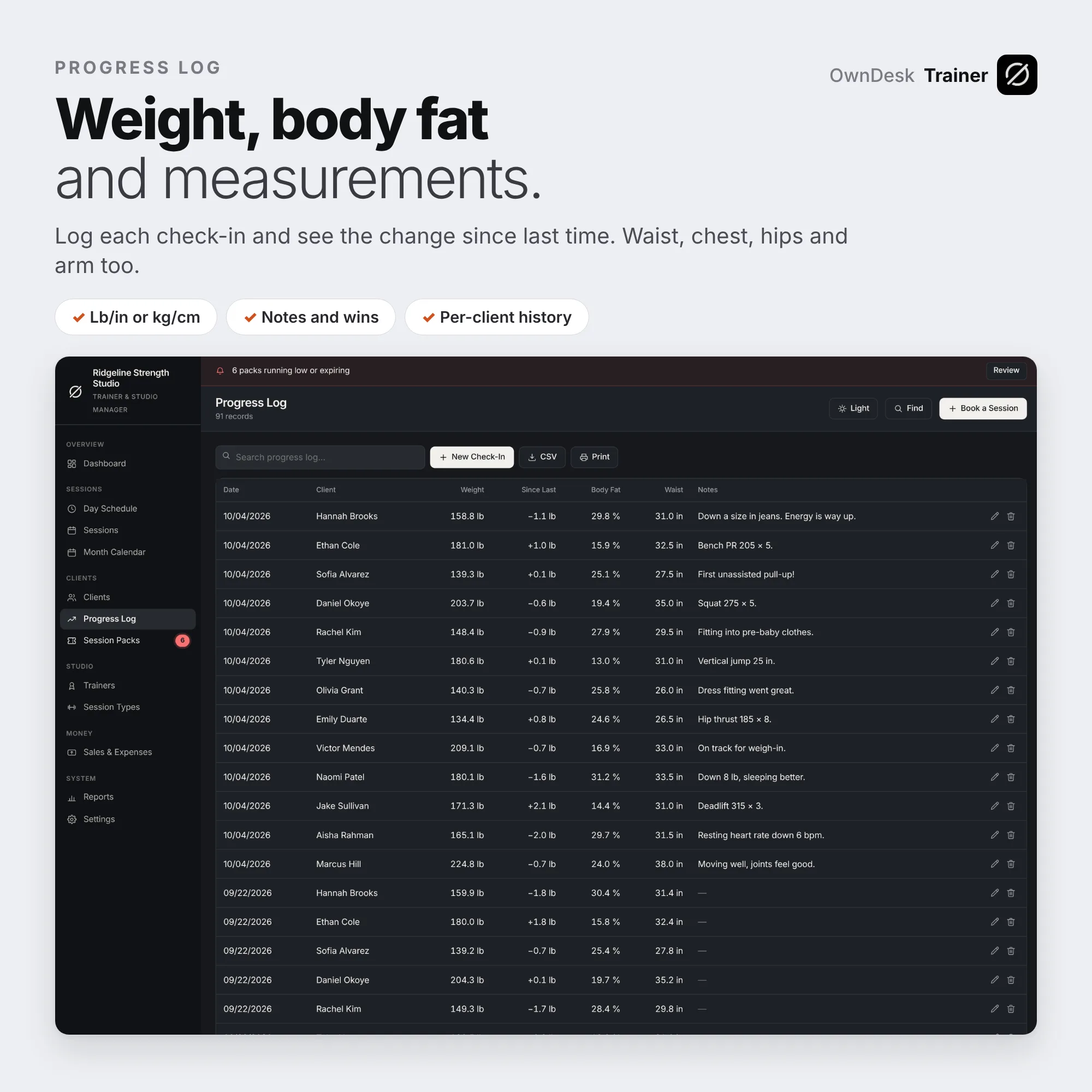
Weight, body fat, waist, chest, hips and arm at every check-in, with the change since last time worked out for you. The client profile shows sessions completed, pack sessions left, the next booked session and a body-weight trend line, and prints as a one-page progress report you can save as a PDF.
Clients to re-engage
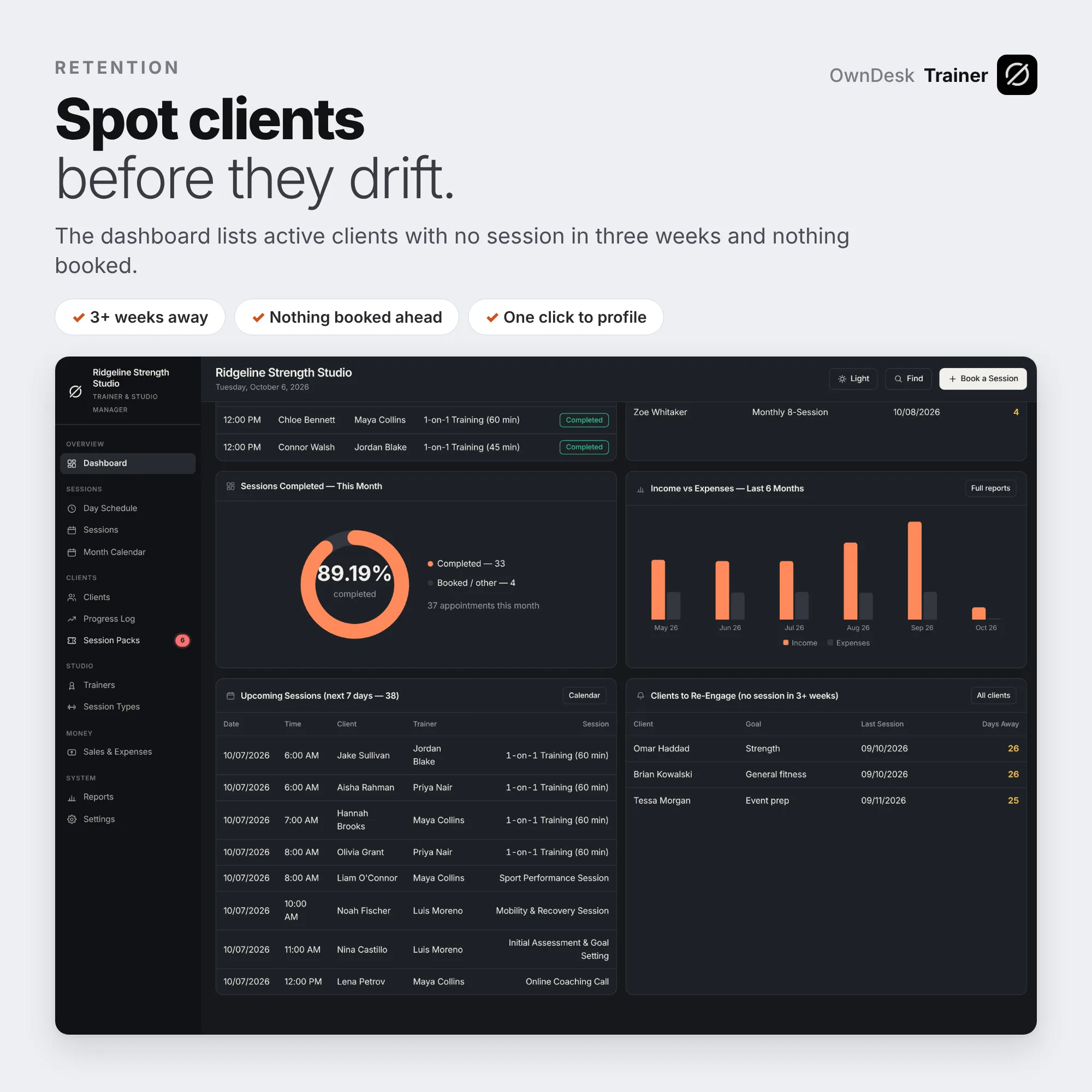
The dashboard lists active clients who trained before, have not had a session in three weeks and have nothing booked, so you can message them before they drift away. Packs running low or expiring show up there too.
Day schedule, check out and reports
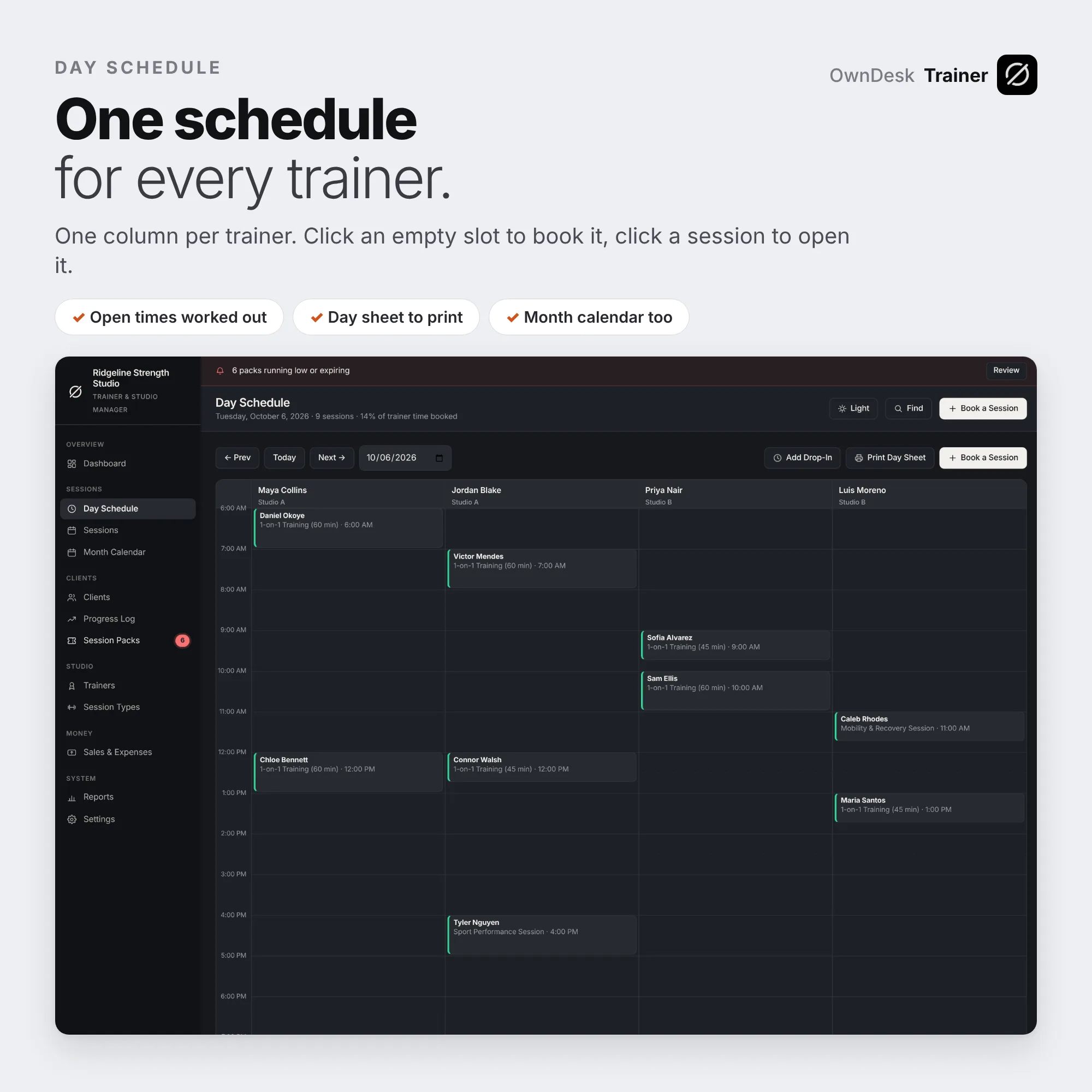
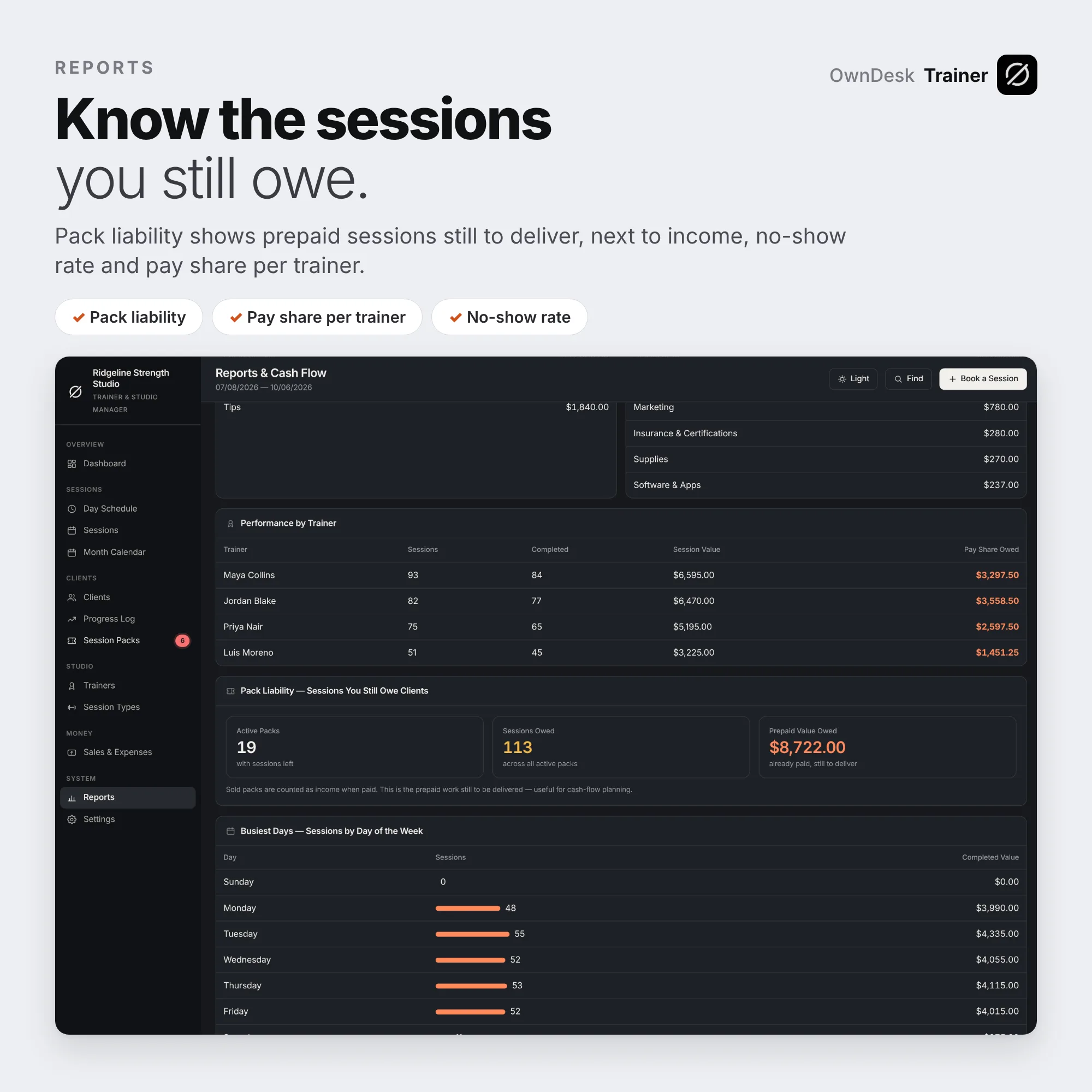
One column per trainer, open times worked out from your studio hours, and double-bookings flagged before you save. Check out records the payment, tip or pack credit. Reports show revenue, net cash flow, no-show rate, share of sessions on packs, pay share per trainer and pack liability, the prepaid sessions you still owe.
What you get
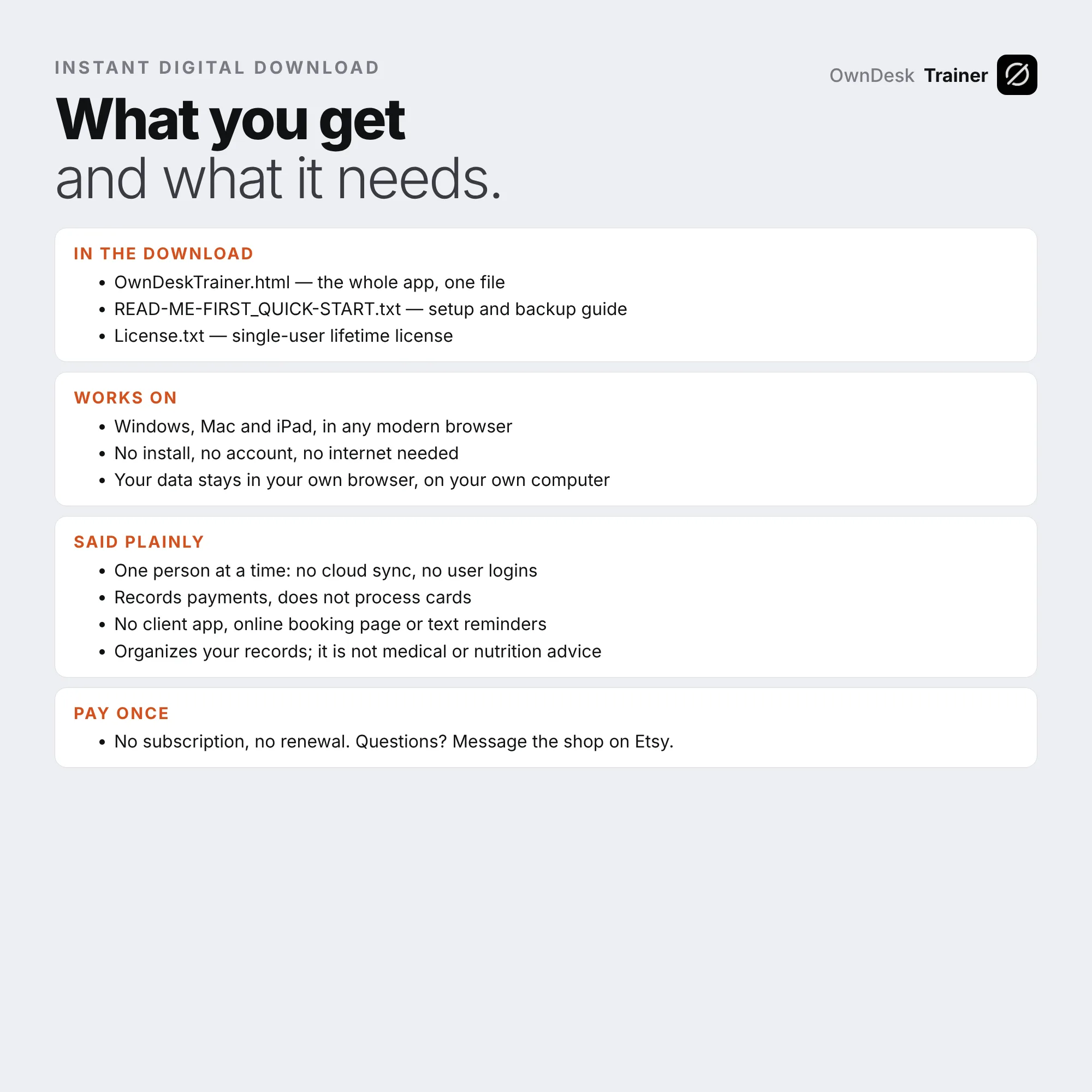
- One HTML file that opens in your browser, with a sample fitness studio already loaded so every screen can be seen full
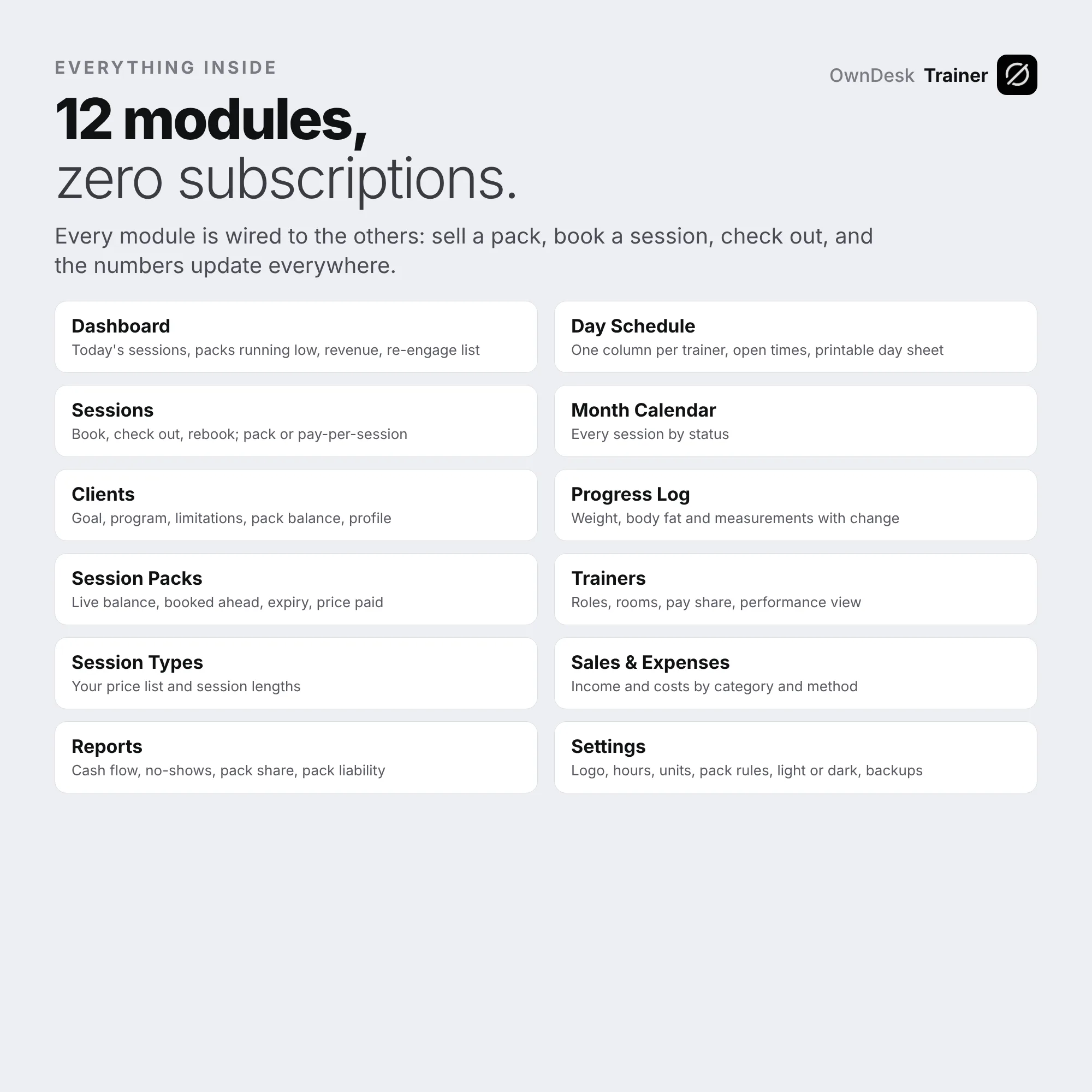
- Every module: dashboard, day schedule, sessions, month calendar, clients, progress log, session packs, trainers, session types, sales and expenses, reports and settings
- Printable day sheets, sales reports and client progress reports on your own letterhead, CSV export of every list, and a JSON backup and restore
- A quick-start guide and licence included in the download
Reviews
There are no reviews yet.