Sale!

OwnDesk Blast

9 licences left

Original price was: $ 59.00.Current price is: $ 29.00.

Send the same text to a whole list of numbers, one at a time, straight from your own SIM. No gateway, no per-message fee, no monthly plan – the messages come from your number because they are sent by your phone.

Android only, and not from Google Play. Google Play does not allow apps that send SMS in bulk, so this installs from a file you download here — your phone will ask you to permit an unknown source. There is no iPhone version, and there cannot be one.
14-day money-back guaranteeSecure checkout with Stripe
  • 14-day money-back guarantee. Email me and you get a refund, no questions.
  • Download appears on screen the moment payment clears, and by email.
  • Written and supported by Adrián. Replies come from me, usually within a working day.
  • Also sold on Etsy since 2026, with independently moderated reviews.
SKU: owndesk-blast Category:

See the full bulk SMS app for Android page

See it work, start to finish

No narration, no cuts — the whole thing, in real time.

Description

What it does

Your number, not a shortcode

Messages go out through your own SIM, so they arrive from the number your customers already have saved and replies come straight back to your phone.

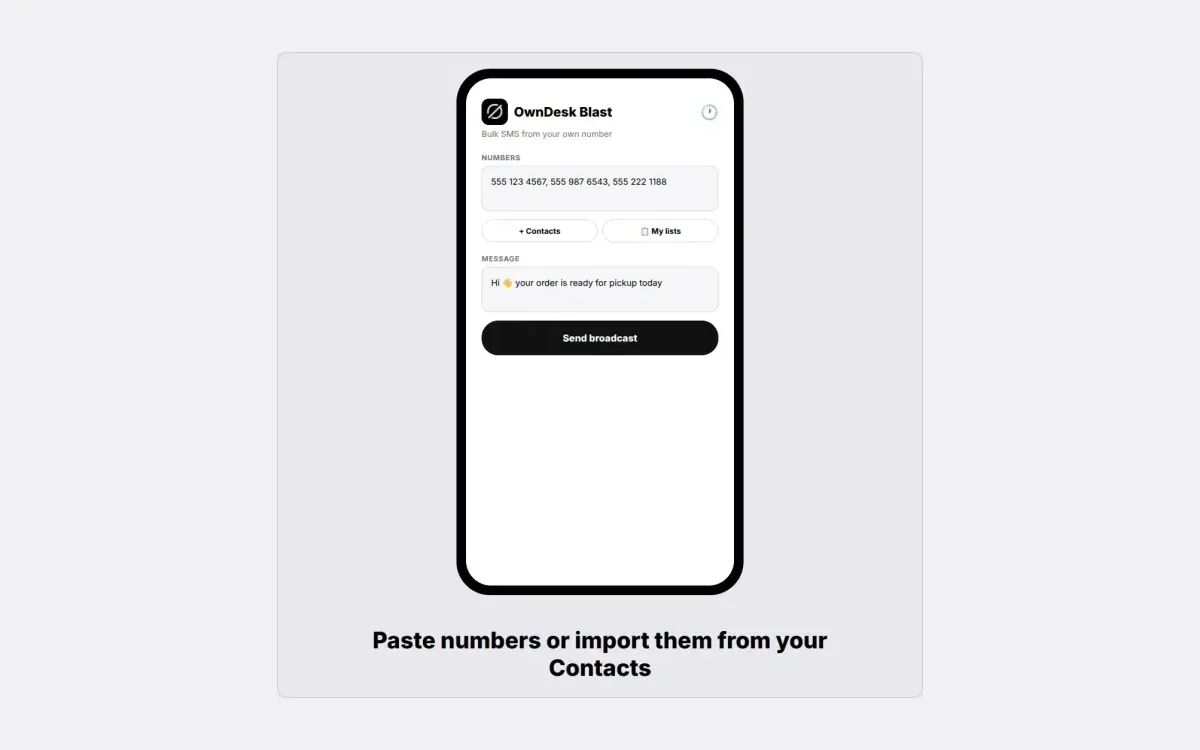
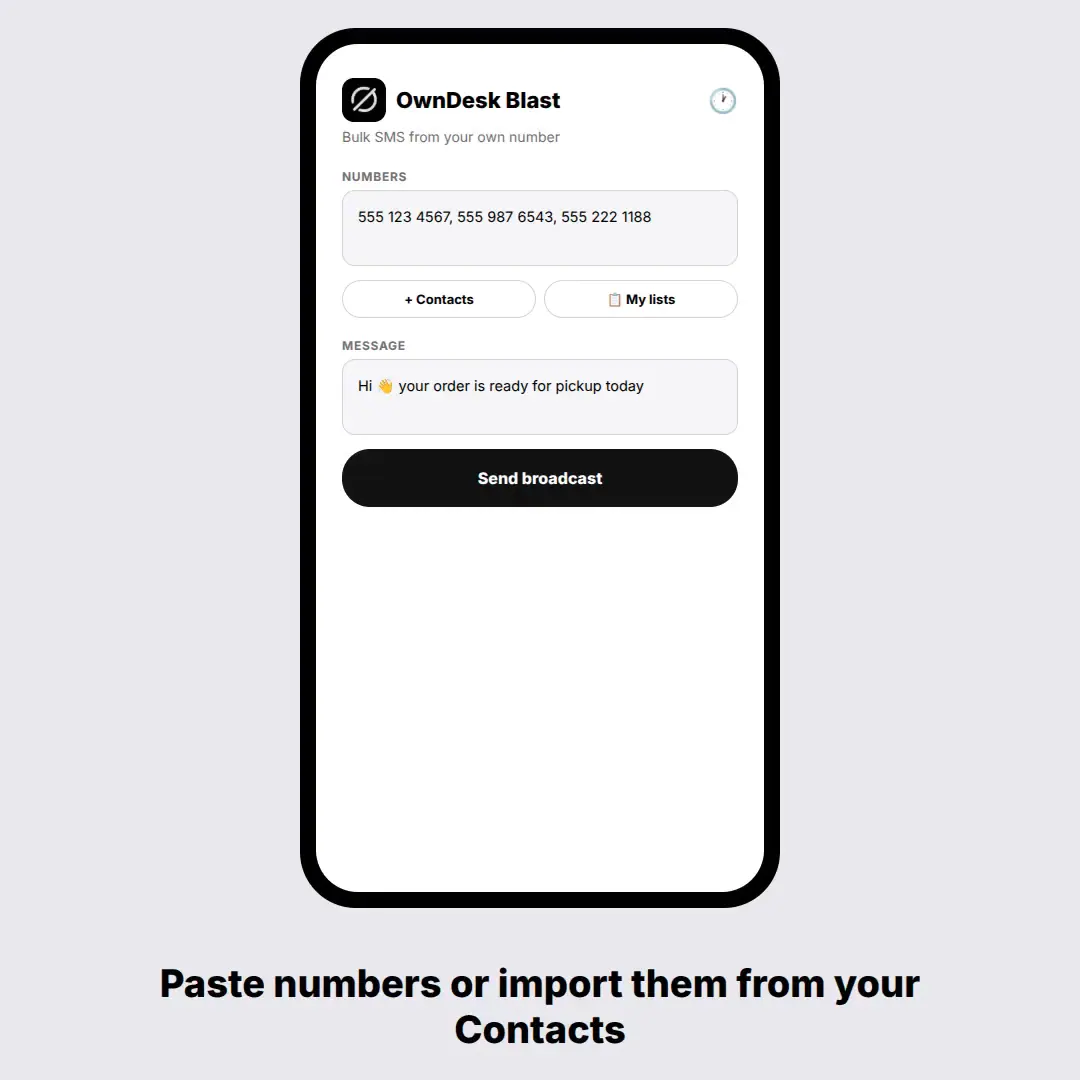
Paste a list, or pull from Contacts

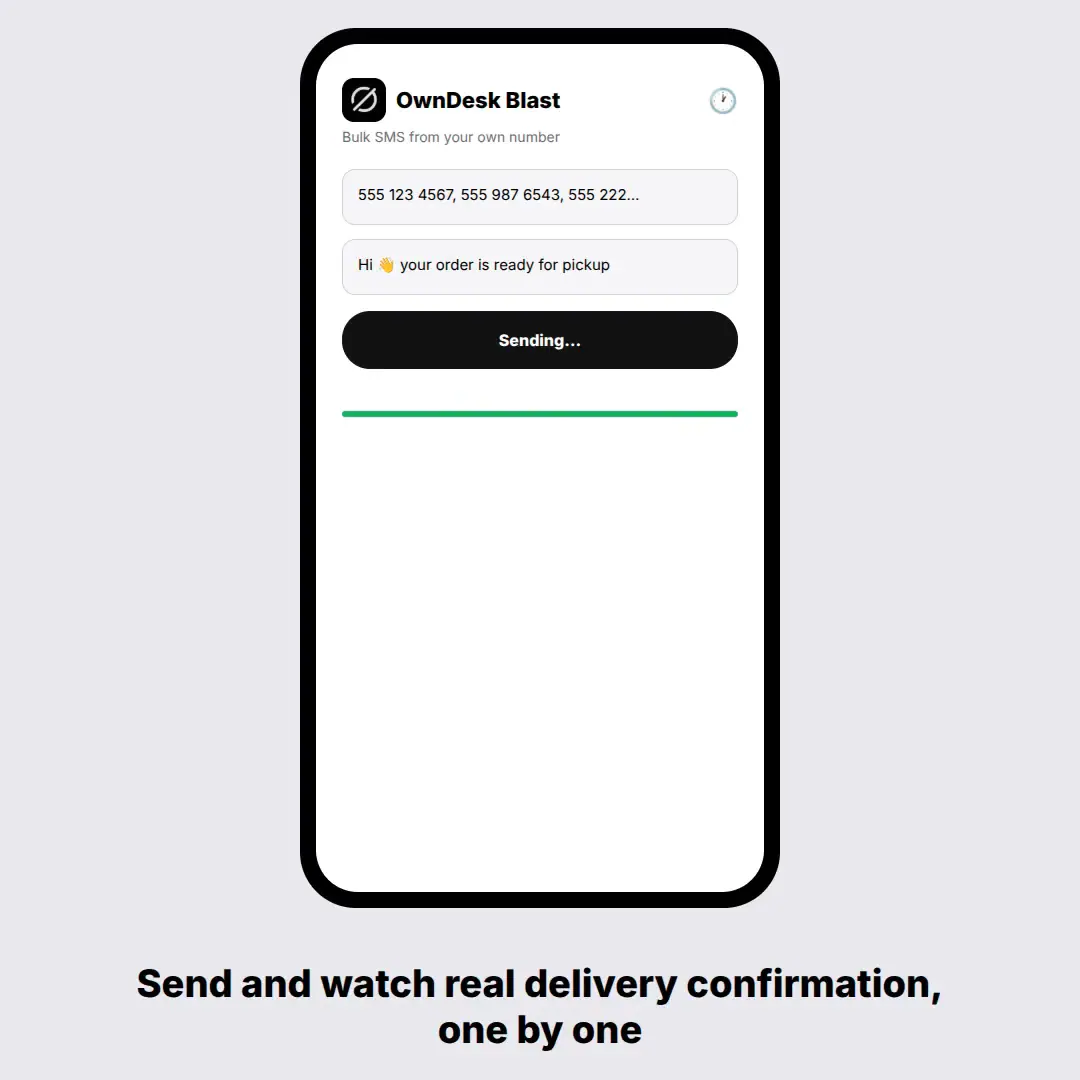
Numbers separated by commas, semicolons or line breaks, or picked straight out of your phone book. Write the message once, then watch it go out one by one with real per-message delivery confirmation from the network – not a hopeful “sent”.

A delay you control

An adjustable pause between messages, 800 ms by default. It exists because carriers flag rapid-fire sending, and it is the difference between a delivered list and a temporarily blocked SIM.

Saved lists and message templates

Keep the lists you text often and the messages you send again – the pickup notice, the appointment reminder, the seasonal offer. Pick one of each and send, instead of rebuilding both every time.

Nothing in between

No SMS gateway account, no API credits, no per-message charge to anyone but your own carrier. The app is on your phone and the messages leave from it.

What you get

  • OwnDesk.apk – the Android application
  • One licence key, for one phone
  • Install and first-use guide
  • Lifetime use

Before you buy

Why is it not on Google Play?
Because it cannot be. Sending an SMS needs the SEND_SMS permission, and Google Play restricts that permission to apps that are set as the phone’s default messaging app – a rule they introduced precisely because bulk-texting apps get abused for spam. A tool like this one cannot be published there whoever writes it. So it is distributed as an APK you install yourself, and your phone will ask you to allow installing from an unknown source. That warning is Android doing its job; you are choosing to trust a file, so only ever take it from this site.
How do I install it?
Download the APK on your Android phone, or copy it across from a computer, and open it. Android will say the file came from an unknown source and offer a settings switch – allow it for your browser or file manager, then open the APK again. The first time you send, the app asks for SMS permission. Nothing else is needed.
Does it work on an iPhone?
No, and it never will. iOS does not let any app send an SMS on your behalf, at any price, so there is no iPhone version of this or of anything like it. Android 6.0 or newer only.
Does it need an internet connection?
This is the one OwnDesk product that does, and only once: it checks your licence key online the first time you use it. After that the sending itself is pure SMS through your carrier and needs no data at all.
What does it cost to send the messages?
Whatever your own mobile plan charges for a text, exactly as if you had typed it yourself – nothing extra goes to me or to any gateway. If you have unlimited texts, the messages are free. That is the whole reason this exists instead of a $50-a-month platform.
How many can I send at once?
Android itself limits an app to roughly 100 messages per hour as an anti-abuse measure, and your carrier may temporarily block your SIM if you fire off thirty or forty back to back. The adjustable delay is there for that reason. This is a tool for a list of dozens or low hundreds, spread out – not for tens of thousands.
What should I know before texting a list?
Text people who gave you their number and expect to hear from you – customers, patients, members, your own contacts – and give them an easy way to say stop. That is good practice everywhere and it is what this tool is built for. Rules on commercial messaging vary by country and by state, so check what applies where you are before you run a campaign. The app sends what you tell it to; what you send is up to you.