
OwnDesk Pest Control
$ 49.00
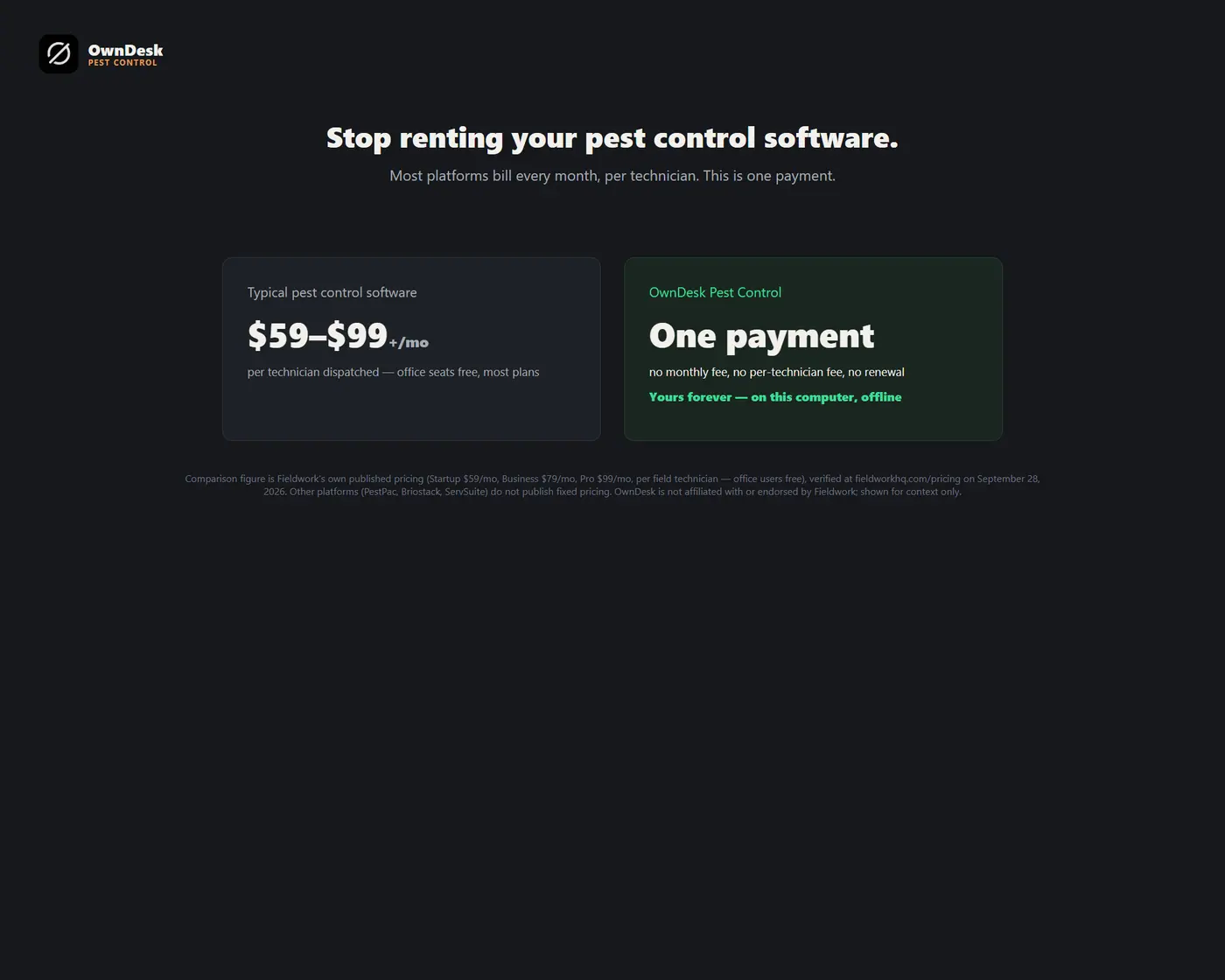
Pest control business software for an independent company or a small crew: appointment scheduling and routing with a day view for every technician, open times, double-booking warnings, recurring service plans that draft their own next visit, check-out with material charges, a chemical inventory with EPA registration numbers, and technician commission, in one offline file. No subscription, no account.
- 14-day money-back guarantee. Email me and you get a refund, no questions.
- Download appears on screen the moment payment clears, and by email.
- Written and supported by Adrián. Replies come from me, usually within a working day.
- Also sold on Etsy since 2026, with independently moderated reviews.
Description
What it does
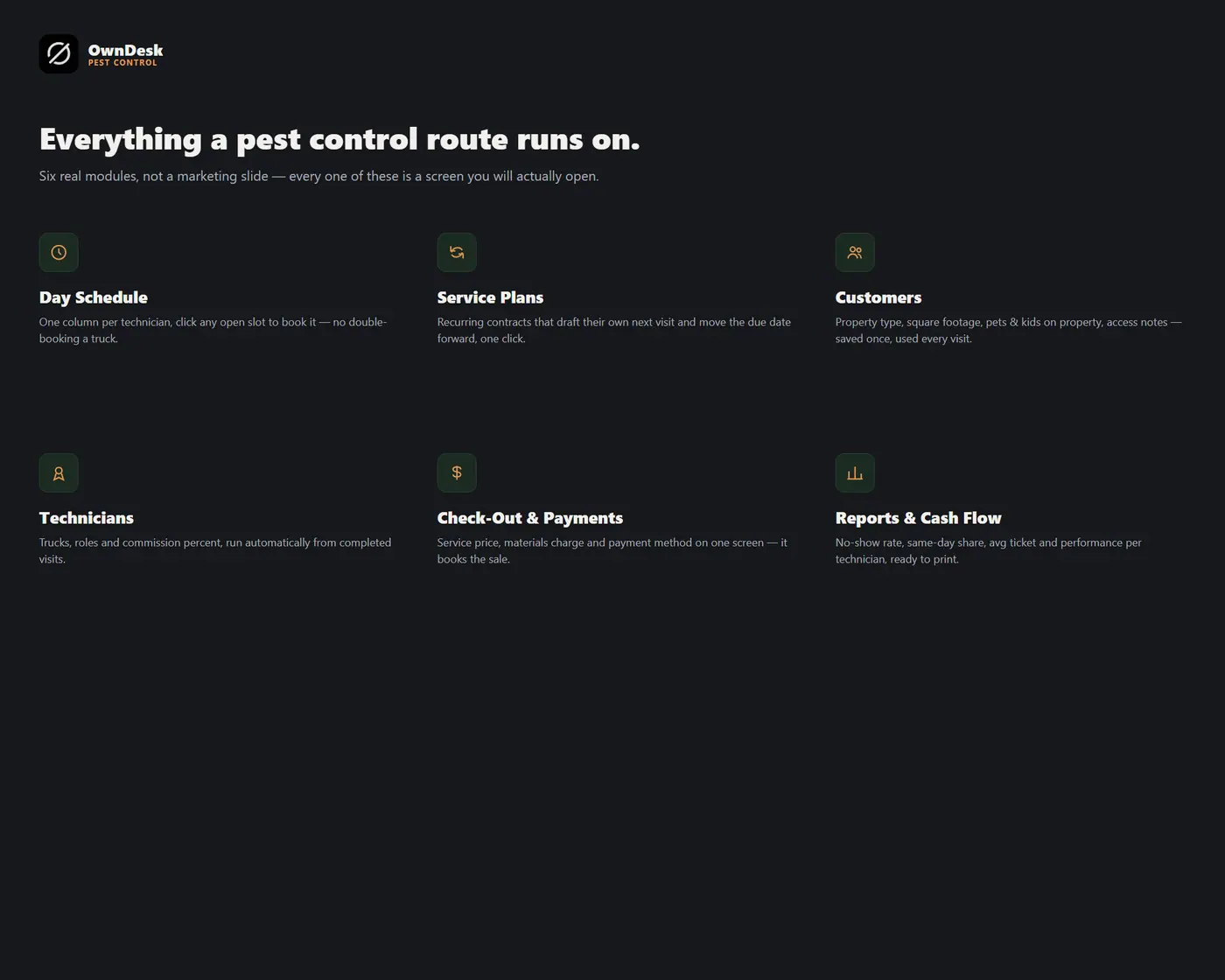
A day schedule with a column for every technician
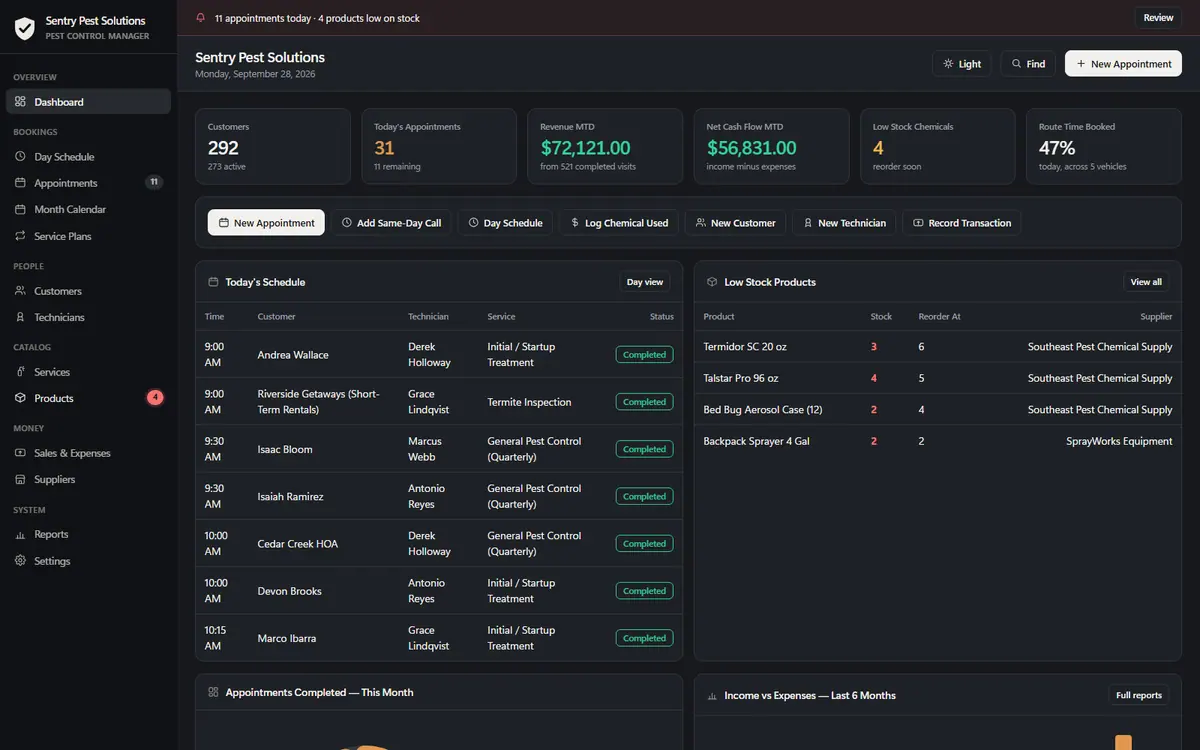
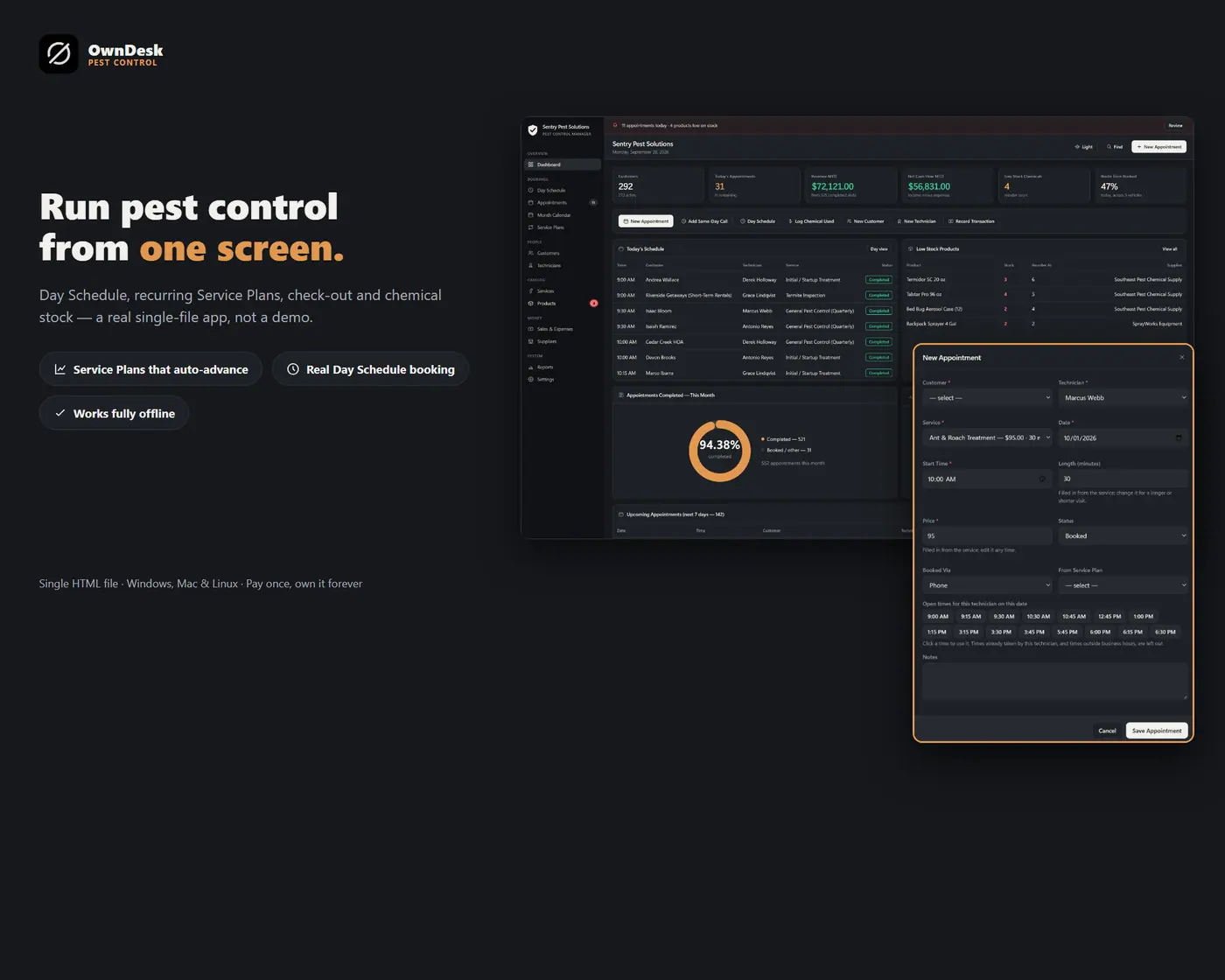
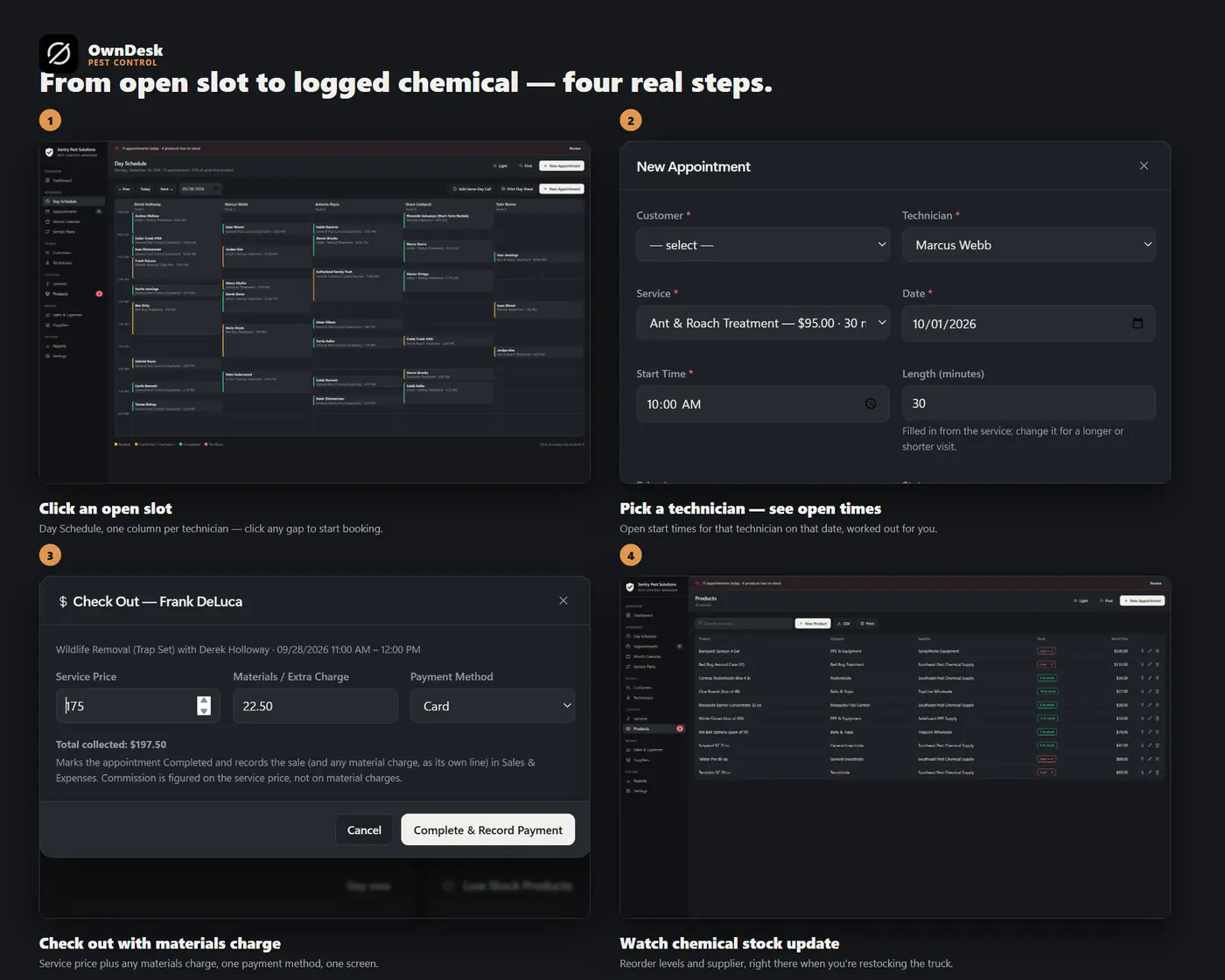
Pest control routing software should show the whole day at a glance. The Day Schedule lays the day out by the hour, one column per technician, each appointment a block colored by status. Click an empty slot to book it, click a block to open it, and print the day sheet before your team heads out. Save an overlap, or a visit that runs past closing, and the app tells you who is already booked and asks first – it warns, it never locks you out.
Recurring service plans that draft their own next visit
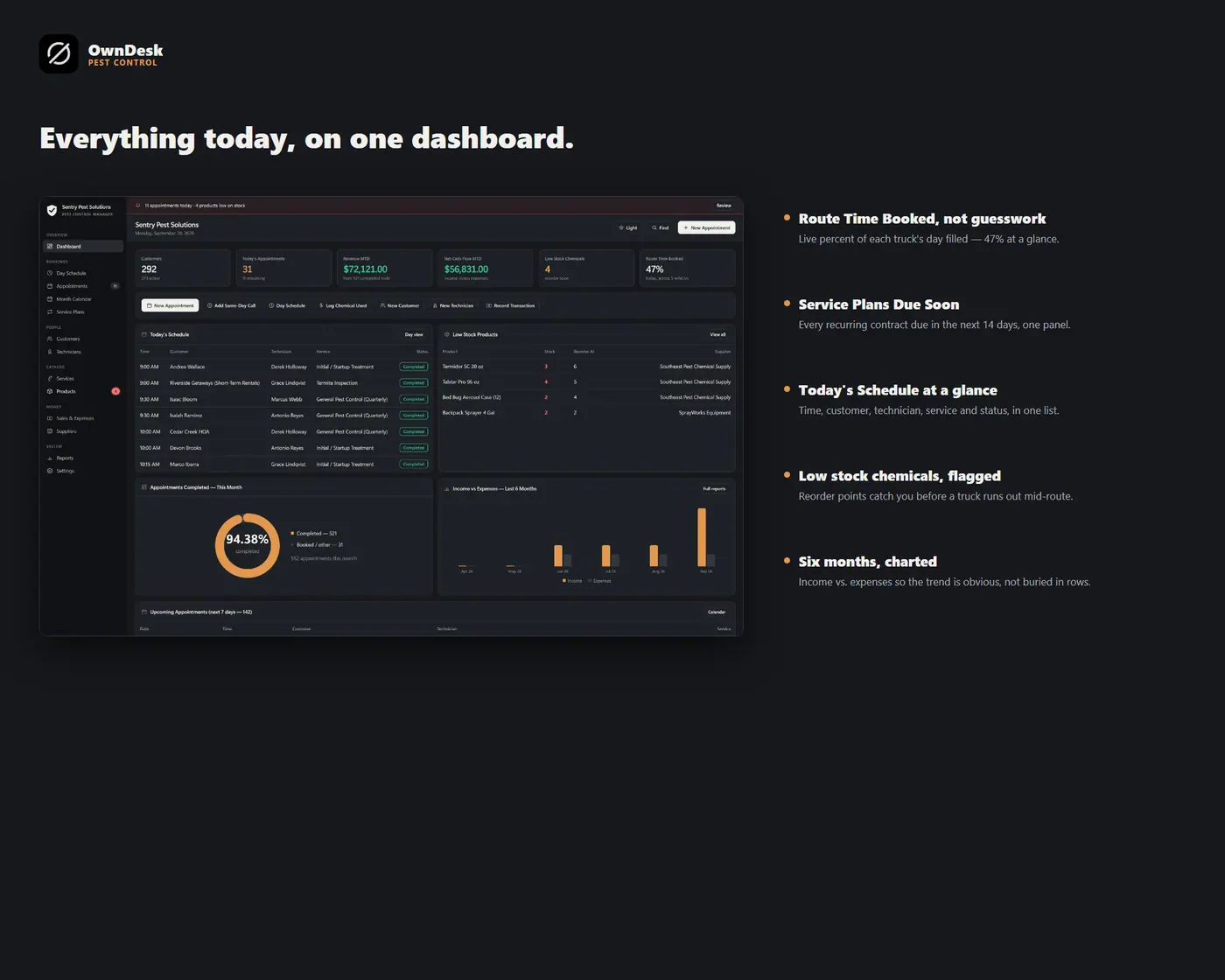
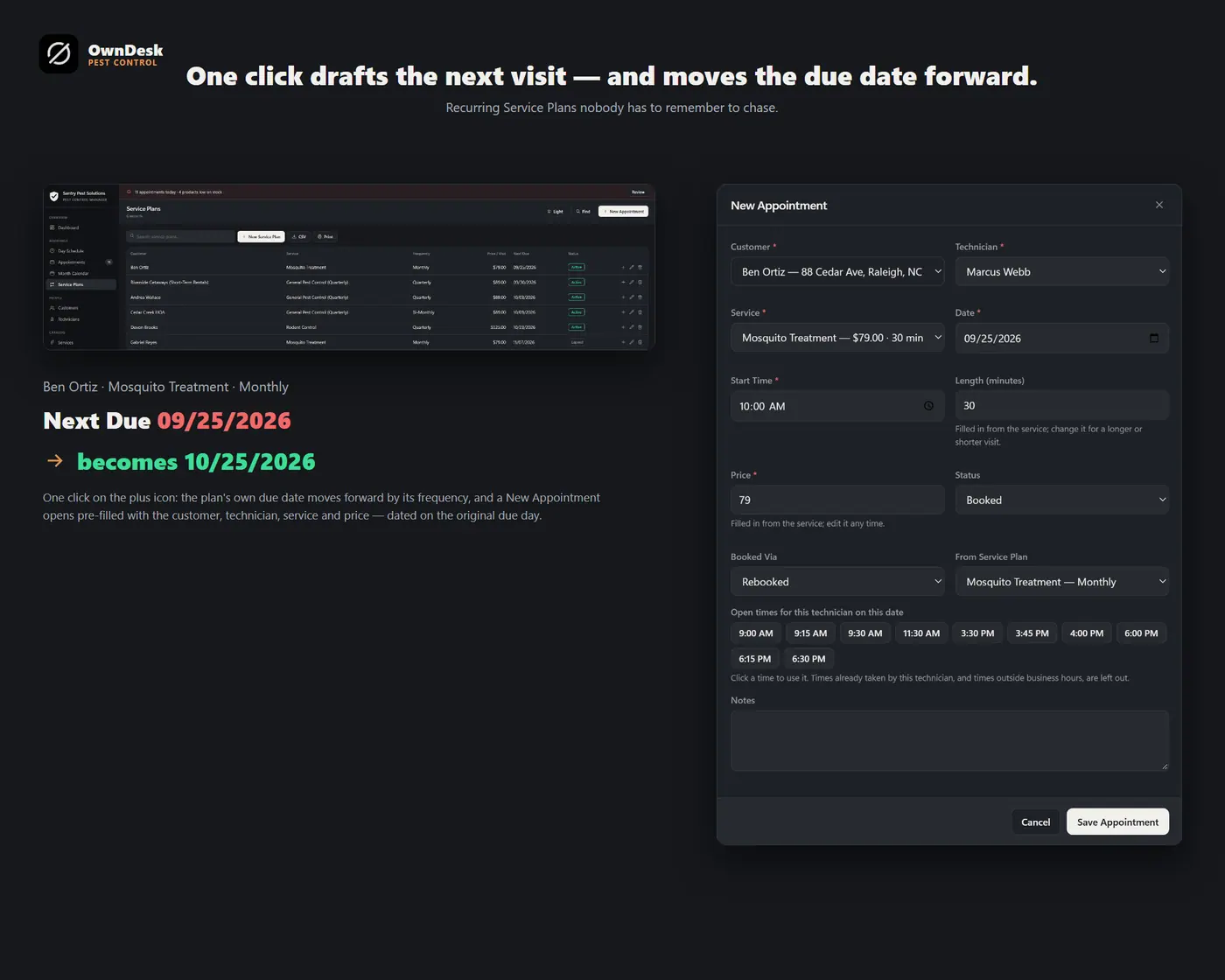
Set up a customer’s plan once – service, price, frequency (Monthly, Bi-Monthly, Quarterly, Semi-Annual, Annual) – and click Generate Next Appointment whenever it’s due. It drafts the visit on the due date and moves the plan’s own due date forward by its frequency automatically. The dashboard shows everything due in the next 14 days so nothing slips through.
Same-day calls, rebooks, check-out and material charges
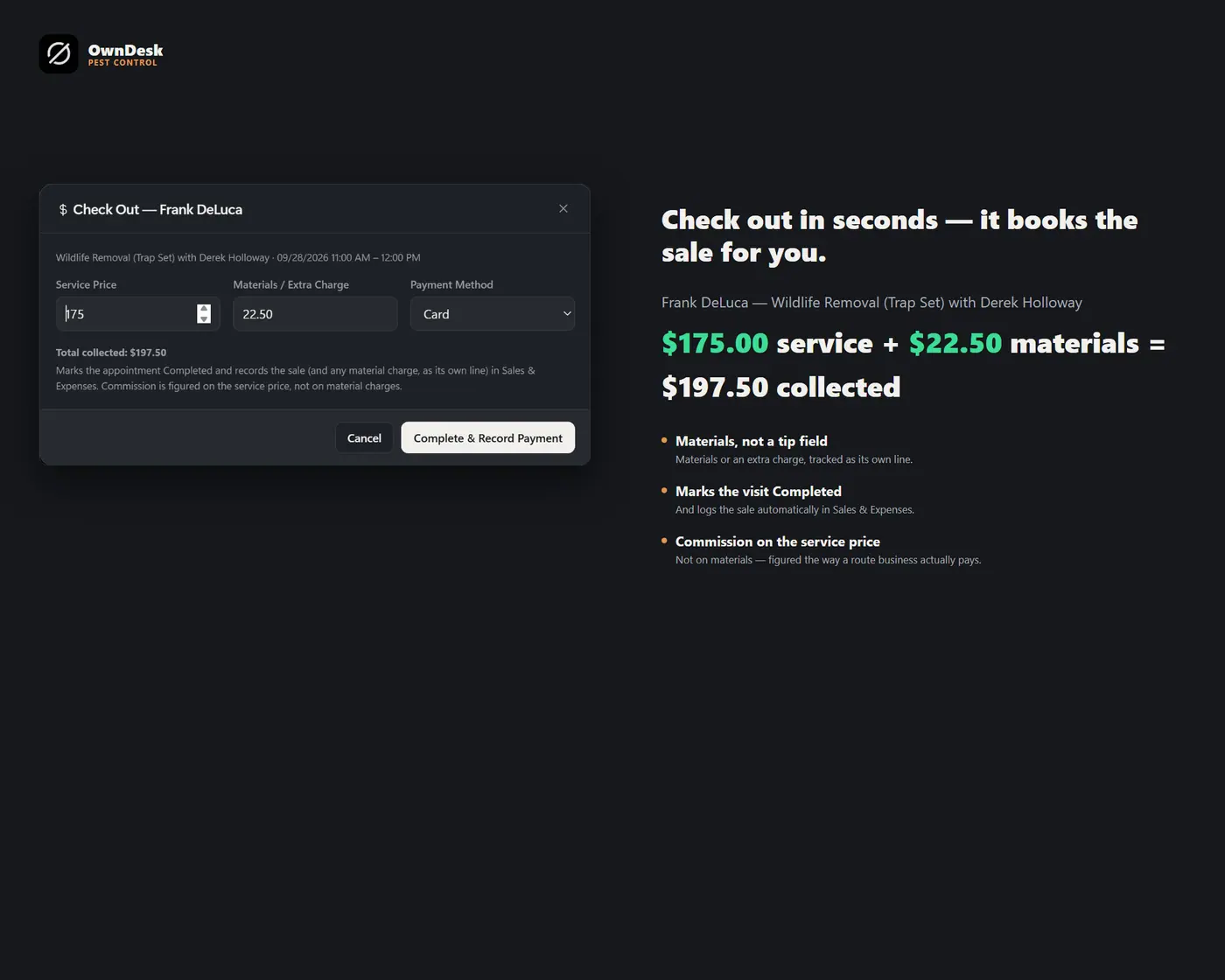
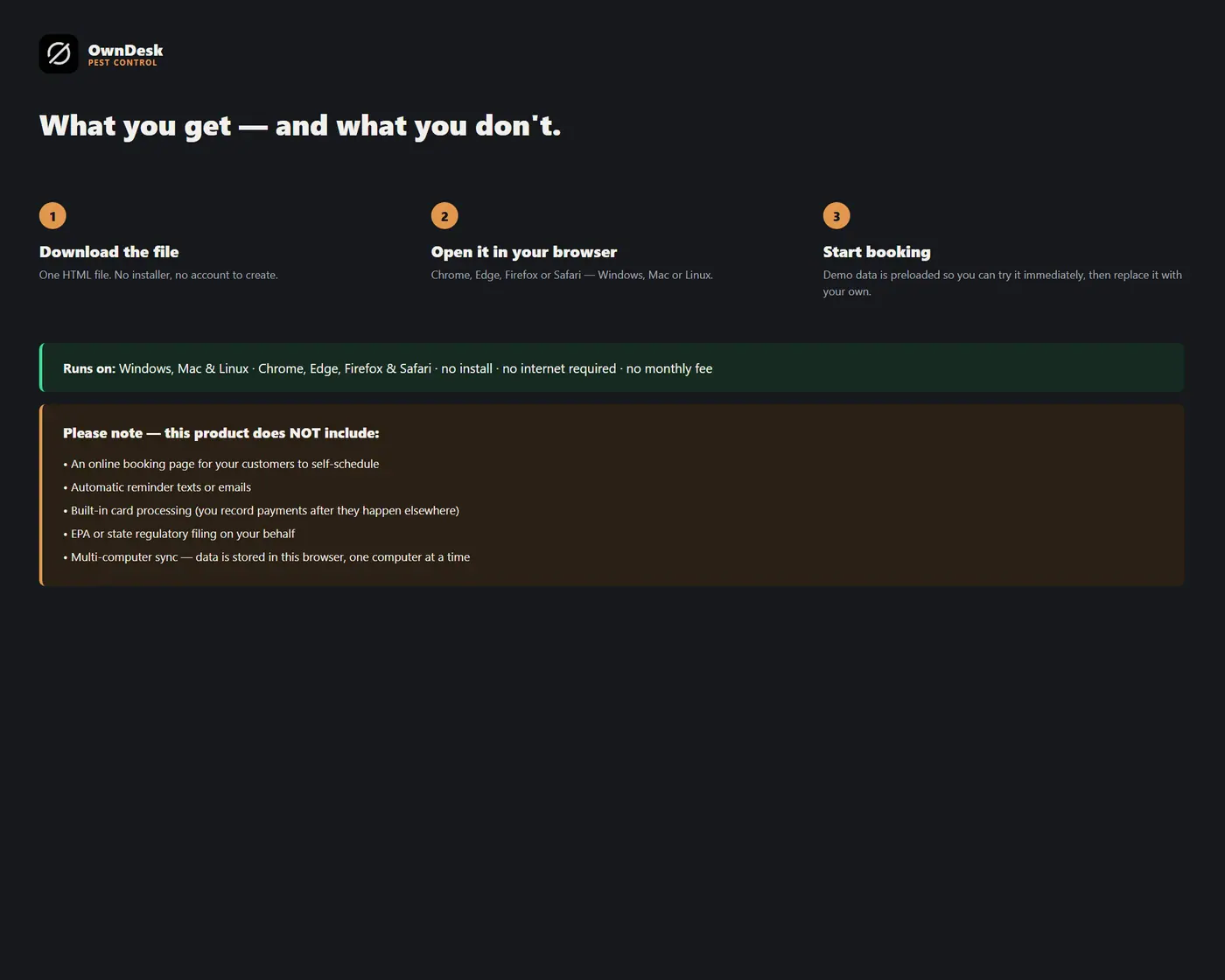
Add Same-Day Call opens the form at the next slot for the urgent “I saw roaches” phone call. Rebook books the same customer, technician, service and time again in 1 to 6 weeks. Check Out records the service price, any material charge and how the customer paid, and Log Chemical Used records a material charge and takes it off your stock. It is the record-keeping side of a pest control POS: it does not process cards.
Customer property records and a chemical log with EPA numbers
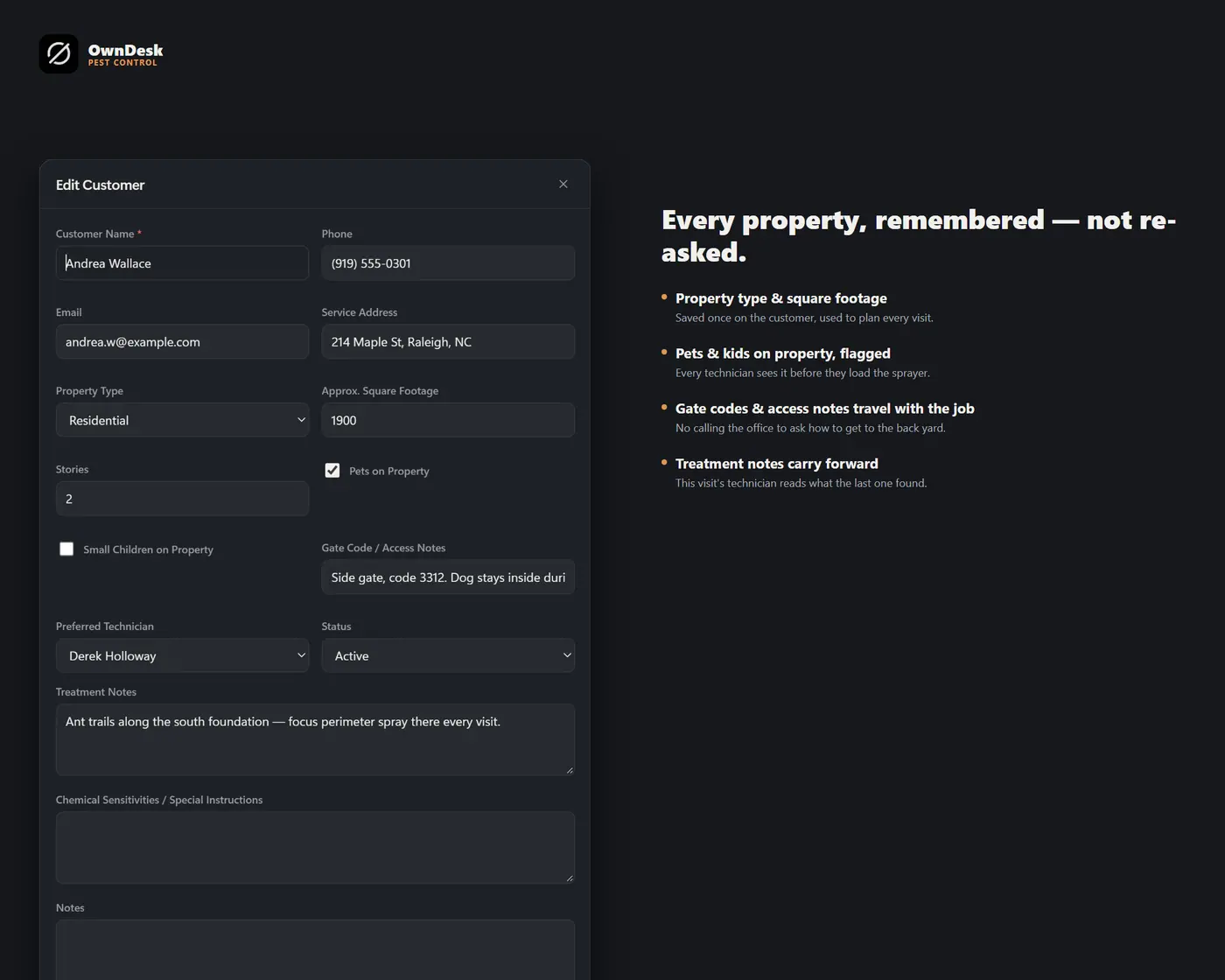
Every customer carries property type, square footage, pets or kids on the property, access notes and treatment notes. Every product in your inventory carries its EPA registration number and active ingredient alongside cost, price, stock and a reorder level, so the paper trail is already where you need it.
What you get
- One HTML file that opens in your browser, with a sample pest control business already loaded so every screen can be seen full
- Thirteen modules: dashboard, day schedule, appointments, month calendar, service plans, customers, technicians, services, products, sales & expenses, suppliers, reports and settings
- Business hours and slot length you set once, printable day sheets, reports and lists on your own letterhead, CSV export of every list, and JSON backup and restore
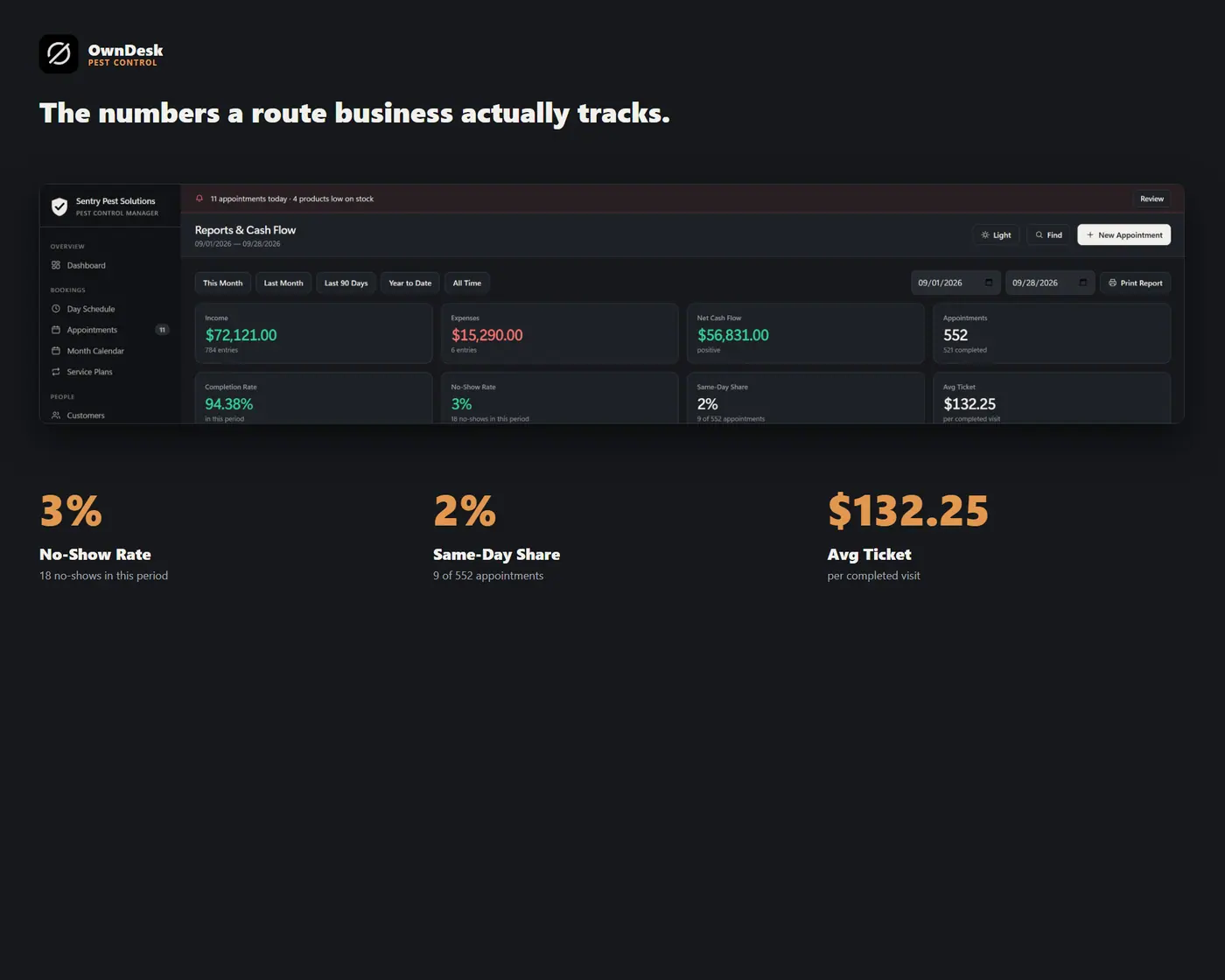
- Reports with no-show rate, same-day share, average ticket, performance per technician and your busiest days of the week
- A quick-start guide included in the download